Trivialopolis - Trivia Game

Trivialopolis - Trivia Game

Trivia

| Curious Crafts

Play on PC with BlueStacks or from our cloud

  • Overview
  • Game Features
  • How to Play

Page Modified On: February 17, 2026

Play Trivialopolis - Trivia Game on PC or Mac

Bring your A-game to Trivialopolis – Trivia Game, the Trivia game sensation from Curious Crafts. Give your gameplay the much-needed boost with precise game controls, high FPS graphics, and top-tier features on your PC or Mac with BlueStacks.

About the Game

Trivialopolis – Trivia Game is a fast, flexible take on the Trivia genre from Curious Crafts, built for people who love learning new stuff on the fly. Questions feel fresh every session thanks to smart generation, so you’re not stuck seeing the same card deck over and over. Play a quick round on your phone between errands—or settle in on PC with BlueStacks if you like a roomier view and comfy typing.

Game Features

  • Fresh, AI-made questions: Get constantly updated quizzes spanning science, history, pop culture, and more, so each run feels new instead of recycled.
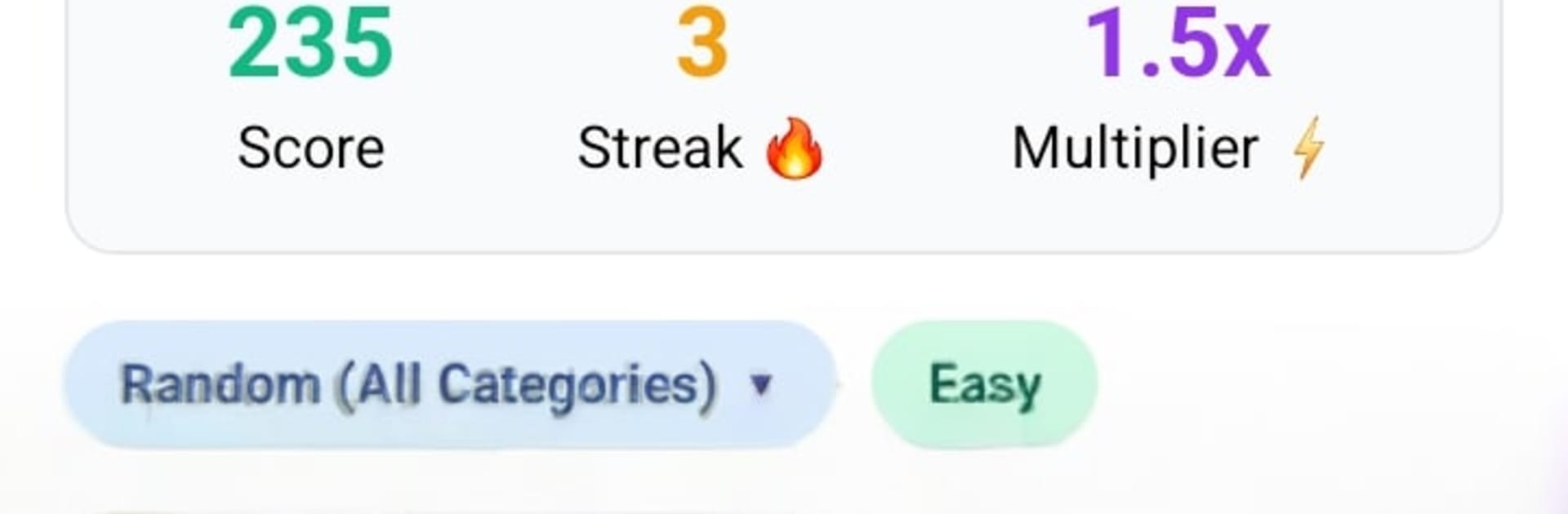
  • Pick your difficulty: Choose Easy, Medium, or Hard to match your mood, then zero in on the categories that actually interest you.
  • Flexible answer recognition: Type naturally—variations, common spellings, and similar phrasing are understood, with an option to flag answers you think were judged wrong.
  • Compete every day: Climb daily and all-time leaderboards, chase trophies and achievements, and test yourself in Daily Cup events while keeping your streak alive.
  • Stats that matter: Track your performance over time and see which categories you ace (and which ones keep tripping you up).
  • Learn as you play: Many questions come with brief explanations, turning “got it wrong” into “got it now.”
  • Play your way: Hop in as a guest—no signup needed—or create an account to save progress and sync across sessions; multi-language support is available.
  • Smooth, no-fuss design: A clean interface keeps the focus on answering, with ongoing updates that polish the experience.
  • Privacy on your terms: Use an optional account, delete your data if you want, and rely on clear, straightforward privacy practices.

Get ready for a buttery smooth, high-performance gaming action only on BlueStacks.

Game Features

Enhancements

  • Macros
  • Multi Instance
  • Multi Instance Sync
  • Script
  • Enhancements
Macros

Macros

Automate the predictable in Trivialopolis - Trivia Game and transform your gameplay with Macros. Get access to inventive Macros in the BlueStacks Macro Community
Multi Instance

Multi Instance

Play Trivialopolis - Trivia Game on one window. And chat with your friend on the other. Press CTRL + Shift + 8 to open the Multi-Instance Manager. And start creating fresh instances or clone an existing one.
Multi Instance Sync

Multi Instance Sync

Play Trivialopolis - Trivia Game with the power of Multi-Instance Sync. Replicate what you are doing on the main instance on all other instances. Level up faster, play more.
Script

Script

Script your way to gaming glory in Trivialopolis - Trivia Game with BlueStacks Script. Write and run a set of commands to automate repeated tasks. Trigger the command by assigning it to any key.
Read More

How to Download and Play Trivialopolis - Trivia Game on PC or Mac

  • Download and install BlueStacks on your PC or Mac

  • Complete Google sign-in to access the Play Store, or do it later

  • Look for Trivialopolis - Trivia Game in the search bar at the top right corner

  • Click to install Trivialopolis - Trivia Game from the search results

  • Complete Google sign-in (if you skipped step 2) to install Trivialopolis - Trivia Game

  • Click the Trivialopolis - Trivia Game icon on the home screen to start playing

video
Watch Video

Minimum System Requirements

With BlueStacks 5, you can get started on a PC that fulfills the following requirements.

  • Operating System

    Microsoft Windows 7 or above, macOS 11 (Big Sur) or above

  • Processor

    Intel, AMD or Apple Silicon Processor

  • RAM

    at least 4GB

  • HDD

    10GB Free Disk Space

Note:

* You must be an Administrator on your PC. Up to date graphics drivers from Microsoft or the chipset vendor.

Trivialopolis - Trivia Game - FAQs

  • How to play Trivialopolis - Trivia Game on Windows PC & Mac?

    Play Trivialopolis - Trivia Game on your PC or Mac by following these simple steps.

    • Click on 'Play Trivialopolis - Trivia Game on PC’ to download BlueStacks
    • Install it and log-in to Google Play Store
    • Launch and play the game.
  • Why is BlueStacks the fastest and safest platform to play games on PC?

    BlueStacks respects your privacy and is always safe and secure to use. It does not carry any malware, spyware, or any sort of additional software that could harm your PC.

    It is engineered to optimize speed and performance for a seamless gaming experience.

  • What are Trivialopolis - Trivia Game PC requirements?

    Minimum requirement to run Trivialopolis - Trivia Game on your PC

    • OS: Microsoft Windows 7 or above MacOS 11 (Big Sur) or above
    • Processor: Intel, AMD or Apple Silicon Processor
    • RAM: Your PC must have at least 4GB of RAM. (Note that having 4GB or more disk space is not a substitute for RAM)
    • HDD: 10GB Free Disk Space.
    • You must be an Administrator on your PC.