Grid games (crossword & sudoku

Grid games (crossword & sudoku

Word

| NGHS.fr

Play on PC with BlueStacks or from our cloud

  • Overview
  • Game Features
  • How to Play

Page Modified On: December 05, 2025

Play Grid games (crossword & sudoku on PC or Mac

From the innovators and creators at NGHS.fr, Grid games (crossword & sudoku is another fun addition to the World of Word games. Go beyond your mobile screen and play it bigger and better on your PC or Mac. An immersive experience awaits you.

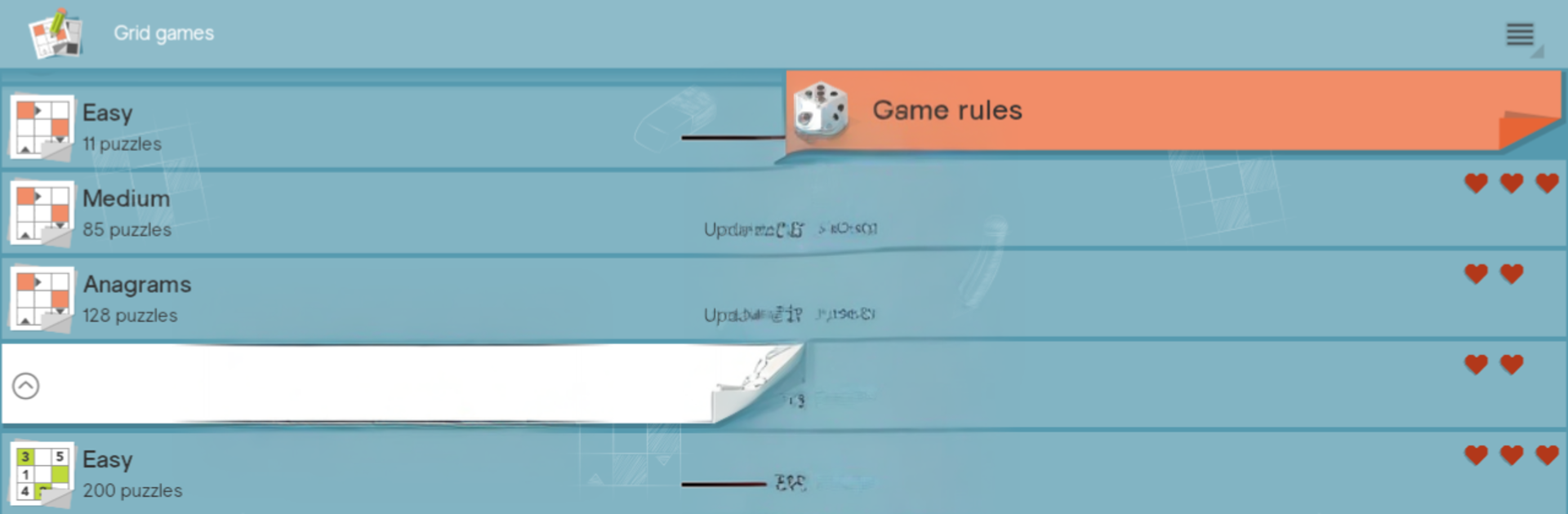
Grid games throws a bunch of brain teasers into one spot, so it feels like a little puzzle desk on the screen. There are crosswords, arrowwords where clues point right inside the grid, classic sudoku, and takuzu for that clean binary logic fix. It is easy to hop between them when the mood changes. The tools are what make it smooth: auto save so progress never vanishes, quick hints when a clue will not click, or even the full solution if someone just wants to see how it ends. There is a check for errors button that catches slip ups early. Sudoku has proper pencil marks and the neat option to save multiple states of the same puzzle, which lets a player test a risky path without ruining a good run.

Controls are simple, pinch or double tap to zoom on mobile, and on PC with BlueStacks the mouse and keyboard make filling grids feel very tidy. Typing crossword letters is faster, and clicking through cells feels more exact. There is even a built-in option to search a word online when a clue feels familiar but refuses to surface. Difficulty sliders range from laid back to stubbornly hard, so it suits quick coffee breaks or longer sessions. New puzzles show up regularly, which keeps the library feeling fresh without hunting for new packs all the time. If someone likes words, numbers, or just clean logic loops, this scratches that itch without fuss.

Ready to top the leaderboard? We bet you do. Let precise controls and sharp visuals optimized on BlueStacks lead you to victory.


Game Features

Enhancements

  • Macros
  • Multi Instance
  • Multi Instance Sync
  • Script
  • Enhancements
Macros

Macros

Automate the predictable in Grid games (crossword & sudoku and transform your gameplay with Macros. Get access to inventive Macros in the BlueStacks Macro Community
Multi Instance

Multi Instance

Play Grid games (crossword & sudoku on one window. And chat with your friend on the other. Press CTRL + Shift + 8 to open the Multi-Instance Manager. And start creating fresh instances or clone an existing one.
Multi Instance Sync

Multi Instance Sync

Play Grid games (crossword & sudoku with the power of Multi-Instance Sync. Replicate what you are doing on the main instance on all other instances. Level up faster, play more.
Script

Script

Script your way to gaming glory in Grid games (crossword & sudoku with BlueStacks Script. Write and run a set of commands to automate repeated tasks. Trigger the command by assigning it to any key.
Read More

How to Download and Play Grid games (crossword & sudoku on PC or Mac

  • Download and install BlueStacks on your PC or Mac

  • Complete Google sign-in to access the Play Store, or do it later

  • Look for Grid games (crossword & sudoku in the search bar at the top right corner

  • Click to install Grid games (crossword & sudoku from the search results

  • Complete Google sign-in (if you skipped step 2) to install Grid games (crossword & sudoku

  • Click the Grid games (crossword & sudoku icon on the home screen to start playing

video
Watch Video

Minimum System Requirements

With BlueStacks 5, you can get started on a PC that fulfills the following requirements.

  • Operating System

    Microsoft Windows 7 or above, macOS 11 (Big Sur) or above

  • Processor

    Intel, AMD or Apple Silicon Processor

  • RAM

    at least 4GB

  • HDD

    10GB Free Disk Space

Note:

* You must be an Administrator on your PC. Up to date graphics drivers from Microsoft or the chipset vendor.

Grid games (crossword & sudoku - FAQs

  • How to play Grid games (crossword & sudoku on Windows PC & Mac?

    Play Grid games (crossword & sudoku on your PC or Mac by following these simple steps.

    • Click on 'Play Grid games (crossword & sudoku on PC’ to download BlueStacks
    • Install it and log-in to Google Play Store
    • Launch and play the game.
  • Why is BlueStacks the fastest and safest platform to play games on PC?

    BlueStacks respects your privacy and is always safe and secure to use. It does not carry any malware, spyware, or any sort of additional software that could harm your PC.

    It is engineered to optimize speed and performance for a seamless gaming experience.

  • What are Grid games (crossword & sudoku PC requirements?

    Minimum requirement to run Grid games (crossword & sudoku on your PC

    • OS: Microsoft Windows 7 or above MacOS 11 (Big Sur) or above
    • Processor: Intel, AMD or Apple Silicon Processor
    • RAM: Your PC must have at least 4GB of RAM. (Note that having 4GB or more disk space is not a substitute for RAM)
    • HDD: 10GB Free Disk Space.
    • You must be an Administrator on your PC.