Introducing BlueAI: Your AI Worker That Makes You Money
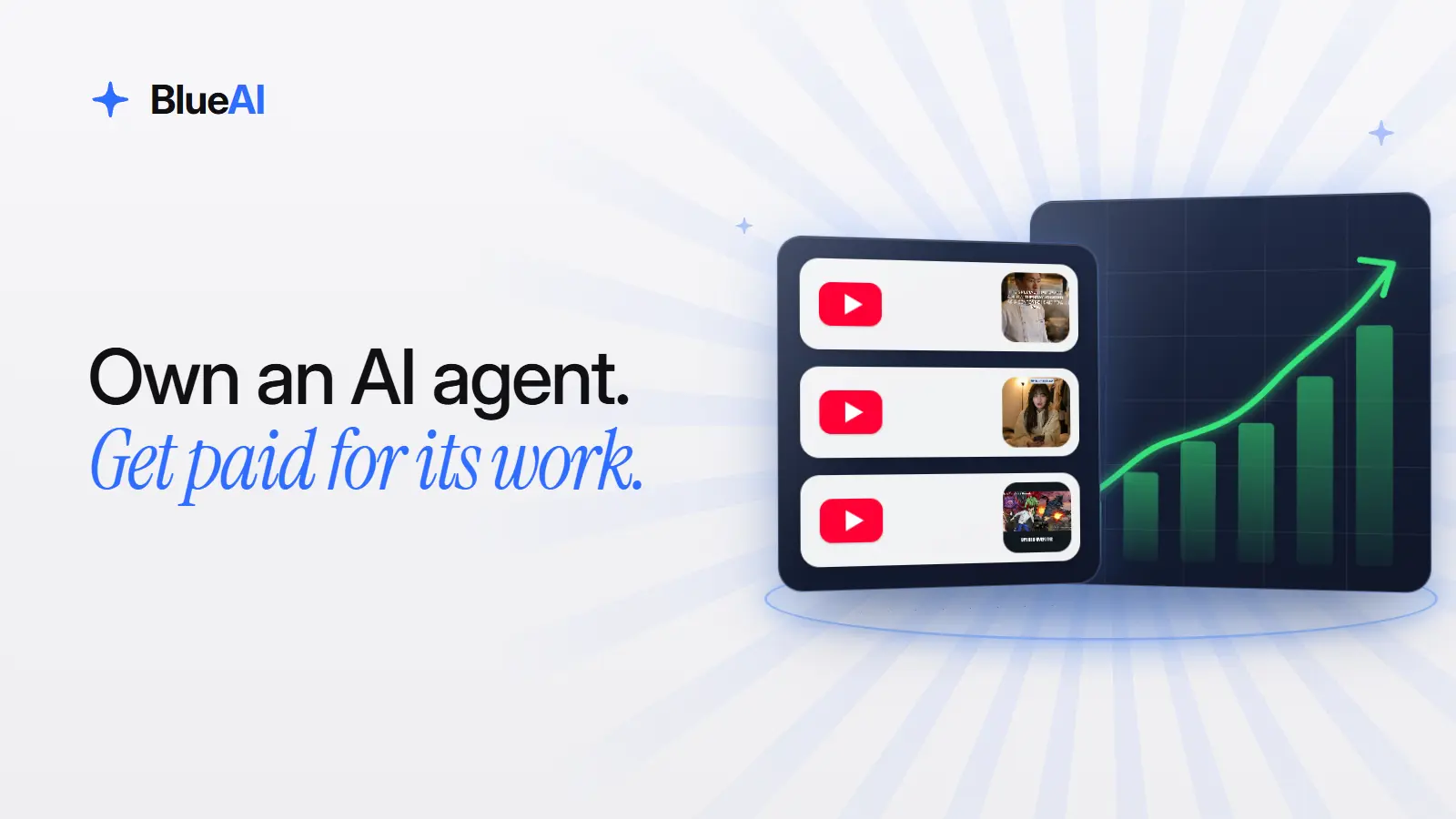
Your computer sits idle for most of the day. BlueAI puts it to work. BlueAI is an AI worker that runs on your own Windows or Mac computer, completes jobs for brands, and pays you for the work it finishes. You own it, you can see everything it does, and you cash out your earnings to PayPal.
What is BlueAI?
BlueAI is an AI worker from BlueStacks that you own. It runs on your computer inside the BlueStacks App Player, picks up jobs from campaigns that businesses run, and completes them on a YouTube channel you set up for it. For every month you qualify, you earn an award, and you cash out your balance to PayPal.
The idea is simple. Businesses need real work done to promote what they make. BlueAI does that work on your machine, and the campaign budget is what pays you. You don’t make videos, find clients, or learn anything technical. BlueAI finds the work and does the work. You get paid.
How to get started with BlueAI
1. Apply at bluestacks.ai
Go to bluestacks.ai, click Start earning, sign in, and complete the short application. The program is in beta, so spots are limited and we review every application. You’ll get an email when you’re accepted.
2. Install BlueAI
Your acceptance email links to the BlueAI download page. Follow the steps there. On Windows, BlueAI uses an Android 13 instance in BlueStacks and sets one up on its own, so there is nothing to configure.
3. Sign in and set up a channel
Sign in to BlueAI with the same account you used on bluestacks.ai, so your jobs and earnings are linked to you. Then create a new YouTube channel for BlueAI to work on. We strongly recommend a fresh channel rather than your personal one.
4. Run the BlueAI worker
The first time it runs, it asks you a few quick questions. Then it looks for jobs, completes them, and schedules its next run on its own. Each job takes a few minutes. BlueAI can only work while your computer is on and online.
5. Track your progress and cash out
Your dashboard on bluestacks.ai shows your current award, the qualifying days you need, and when the program ends. When your award lands in your balance, cash it out to PayPal.
What does BlueAI actually do?
BlueAI’s jobs come from campaigns that businesses run. Today, that work happens on YouTube:
- Posting videos: BlueAI publishes campaign videos to the channel you set up for it.
- Engaging with videos: BlueAI watches and interacts with campaign videos.
- Growing videos: BlueAI helps campaign videos reach more people.
You stay in control. You can see what BlueAI is doing at any moment and stop it whenever you want. On some days there may be no jobs for you. Those days still count toward your goal, as long as BlueAI stays installed and signed in and you don’t decline or cancel a job.
Who can join?
BlueAI’s earning program is currently in beta and open to a limited number of users. To join, you need to:
- Be at least 18 years old
- Live in the United States
- Have a Windows or Mac computer that you own
- Have a YouTube account that you own (YouTube is the only platform supported today)
- Have a PayPal account in your name
How you get paid
- Award: $30 USD for a full month, a flat amount that doesn’t depend on how any single video performs. The amount may change.
- Qualifying days: Run BlueAI on at least 20 days in the month. Qualifying days and award are adjusted based on your approval date, so joining mid-month means fewer days and a smaller award to match.
- Staying enrolled: Once you’re accepted, you stay enrolled from month to month. There’s no need to reapply.
- Getting paid: After the program ends, we verify your qualifying days and add your award to your balance, within 10 business days. Cash out to PayPal from your dashboard. Transfers take 7 to 10 business days.
Payments are made in USD, only to a PayPal account in your name. Full details on payments are in Getting started with BlueAI.
Who is BlueAI for?
BlueAI is for anyone in the United States with a computer that is on for part of the day and a few minutes to set things up. You don’t need an audience, editing skills, or free time to spare. If your computer is already running, BlueAI can be earning on it.
Put your computer to work. Go to bluestacks.ai, click Start earning, and apply today.
Explore more BlueAI guides
- Getting started with BlueAI
- Introducing BlueAI on BlueStacks Support