How to Install and Play Aniimo on PC with BlueStacks
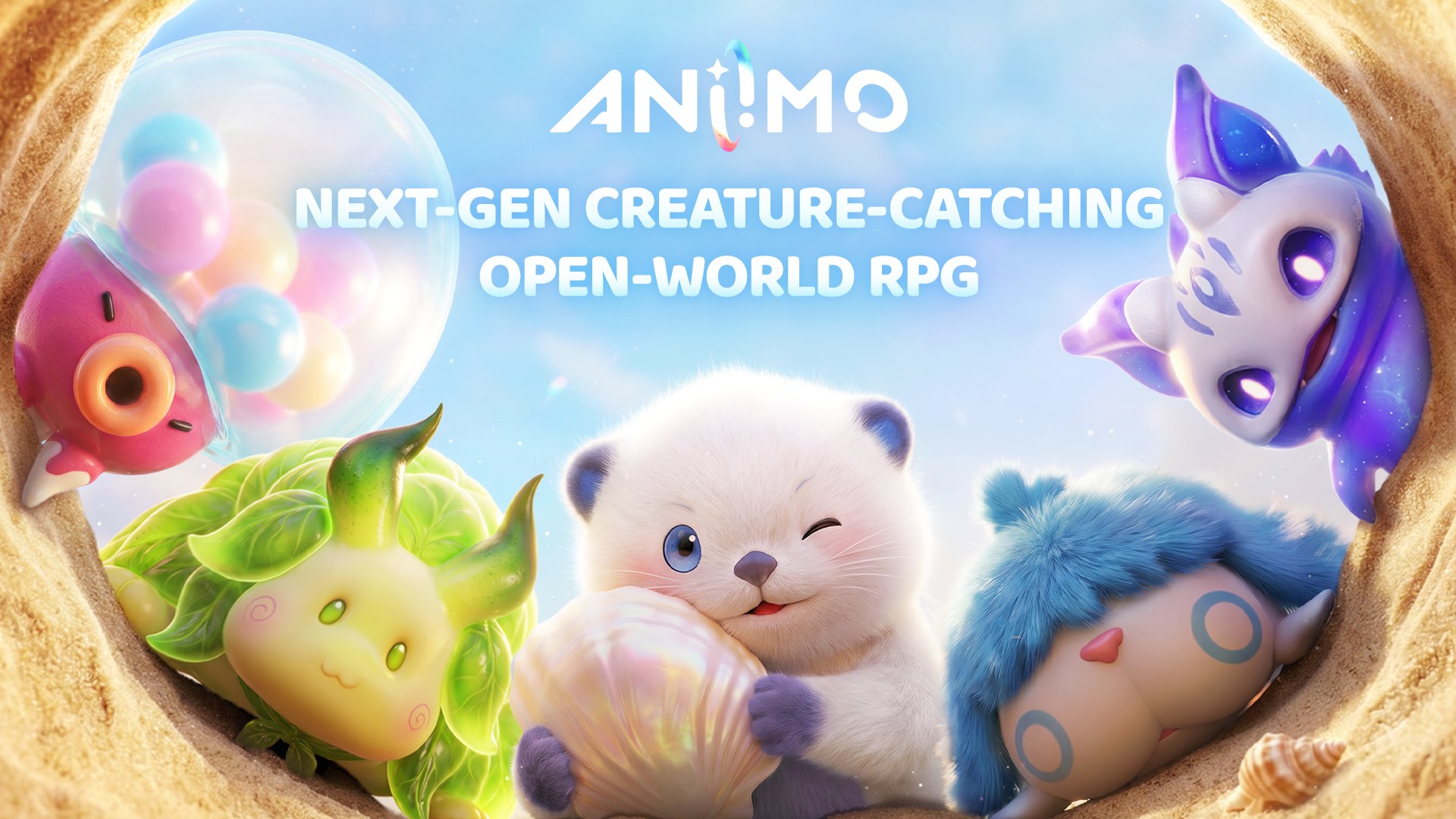

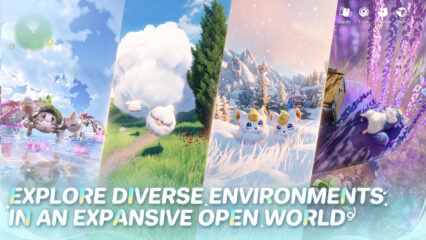
Aniimo is a free-to-play open-world RPG from Pawprint Studio that takes you across the continent of Idyll. As a Pathfinder, you catch creatures called Aniimo using Aniipods, traps, and careful timing. The creatures you meet can change based on the location, weather, and time of day.
The Twine system lets you take the form of a collected Aniimo and use its abilities in battles, puzzles, and other challenges. You can travel alone, meet players in a floating city, join a three-player team in Egg Heist, or spend time decorating your Homeland with crops and items.
How to Install Aniimo on PC
- Visit the game’s page and select the “Play Aniimo on PC” button.
- Find and open the downloaded file in your browser’s downloads section.
- Follow the steps to install BlueStacks, and then launch it on your computer.
- Log in to the Google Play Store, install Aniimo, and begin playing.
How to Install Aniimo on Mac with BlueStacks Air
- Get BlueStacks Air: Open the game’s page and click the “Play Aniimo on Mac” button to download the installer.
- Complete the Installation: Open the BlueStacksInstaller.pkg file and follow the instructions shown on your screen.
- Open and Sign In: Launch BlueStacks Air through Launchpad or the Applications folder. Sign in with your Google account.
- Find Aniimo: Search for Aniimo in the Google Play Store and install it.
- Start Your Journey: Open Aniimo after installation and begin playing.
Already Using BlueStacks? Follow These Steps
- Go to the game’s page and choose the “Aniimo on PC” button.
- Open BlueStacks on your PC or Mac.
- Get Aniimo through the BlueStacks Store or Google Play Store.
- Launch Aniimo and start playing.
Minimum System Requirements
Aniimo can run through BlueStacks on a PC or Mac that meets these basic requirements:
- OS: Microsoft Windows 7 and above, macOS 11 (Big Sur) or above
- Processor: Intel, AMD Processor, or Apple Silicon Processor (M1-M4)
- RAM: At least 4GB of RAM
- Storage: 10GB of free disk space
- Permissions: Administrator access on your PC or Mac
- Graphics Drivers: Current graphics drivers from Microsoft or the chipset vendor
Aniimo suits players who enjoy collecting creatures, traveling through large fantasy areas, and testing different abilities. Most Aniimo can evolve, so your collection can keep changing as you progress. You can glide, dive, and burrow while moving around Idyll.
Friends can also team up for Egg Heist or meet at campsites with their personal RVs. Back at your Homeland, you can plant crops, place decorations, and arrange a comfortable area for your Aniimo.
Also, playing Aniimo on PC or Mac with BlueStacks gives you a bigger view of Idyll and more room to follow fast battles. Keyboard and mouse controls can also make moving, choosing abilities, and aiming your actions feel easier during longer gaming sessions.