How to Install and Play Battle Arena: RPG Adventure on PC with BlueStacks
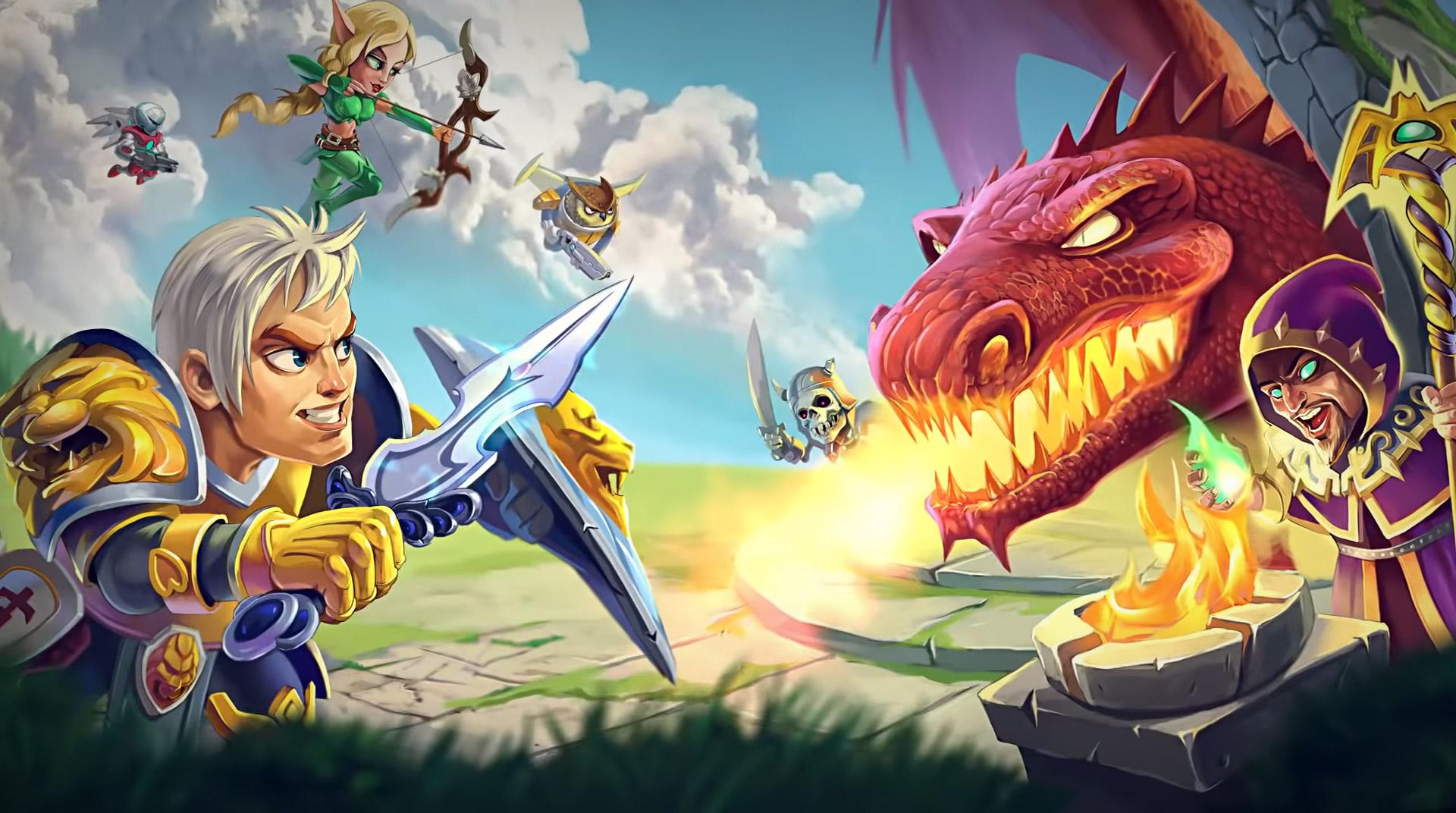
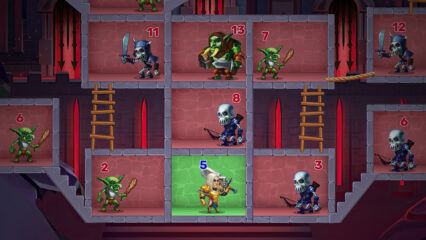
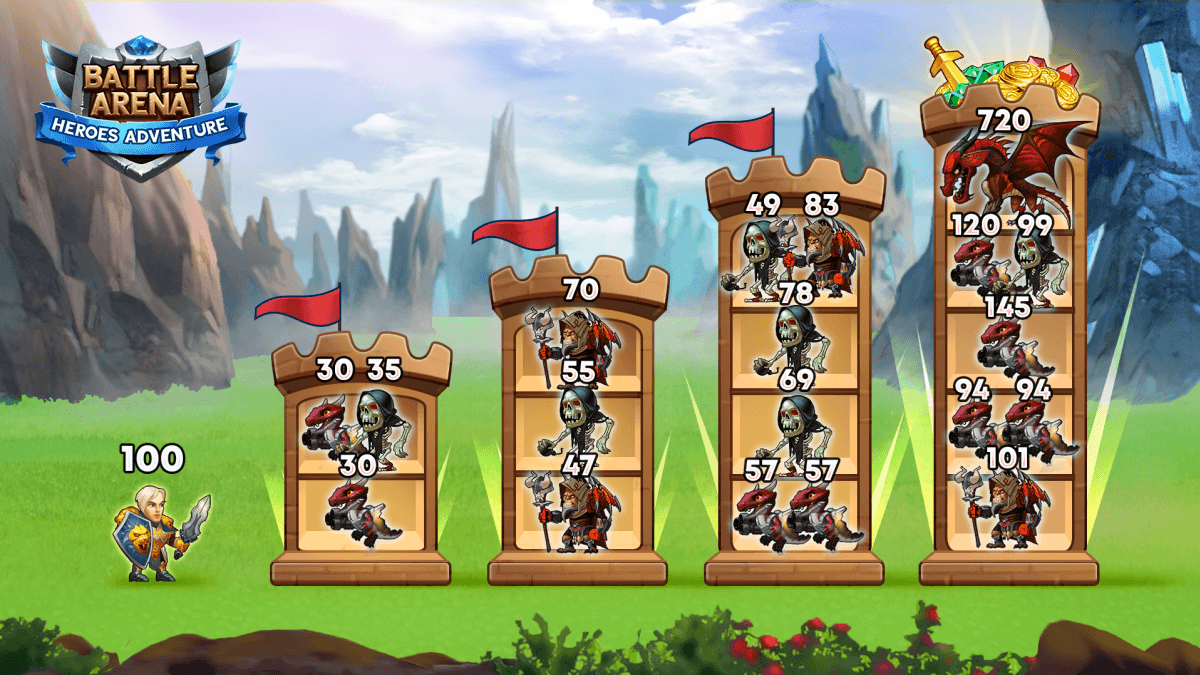
Battle Arena: RPG Adventure is a role-playing game from RED BRIX WALL that mixes hero collecting, team building, quests, and real-time PvP battles. You can choose from more than 50 heroes, upgrade their gear and skills, and create a team that can handle both missions and arena fights.
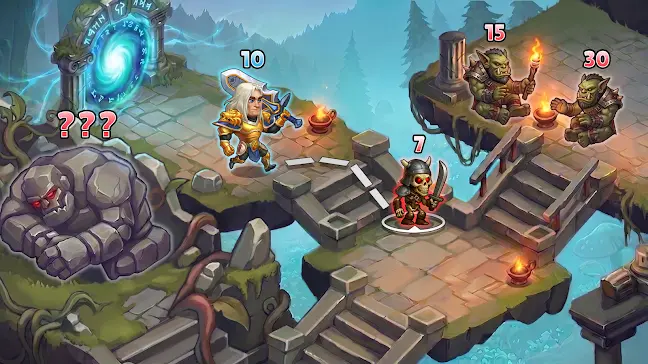
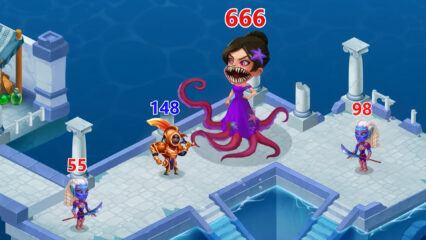
The game also has guild wars, boss battles, daily contests, clans, item trading, and chat features, so you can play with friends and other players online. With more than 60 locations, from Atlantis-style areas to snowy gnome cliffs, the game gives you many places to fight, level up, and test your squad.
How to Install Battle Arena: RPG Adventure on PC
- Go to the game’s page, and click on the “Play Battle Arena: RPG Adventure on PC” button.
- Open the downloaded file from your browser’s downloads folder.
- Follow the setup steps to install BlueStacks, then open it on your PC or Mac.
- Sign in to the Google Play Store, install Battle Arena: RPG Adventure, and start playing.
How to Install Battle Arena: RPG Adventure on Mac with BlueStacks Air
- Download BlueStacks Air: Go to the game’s page and click on the “Play Battle Arena: RPG Adventure on Mac” button to get the installer.
- Install BlueStacks Air: Double-click the BlueStacksInstaller.pkg file and follow the steps on your screen.
- Open and Sign In: Start BlueStacks Air from Launchpad or the Applications folder, then sign in with your Google account.
- Install Battle Arena: RPG Adventure: Search for the game in the Play Store and install it.
- Start Playing: Open Battle Arena: RPG Adventure and begin building your hero team.
Already Have BlueStacks? Here’s What to Do
- Go to the game’s page, and click on the “Battle Arena: RPG Adventure on PC” button.
- Open BlueStacks on your PC or Mac.
- Install Battle Arena: RPG Adventure from the BlueStacks Store or Google Play Store.
- Start playing and jump into your next battle.
Minimum System Requirements
BlueStacks can run games like Battle Arena: RPG Adventure on many PCs and Macs, as long as your device meets these basic needs:
- OS: Microsoft Windows 7 and above, macOS 11 (Big Sur) or above
- Processor: Intel, AMD Processor, or Apple Silicon Processor (M1-M4)
- RAM: Your PC or Mac must have at least 4GB of RAM
- Storage: 10GB Free Disk Space
- Permissions: Administrator access on your PC or Mac
- Graphics drivers: Up-to-date graphics drivers from Microsoft or the chipset vendor
Battle Arena: RPG Adventure is a good pick for players who like fast fights but still want to think about team setup. Strong heroes help, but smart choices matter too. You need to pick the right mix of fighters, upgrade their gear, improve their skills, and use better battle plans for PvP. You can also join a guild, fight bosses, take part in clan wars, trade items, and chat with friends as you grow your squad.
Playing Battle Arena: RPG Adventure on PC or Mac with BlueStacks can make the game feel easier to control. You can use a keyboard and mouse instead of tapping on a small phone screen, which helps during quick PvP battles and busy fights. The bigger screen also makes it easier to see your heroes, skills, enemies, and battle effects while you play.