How to Install and Play BGMI Lite on PC with BlueStacks
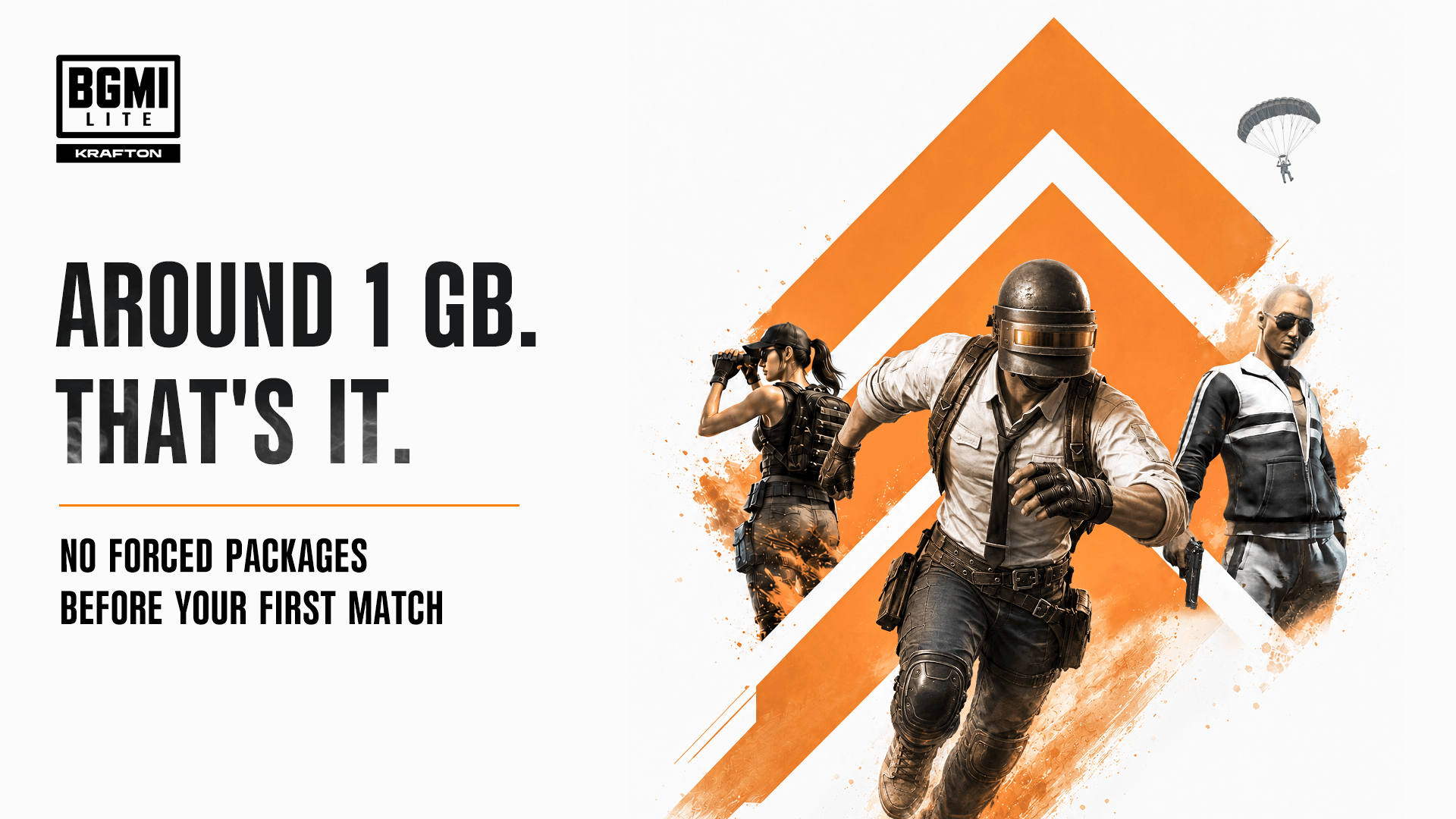

BGMI Lite is KRAFTON’s lighter version of Battlegrounds Mobile India. It aims to use less storage while keeping the familiar battle royale action gameplay. Matches feature 100 players on Erangel, where you collect weapons, find supplies, and stay inside a shrinking safe zone. You can choose solo, duo, or squad play.
Optional downloads give you more control over the space the game uses. Existing BGMI players can also use their accounts and owned items, while friends using either app can team up. The official listing currently promotes pre-registration, so the installation steps below apply once the game becomes available to download.
How to Install BGMI Lite on PC
- Visit the game’s page and click “Play BGMI LITE on PC” when the download button becomes available.
- Open your browser’s downloads section and select the installer you just downloaded.
- Follow the setup instructions to install BlueStacks, then launch it on your PC.
- Sign in to the Google Play Store and install BGMI LITE.
- Open the game to begin playing.
How to Install BGMI Lite on Mac with BlueStacks Air
- Download BlueStacks Air: Go to the game’s page and select “Play BGMI LITE on Mac” when available to download BlueStacks Air.
- Install BlueStacks Air: Double-click the BlueStacksInstaller.pkg file and follow the installation wizard.
- Launch and Sign-In: Open BlueStacks Air through Launchpad or your Applications folder. Sign in with your Google account to access the Play Store.
- Install BGMI LITE: Search for BGMI LITE and install it when the store offers the download.
- Start Playing: Launch the game after installation and get ready for your first match.
Already Have BlueStacks Installed?
- Open the game’s page and select “BGMI LITE on PC” when the button is available.
- Start BlueStacks on your PC, or BlueStacks Air on your supported Mac.
- Find BGMI LITE in the BlueStacks Store or Google Play Store and install it once released.
- Select its icon to start playing.
Minimum System Requirements
Before installing BGMI Lite, check these minimum requirements for BlueStacks 5 on Windows and BlueStacks Air on Mac:
- OS: Microsoft Windows 7 or above; macOS 11 (Big Sur) or above.
- Processor: An Intel or AMD processor on Windows; an Apple Silicon M1-M4 chip on Mac.
- RAM: At least 4GB on Windows or 8GB on Mac.
- Storage: At least 5GB of free disk space on Windows or 12GB on Mac, plus additional room for the game and downloads.
- Permissions: Administrator access on your Windows PC.
- Graphics Drivers: Up-to-date Windows graphics drivers from Microsoft or your hardware manufacturer.
Windows 7 and Windows 8 support BlueStacks versions 5.21.300 and earlier. Current BlueStacks 5 releases require Windows 10 or above.
BGMI Lite should appeal to players who enjoy planning with friends and reacting quickly during fights. Your squad can choose a landing spot, collect useful gear, and work together as the safe zone closes. Optional content can be removed later, which will make storage easier to manage. KRAFTON also says updates will arrive alongside BGMI, keeping both groups connected.
Once available, playing BGMI Lite on BlueStacks gives you a bigger screen and keyboard and mouse controls. You can adjust the controls to suit how you play. Performance will depend on your computer and settings.