How to Install and Play Ember Ruin on PC with BlueStacks


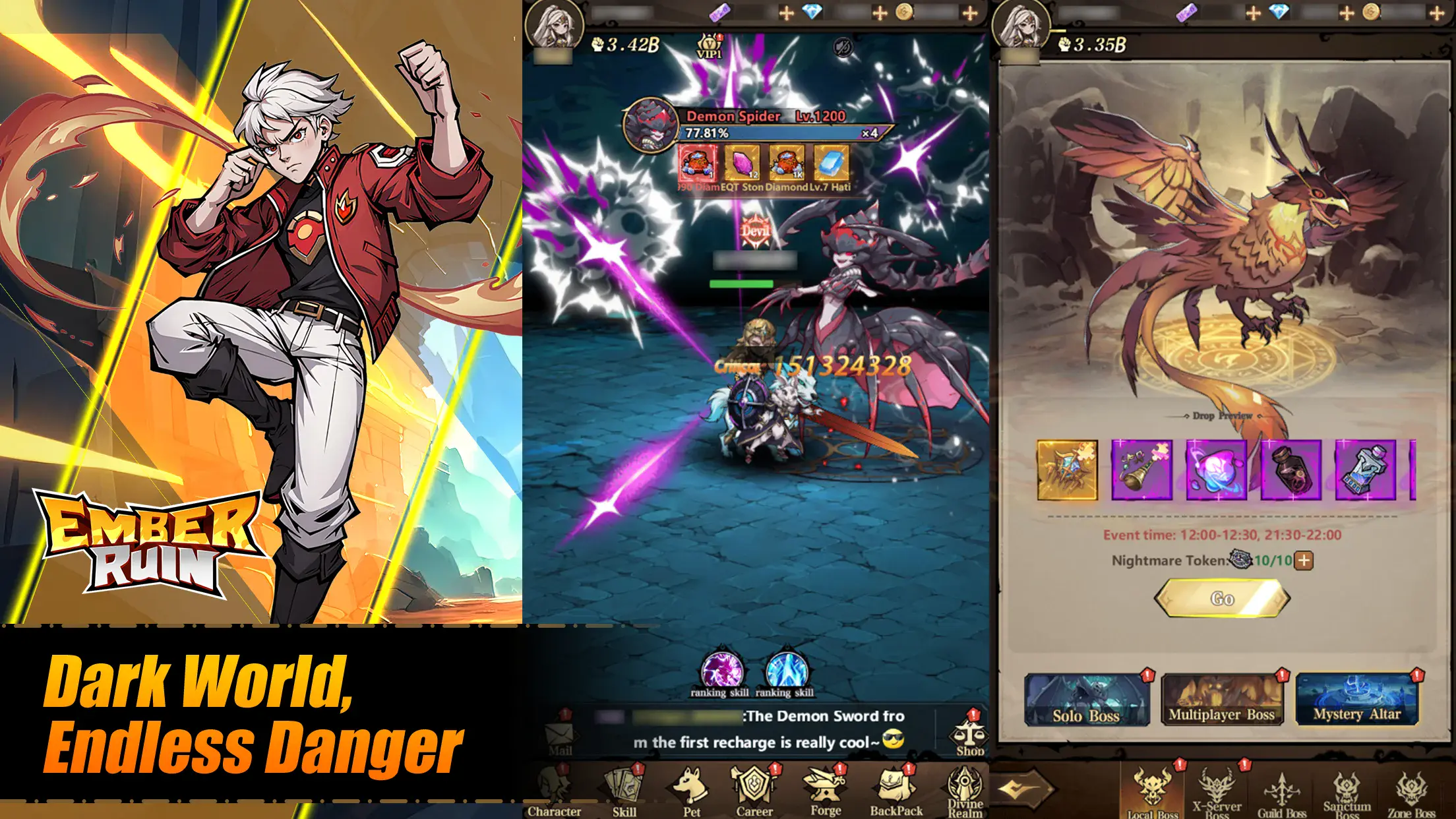
Ember Ruin is a dark fantasy role-playing game that puts you in the middle of a broken land filled with danger, monsters, and powerful enemies. You play as a warrior trying to survive after long wars between light and darkness have left everything in ruins. Each area is filled with battles, gear to collect, and choices that shape how your hero grows.
The game focuses on action-based combat mixed with smart planning. You can train heroes, equip rare weapons, and use magical items to gain an advantage in fights. Some battles are solo, while others let you team up with friends or face real players.
How to Install Ember Ruin on PC
- Visit the game’s page and click the “Play Ember Ruin on PC” button.
- Download the installer from your browser’s download list.
- Set up BlueStacks and open it on your PC or Mac.
- Log in to the Google Play Store, install the game, and jump in.
How to Install Ember Ruin on Mac with BlueStacks Air
- Get BlueStacks Air: Open the game’s page and press the “Play Ember Ruin on Mac” button to download the file.
- Set It Up: Double-click the BlueStacksInstaller.pkg file and follow the on-screen steps.
- Open and Sign In: Start BlueStacks Air from Launchpad or Applications and sign in with your Google account.
- Install Ember Ruin: Find the game in the Play Store and install it.
- Start Playing: Launch the game and begin your adventure.
Already Using BlueStacks?
- Open the game’s page and select the “Ember Ruin on PC” button.
- Start BlueStacks on your computer.
- Install the game through the BlueStacks Store or Google Play Store.
- Play right away.
Minimum System Requirements
Ember Ruin runs smoothly on most modern computers and does not need high-end hardware:
- Operating system: Windows 7 or newer, macOS 11 (Big Sur) or newer
- Processor: Intel, AMD, or Apple Silicon (M1–M4)
- RAM: At least 4GB
- Storage: 10GB of free space
- Permissions: Admin access on your PC or Mac
- Graphics: Updated drivers from Microsoft or your chipset maker
Ember Ruin is a great pick for players who enjoy action RPGs with teamwork and competition. You can join guilds, take part in large-scale wars, or jump into dungeon raids with friends. It works well for solo play too, especially if you like building heroes and testing different team setups. Whether you have a few minutes or a long gaming session, the game fits both styles.
Playing Ember Ruin on PC or Mac with BlueStacks gives you better control using a keyboard and mouse, along with a bigger screen that makes battles easier to follow. Movement, skill timing, and map reading feel smoother compared to a phone, which helps a lot during fast fights and group battles.