How to Install and Play Geometry Dash Lite on PC with BlueStacks
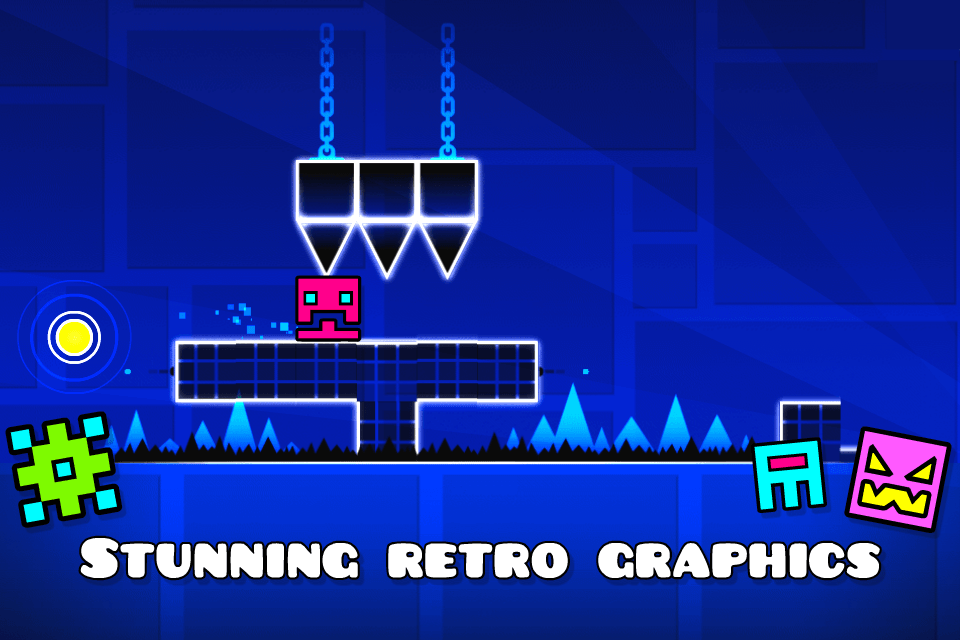
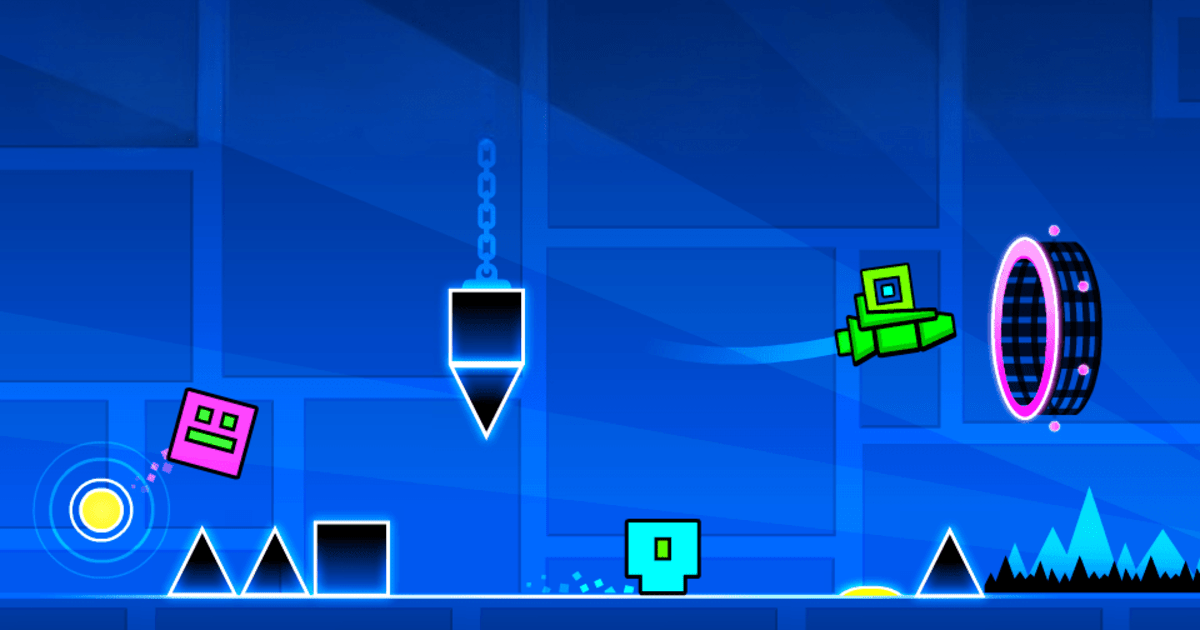
Geometry Dash Lite is a fast rhythm-based arcade game from RobTop Games where timing is everything. Your cube moves forward on its own, while you jump, fly, flip gravity, and dodge spikes across tough levels. The controls are simple, but the stages can be very hard, so every run feels like a test of focus and rhythm.
You can unlock icons and colors, use Practice Mode to learn tricky parts, and try again until your timing feels right. The Lite version also points players to the full version for more levels, soundtracks, achievements, and the online level editor.
How to Install Geometry Dash Lite on PC
- Go to the game’s page, and click on the “Play Geometry Dash Lite on PC” button.
- Find the downloaded file in your browser’s downloads section and open it.
- Follow the setup steps to install BlueStacks, then launch it on your PC or Mac.
- Sign in to the Google Play Store, install Geometry Dash Lite, and start playing.
How to Install Geometry Dash Lite on Mac with BlueStacks Air
- Download BlueStacks Air: Go to the game’s page and click on the “Play Geometry Dash Lite on Mac” button to download the installer.
- Install BlueStacks Air: Double-click the BlueStacksInstaller.pkg file and follow the setup window until it finishes.
- Launch and Sign-In: Open BlueStacks Air from Launchpad or the Applications folder, then sign in with your Google account.
- Install Geometry Dash Lite: Search for Geometry Dash Lite in the Play Store and install it.
- Enjoy Playing: Open the game and start timing your jumps.
Already Have BlueStacks? Here’s What To Do
- Go to the game’s page, and click on the “Geometry Dash Lite on PC” button.
- Open BlueStacks on your PC or Mac.
- Install Geometry Dash Lite from the BlueStacks Store or Google Play Store.
- Start Playing!
Minimum System Requirements
BlueStacks can run games like Geometry Dash Lite on many PCs and Macs, as long as your device meets these basic needs:
- OS: Microsoft Windows 7 and above, macOS 11 (Big Sur) or above
- Processor: Intel, AMD Processor, or Apple Silicon Processor (M1-M4)
- RAM: Your PC or Mac must have at least 4GB of RAM
- Storage: 10GB Free Disk Space
- Permissions: Administrator access on your PC or Mac
- Graphics drivers: Up-to-date graphics drivers from Microsoft or the chipset vendor
Geometry Dash Lite is a great pick for players who like quick games that still feel hard to master. You can play one level for a few minutes, retry a tough section, or keep going until you finally beat a stage that has been stopping you. Since the game uses simple one-touch controls, it is easy to start, but the real fun comes from learning the rhythm, spotting patterns, and reacting at the right time.
Playing Geometry Dash Lite on PC or Mac with BlueStacks gives you a bigger screen, which can make spikes, portals, and moving parts easier to see. You can also use keyboard and mouse controls instead of tapping on a phone screen. This can feel more comfortable during longer play sessions, especially if you are trying the same level again and again.