How to Play Heartopia on PC with BlueStacks
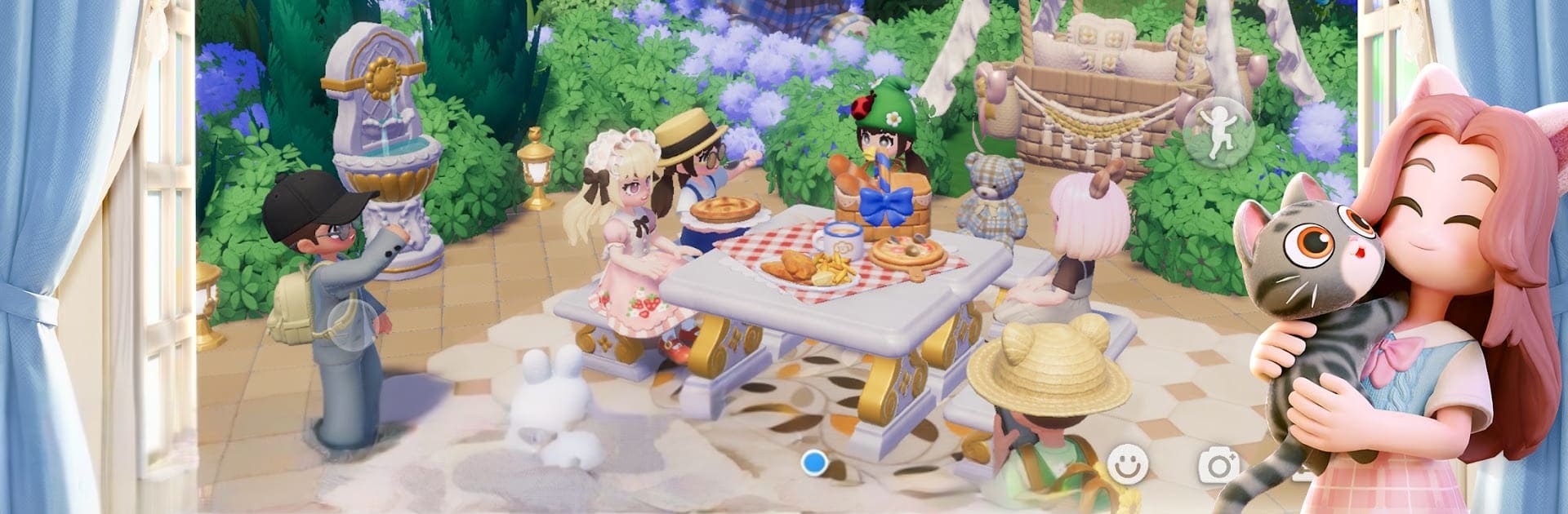

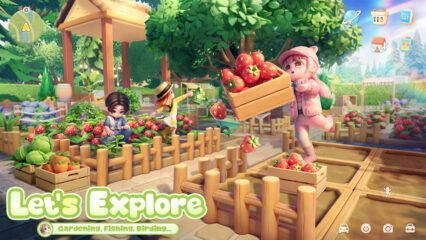
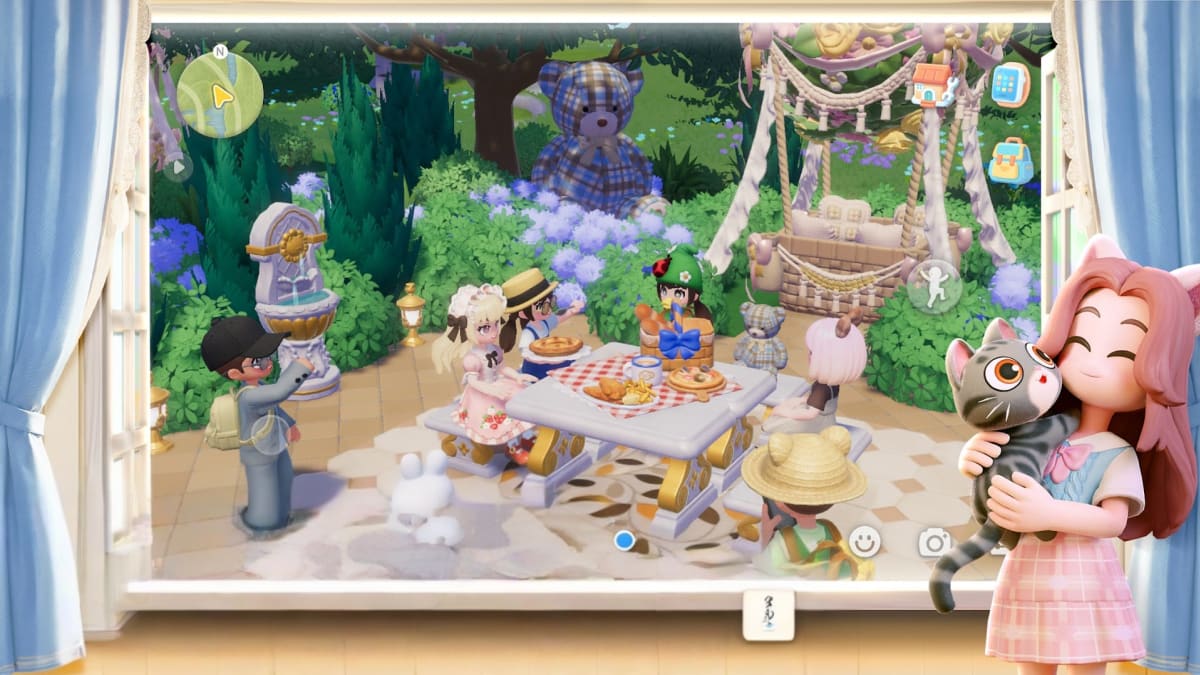
Heartopia is a relaxing multiplayer life simulation game focused on creativity, self-expression, and social interaction. From building and decorating your dream home to enjoying peaceful hobbies like fishing, gardening, and cooking, the game is designed to be taken at your own pace. With its charming visuals, social features, and customization-heavy gameplay, Heartopia is best enjoyed on a larger screen where everything feels more comfortable and immersive.
In this guide, we’ll walk you through how to install and play Heartopia on PC using BlueStacks, along with the minimum system requirements you’ll need to get started.
How to Install Heartopia on PC
- Go to the game’s page, and click on the “Play Heartopia on PC” button.
- Open the file from your browser’s downloads section.
- Install BlueStacks and launch it on your PC or Mac.
- Sign in to the Google Play Store, install the game, and start playing.
How to Install Heartopia on Mac with BlueStacks Air
- Download BlueStacks Air: Go to the game’s page and click on the “Play Heartopia on Mac” button to get the installer.
- Install BlueStacks Air: Double-click the BlueStacksInstaller.pkg file. Follow the wizard to complete the installation.
- Launch and Sign-In: Open BlueStacks Air from the Launchpad or Applications folder. Sign in with your Google account to access the Play Store.
- Install Heartopia: Search for Heartopia in the Play Store and install it.
- Enjoy Playing! Launch the game and start playing!
For Those Who Already Have BlueStacks Installed
- Go to the game’s page, and click on the “Heartopia on PC” button.
- Launch BlueStacks on your PC or Mac
- Install the game from the BlueStacks Store or Google Play Store.
- Start Playing!
Minimum System Requirements
BlueStacks offers the best performance and graphics for games like Heartopia, boasting highly accessible PC or Mac requirements:
- OS: Microsoft Windows 7 and above, macOS 11 (Big Sur) or above
- Processor: Intel, AMD Processor or Apple Silicon Processor (M1-M4)
- RAM: Your PC or Mac must have at least 4GB of RAM
- Storage: 10GB Free Disk Space
- Permissions: Administrator access on your PC or Mac.
- Graphics drivers: Up-to-date graphics drivers from Microsoft or the chipset vendor.
Meeting these requirements ensures stable performance while exploring Heartopia Town, interacting with other players, and enjoying the game’s many customization options.
Heartopia is all about relaxation, creativity, and connecting with others, and playing on PC enhances all of those elements. With BlueStacks, you can enjoy smoother performance, better visuals, and more precise controls, making everything from home design to outfit customization feel more natural. If you’re planning to spend a lot of time building your ideal life in Heartopia, playing on PC with BlueStacks is the most comfortable and enjoyable way to do it.