How to Install and Play Hypnospace Outlaw on PC with BlueStacks
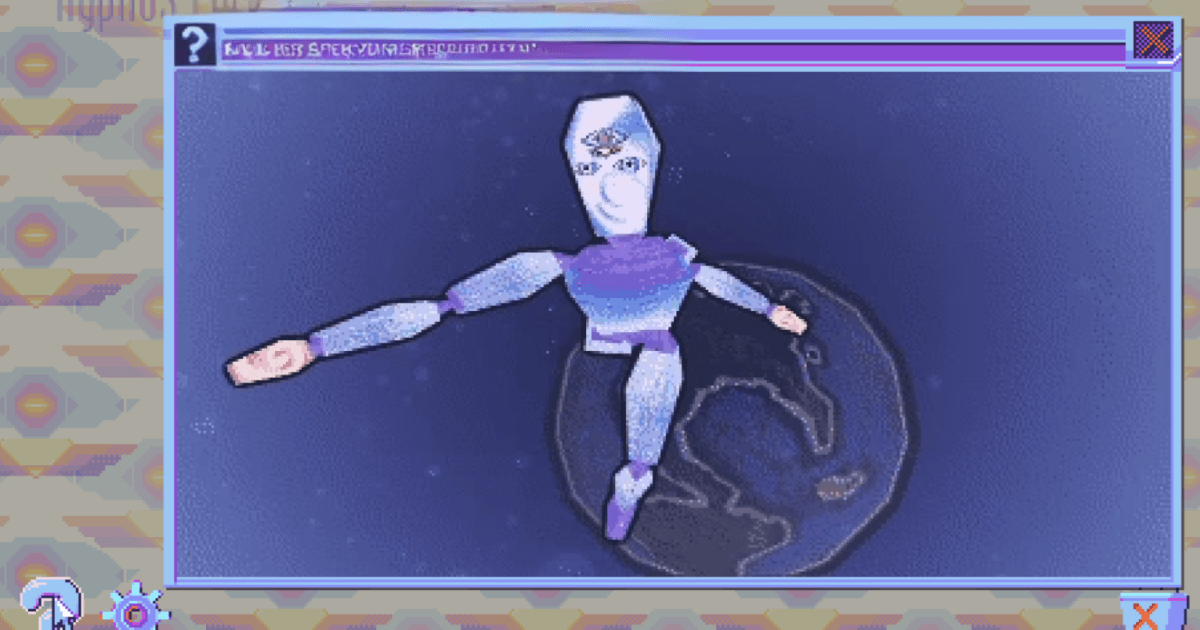
Hypnospace Outlaw is a strange and funny ‘90s internet simulation game where you work as a Hypnospace Enforcer. Your job is to browse odd websites, read messages, follow clues, and report users who break the rules.
You will deal with copyright issues, online bullying, viruses, pop-ups, and sketchy downloads while checking your inbox for new tasks. The game also lets you customize your HypnOS desktop with wallpapers, screensavers, apps, and helper bots. You can play the opening for free, then unlock the full game with one in-app purchase.
How to Install Hypnospace Outlaw on PC
- Visit the Hypnospace Outlaw page and click on the “Play Hypnospace Outlaw on PC” button.
- Find the downloaded file in your browser’s downloads section and open it.
- Follow the setup steps to install BlueStacks, then launch it on your PC or Mac.
- Sign in to the Google Play Store, install Hypnospace Outlaw, and start playing.
How to Install Hypnospace Outlaw on Mac with BlueStacks Air
- Download BlueStacks Air: Open the game’s page and click on the “Play Hypnospace Outlaw on Mac” button to download the installer.
- Install BlueStacks Air: Double-click the BlueStacksInstaller.pkg file and follow the setup window until it finishes.
- Launch and Sign-In: Open BlueStacks Air from Launchpad or the Applications folder, then sign in with your Google account.
- Install Hypnospace Outlaw: Search for Hypnospace Outlaw in the Play Store and install it.
- Enjoy Playing! Open the game and begin your first shift as a Hypnospace Enforcer.
Already Have BlueStacks Installed?
- Go to the Hypnospace Outlaw page and click on the “Hypnospace Outlaw on PC” button.
- Open BlueStacks on your PC or Mac.
- Install Hypnospace Outlaw from the BlueStacks Store or the Google Play Store.
- Start Playing!
Minimum System Requirements
BlueStacks is built to run Android games like Hypnospace Outlaw on PC or Mac with simple setup needs:
- OS: Microsoft Windows 7 and above, macOS 11 (Big Sur) or above
- Processor: Intel, AMD Processor, or Apple Silicon Processor (M1-M4)
- RAM: Your PC or Mac must have at least 4GB of RAM
- Storage: 10GB Free Disk Space
- Permissions: Administrator access on your PC or Mac.
- Graphics drivers: Up-to-date graphics drivers from Microsoft or the chipset vendor.
Hypnospace Outlaw is a great pick for players who enjoy mystery games, weird humor, and old-school internet style. It feels like browsing a fake web from the late ‘90s, where every page can hide a clue, joke, file, or secret. You can focus on your official cases, earn HypnoCoins, and report rule-breakers, or spend time looking through strange fan pages, hidden areas, and fun downloads.
Also, playing Hypnospace Outlaw on PC or Mac with BlueStacks gives you more space to read pages, check clues, and manage your desktop. The bigger screen makes the retro websites easier to see, while keyboard and mouse controls make browsing, clicking, and searching feel more natural. It is a comfortable way to enjoy the game, especially if you prefer playing mobile games on a laptop or desktop.