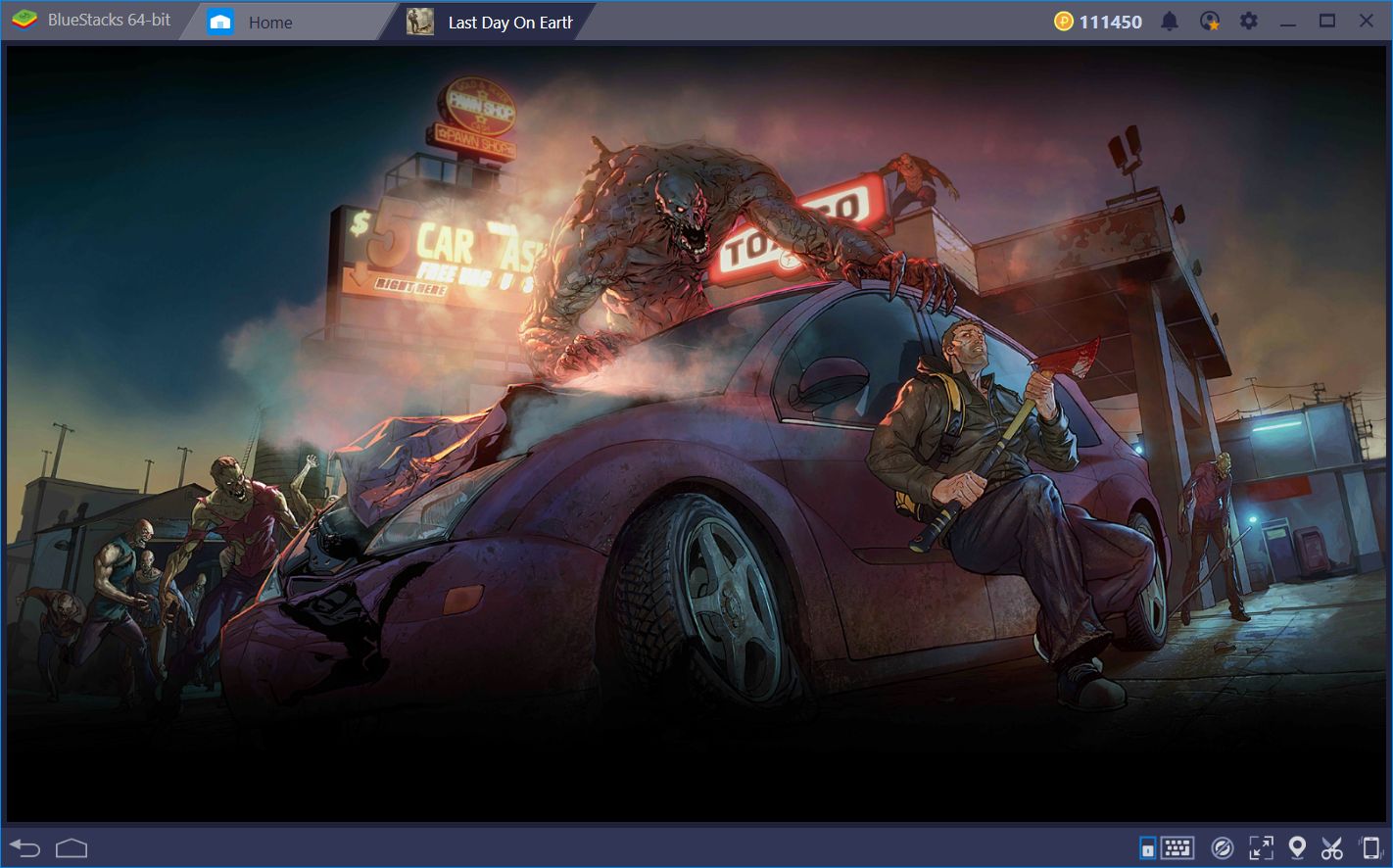
How to Install and Play Last Day on Earth: Survival on PC with BlueStacks
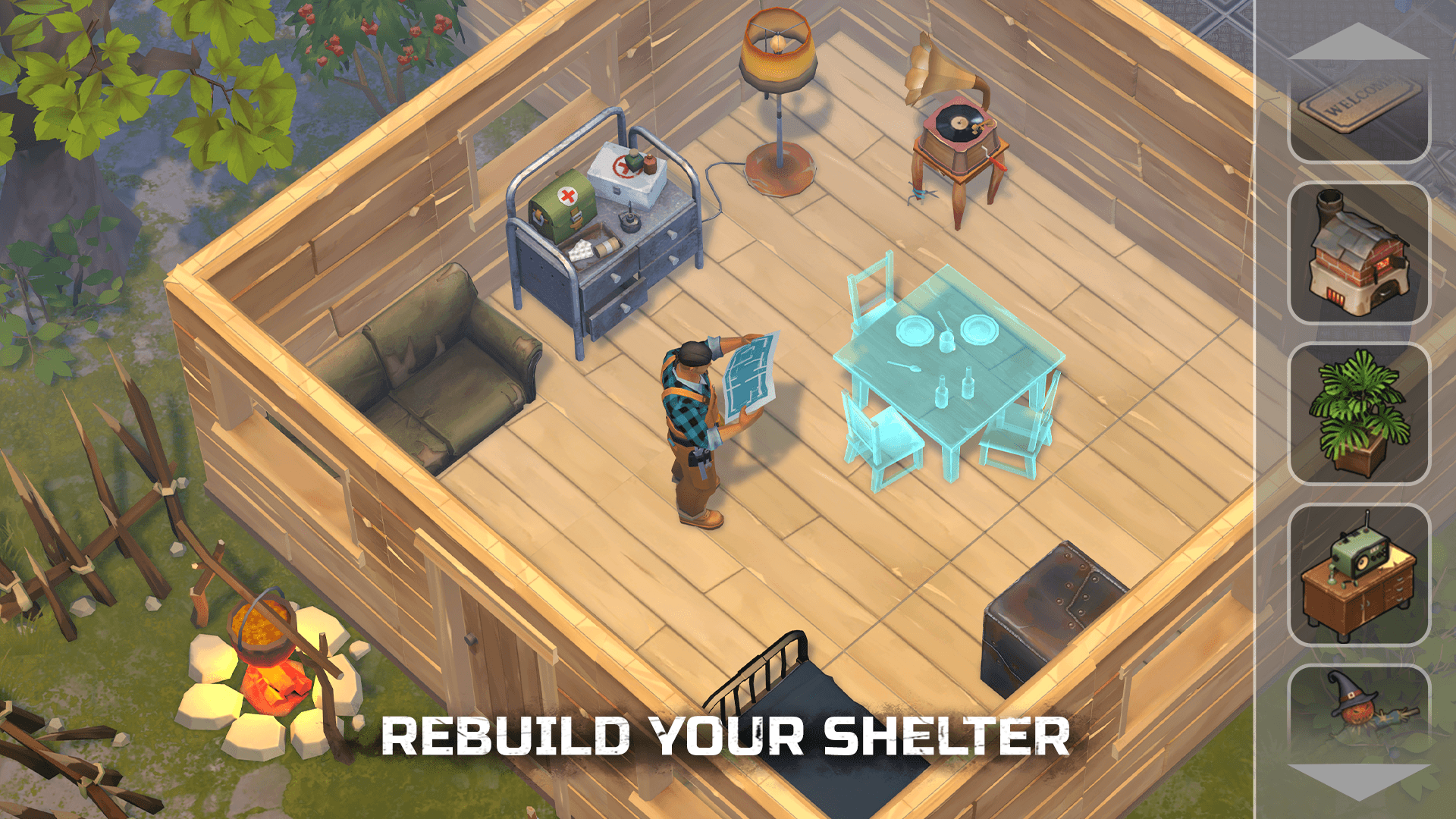
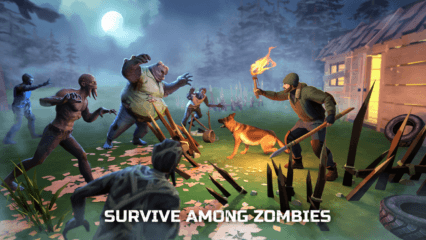
Last Day on Earth: Survival is a zombie survival game where every choice matters. You wake up in a broken world filled with danger, and your main goal is to stay alive. In this action game, you gather resources, craft tools, and slowly build a safe base to protect yourself from zombies and other survivors.
Each trip outside your shelter feels risky, but it also gives you the chance to find better loot. You can fight using melee weapons or guns, train pets to help you, and even build vehicles to reach new areas. The game mixes action, crafting, and strategy, which keeps things exciting every time you play.
How to Install Last Day on Earth: Survival on PC
- Open the game’s page and press the “Play Last Day on Earth: Survival on PC” button.
- Download the setup file and open it from your browser.
- Install BlueStacks and launch it once it’s ready.
- Sign in to the Google Play Store, install Last Day on Earth: Survival, and start playing.
How to Install Last Day on Earth: Survival on Mac with BlueStacks Air
- Download BlueStacks Air: Head to the game’s page and click the “Play Last Day on Earth: Survival on Mac” button to get the installer.
- Install BlueStacks Air: Open the BlueStacksInstaller.pkg file and follow the steps on your screen.
- Launch and Sign In: Open BlueStacks Air from Applications or Launchpad and log into your Google account.
- Install Last Day on Earth: Survival: Search for Last Day on Earth: Survival in the Play Store and install it.
- Start Playing: Launch the game and jump into survival mode.
Already Have BlueStacks Installed?
- Visit the game’s page and click on the “Last Day on Earth: Survival on PC” button.
- Open BlueStacks on your computer.
- Install the game through the BlueStacks Store or Google Play Store.
- Launch Last Day on Earth: Survival and begin playing.
Minimum System Requirements
BlueStacks runs smoothly on most PCs and Macs, so you don’t need a high-end setup to play:
- OS: Windows 7 or newer, macOS 11 (Big Sur) or newer
- Processor: Intel, AMD, or Apple Silicon (M1–M4)
- RAM: At least 4GB
- Storage: 10GB of free space
- Permissions: Admin rights on your device
- Graphics: Updated drivers from Microsoft or your hardware provider
Survival fans who enjoy crafting, fighting, and building will feel right at home here. You can play solo, team up with others, or challenge other players in PvP areas. And since the game has different locations like forests, bunkers, and military zones, every session feels fresh.
Playing Last Day on Earth: Survival on PC or Mac with BlueStacks gives you better control over your character. Keyboard and mouse make combat easier, and the bigger screen helps you spot enemies faster. It also feels more comfortable for longer sessions, so you can focus on building your base and surviving as long as possible.