How to Install and Play Motto Immortal on PC with BlueStacks
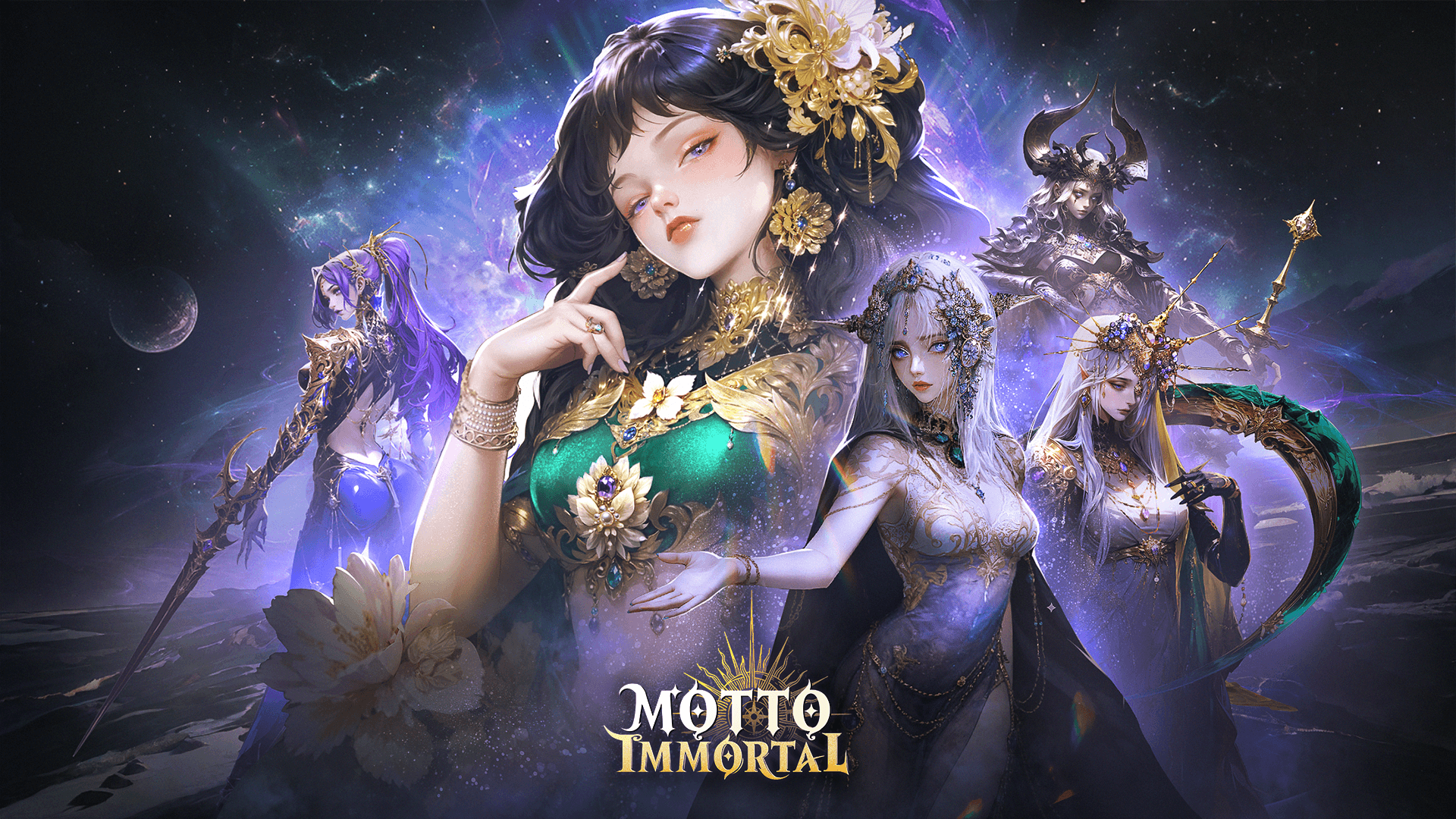

Motto Immortal is a role-playing game where myths from different cultures come together. You play as a Wayfarer who gathers powerful goddesses to fight back a spreading shadow. The game focuses on steady progress, smart team choices, and letting rewards build up over time.
Battles mostly run on their own, so the real fun comes from choosing the right cards, setting up good team combos, and deciding how to use your resources. Even when you are not actively playing, the game keeps collecting gold and items for you. That makes it easy to jump in for short sessions or leave it running in the background while doing other things.
How to Install Motto Immortal on PC
- Open the game’s page and click the “Play Motto Immortal on PC” button.
- Check your browser’s downloads and open the setup file.
- Finish installing BlueStacks, then open it on your PC or laptop.
- Log in to the Google Play Store, install Motto Immortal, and start playing.
How to Install Motto Immortal on Mac with BlueStacks Air
- Download BlueStacks Air: Visit the game’s page and press the “Play Motto Immortal on Mac” button to download the installer.
- Run the Installer: Double-click the BlueStacksInstaller.pkg file and follow the steps on screen.
- Open and Sign In: Launch BlueStacks Air from Applications or Launchpad and sign in with your Google account.
- Get The Game: Search for Motto Immortal in the Play Store and install it.
- Start Playing: Open the game and jump straight into the action.
If You Already Have BlueStacks Installed
- Go to the game’s page and select the “Motto Immortal on PC” button.
- Open BlueStacks on your PC or Mac.
- Install the game from the BlueStacks Store or Google Play Store.
- Launch the game and play.
Minimum System Requirements
BlueStacks runs smoothly on most PCs and Macs, even shared or lower-end systems. Here is what you need to get started:
- OS: Windows 7 or newer, macOS 11 (Big Sur) or newer
- Processor: Intel, AMD, or Apple Silicon (M1–M4)
- RAM: At least 4GB of memory
- Storage: Around 10GB of free disk space
- Permissions: Admin access on your computer
- Graphics: Updated drivers from Microsoft or your hardware maker
Motto Immortal is a good pick for players who like planning without feeling rushed. The game includes special modes like maze runs and random event dungeons where choices really matter. There are also social features, such as teaming up with friends or trading cards, which makes progress feel more rewarding. The detailed character art and themed locations stand out, especially when viewed on a larger display.
Plus, playing Motto Immortal on PC or Mac with BlueStacks gives you smoother control with a keyboard and mouse and lets you enjoy the artwork on a bigger screen. Menus feel faster to use, battles are easier to follow, and long sessions feel more comfortable than playing on a phone.