How to Install and Play Oxide: Survival Island on PC with BlueStacks
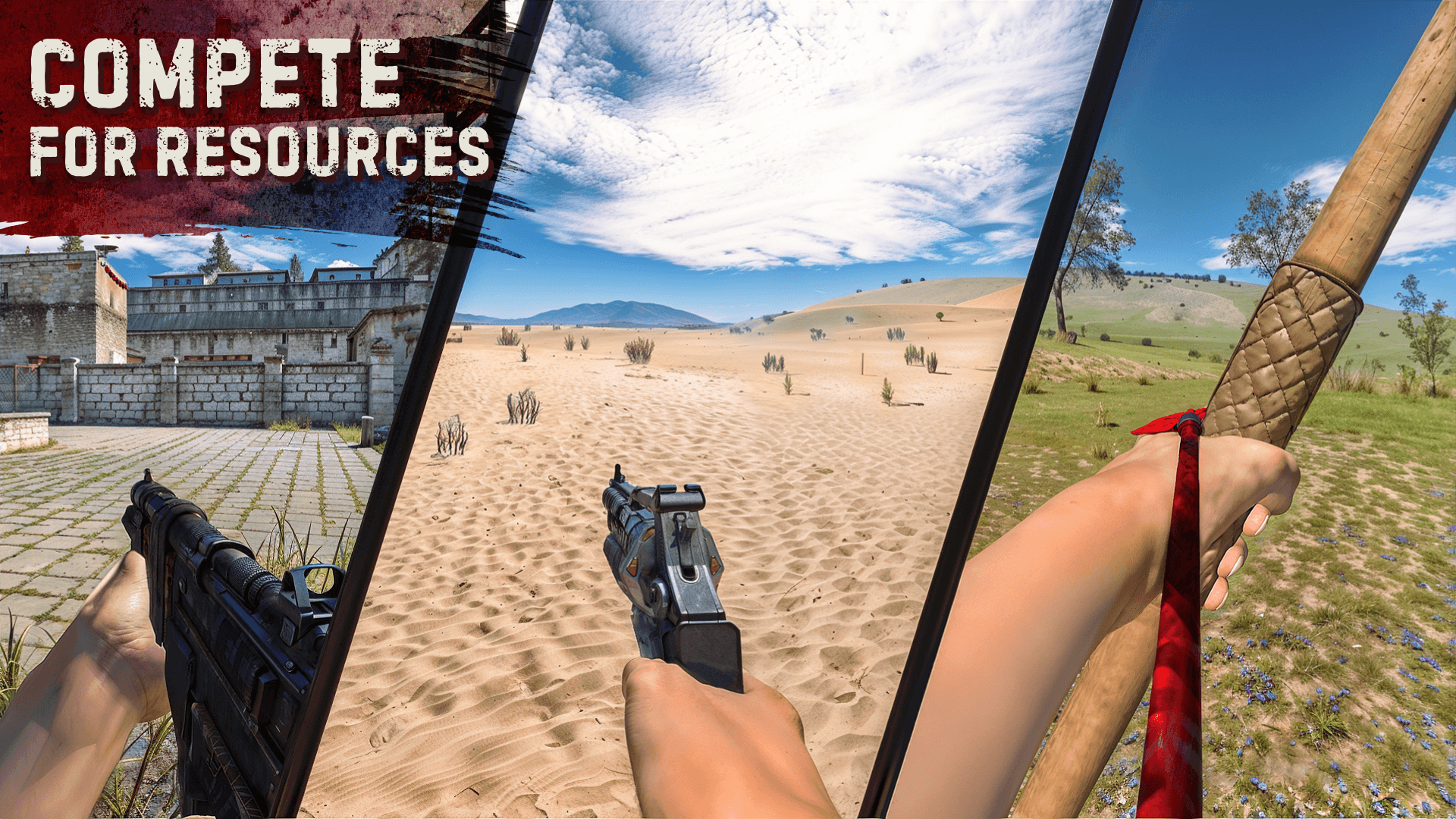

Oxide: Survival Island is an online survival game where you wake up on a dangerous island with almost nothing and have to stay alive for as long as you can. You need to gather resources, craft tools, build shelter, and watch out for hunger, cold, animals, and other players.
This action game also has persistent servers, so the world keeps going even when you log off. You can play alone or join friends, build a base, protect your loot, and fight for control of the island.
How to Install Oxide: Survival Island on PC
- Head to the game’s page and click the “Play Oxide: Survival Island on PC” button.
- Open the installer from your browser’s downloads area.
- Install BlueStacks, then open it on your PC or Mac.
- Sign in to the Google Play Store, download Oxide: Survival Island, and jump into the island.
How to Install Oxide: Survival Island on Mac with BlueStacks Air
- Download BlueStacks Air: Visit the game’s page and click the “Play Oxide: Survival Island on Mac” button to download the installer.
- Install BlueStacks Air: Open the BlueStacksInstaller.pkg file and go through the setup steps.
- Launch and Sign In: Open BlueStacks Air from Launchpad or the Applications folder, then sign in with your Google account to use the Play Store.
- Install Oxide: Survival Island: Search for the game in the Play Store and install it.
- Start Playing: Open Oxide: Survival Island and begin your survival run.
Already Have BlueStacks? Start Here
- Go to the game’s page and click the “Oxide: Survival Island on PC” button.
- Open BlueStacks on your PC or Mac.
- Install the game from the BlueStacks Store or Google Play Store.
- Launch Oxide: Survival Island and start playing.
Minimum System Requirements
BlueStacks runs mobile games like Oxide: Survival Island on a wide range of computers, so you do not need a high-end setup to get started.
- OS: Microsoft Windows 7 and above, macOS 11 (Big Sur) or above
- Processor: Intel, AMD Processor, or Apple Silicon Processor (M1-M4)
- RAM: Your PC or Mac must have at least 4GB of RAM
- Storage: 10GB Free Disk Space
- Permissions: Administrator access on your PC or Mac
- Graphics Drivers: Up-to-date graphics drivers from Microsoft or the chipset vendor
Oxide: Survival Island is a good pick for players who like tense survival games with real risk. You can spend time farming wood, stone, and metal, then use them to make gear, weapons, and base parts. And if you like playing with others, you can team up with friends on the same server, split jobs, and protect your base together. The island also has different biomes, travel by land and sea, and day-night changes that can make every trip feel risky.
Also, playing Oxide: Survival Island on PC or Mac with BlueStacks can make the game feel a lot better, especially during long farming runs, fights, and base building. A bigger screen makes it easier to spot danger, check your surroundings, and manage your inventory. Keyboard and mouse controls can also help you move faster and react more clearly when other players attack.