How to Install and Play Reigns The Witcher on PC with BlueStacks
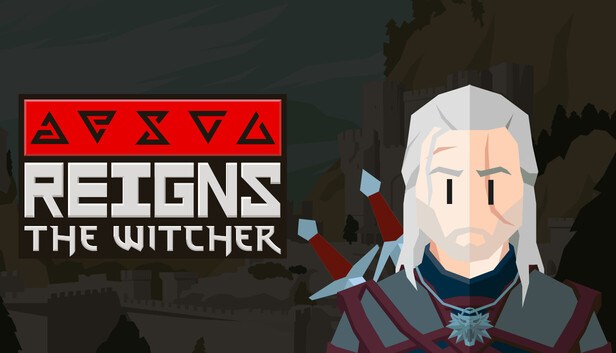
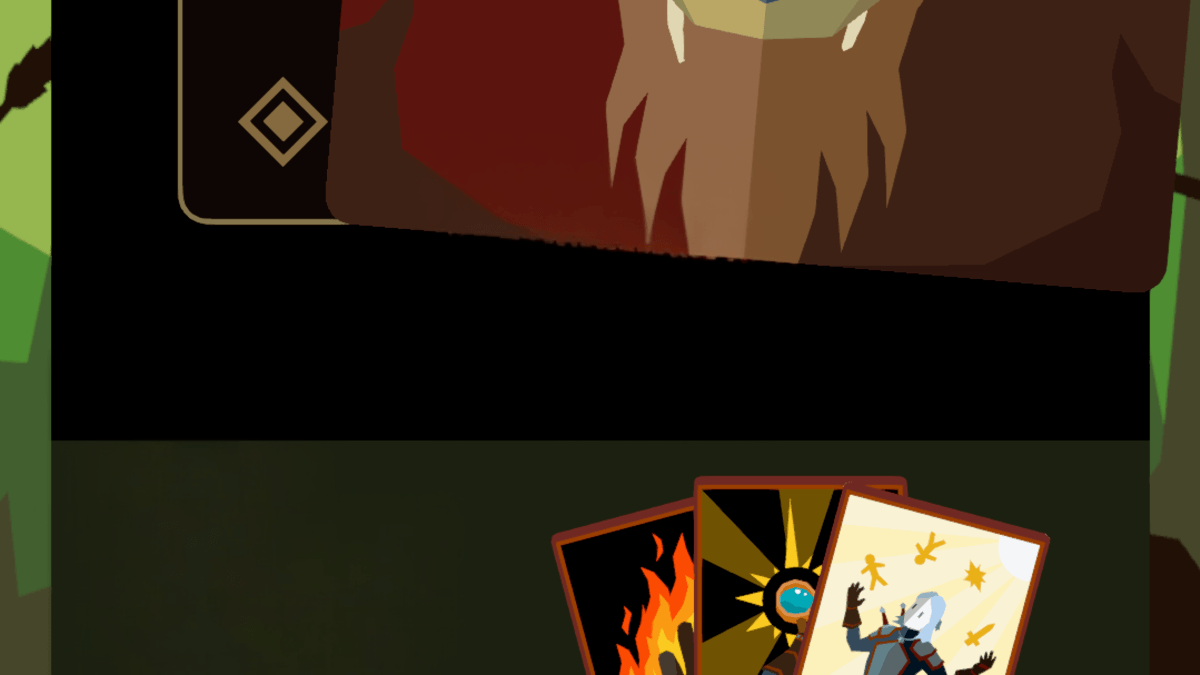
Reigns: The Witcher brings the swipe-based gameplay of the Reigns series into the dark fantasy setting of The Witcher. You play as Geralt of Rivia and make choices that shape your journey while listening to stories told by Dandelion the bard. Each decision is made by swiping left or right on cards, and every choice can lead to rewards, trouble, or an early end.
This card game mixes short stories, moral choices, and quick decisions into fast play sessions. One moment you might agree to hunt a monster, and the next you might anger villagers or decide to take a break instead. Your choices affect Geralt’s path and how the story unfolds, which makes every run feel different without long tutorials or complex controls.
How to Install Reigns: The Witcher on PC
- Visit the game’s page and click the “Play Reigns: The Witcher on PC” button.
- Find the downloaded file in your browser’s downloads list and open it.
- Install BlueStacks and start it on your PC or Mac.
- Log in to the Google Play Store, download the Reigns: The Witcher, and begin playing.
How to Install Reigns: The Witcher on Mac with BlueStacks Air
- Download BlueStacks Air: Open the game’s page and press the “Play Reigns: The Witcher on Mac” button to get the installer.
- Install BlueStacks Air: Double-click the BlueStacksInstaller.pkg file and follow the setup steps on screen.
- Launch and Sign In: Open BlueStacks Air from Launchpad or Applications and sign in with your Google account.
- Install Reigns: The Witcher: Search for the Reigns: The Witcher in the Play Store and install it.
- Start Playing: Open the game and jump right in.
Already Using BlueStacks?
- Go to the game’s page and select the “Reigns: The Witcher on PC” button.
- Open BlueStacks on your PC or Mac.
- Download the game from the BlueStacks Store or Google Play Store.
- Launch the Reigns: The Witcher and start playing.
Minimum System Requirements
BlueStacks runs smoothly on most computers, which makes it a solid option for playing Reigns: The Witcher on a PC or Mac. Here’s what requirements you device should meet:
- OS: Windows 7 or later, macOS 11 (Big Sur) or newer
- Processor: Intel, AMD, or Apple Silicon (M1–M4)
- RAM: At least 4GB
- Storage: 10GB of free space
- Permissions: Administrator access on your computer
- Graphics: Updated drivers from Microsoft or the chipset maker
Reigns: The Witcher is a solid choice if you enjoy games that focus on story and smart decisions without taking up too much time. You can jump in for a few minutes or play longer when you feel like it, which makes it easy to enjoy after school or during free time. It’s also fun to play with friends nearby, since every swipe can spark a discussion and lead to a very different outcome.
Also, playing Reigns: The Witcher on PC or Mac with BlueStacks gives you clearer visuals on a larger screen and simple keyboard or mouse input for fast swipes. This setup feels comfortable on shared or low-end computers and lets you enjoy every choice without squinting at a phone screen.