How to Install and Play SEGA FOOTBALL CLUB CHAMPIONS on PC with BlueStacks
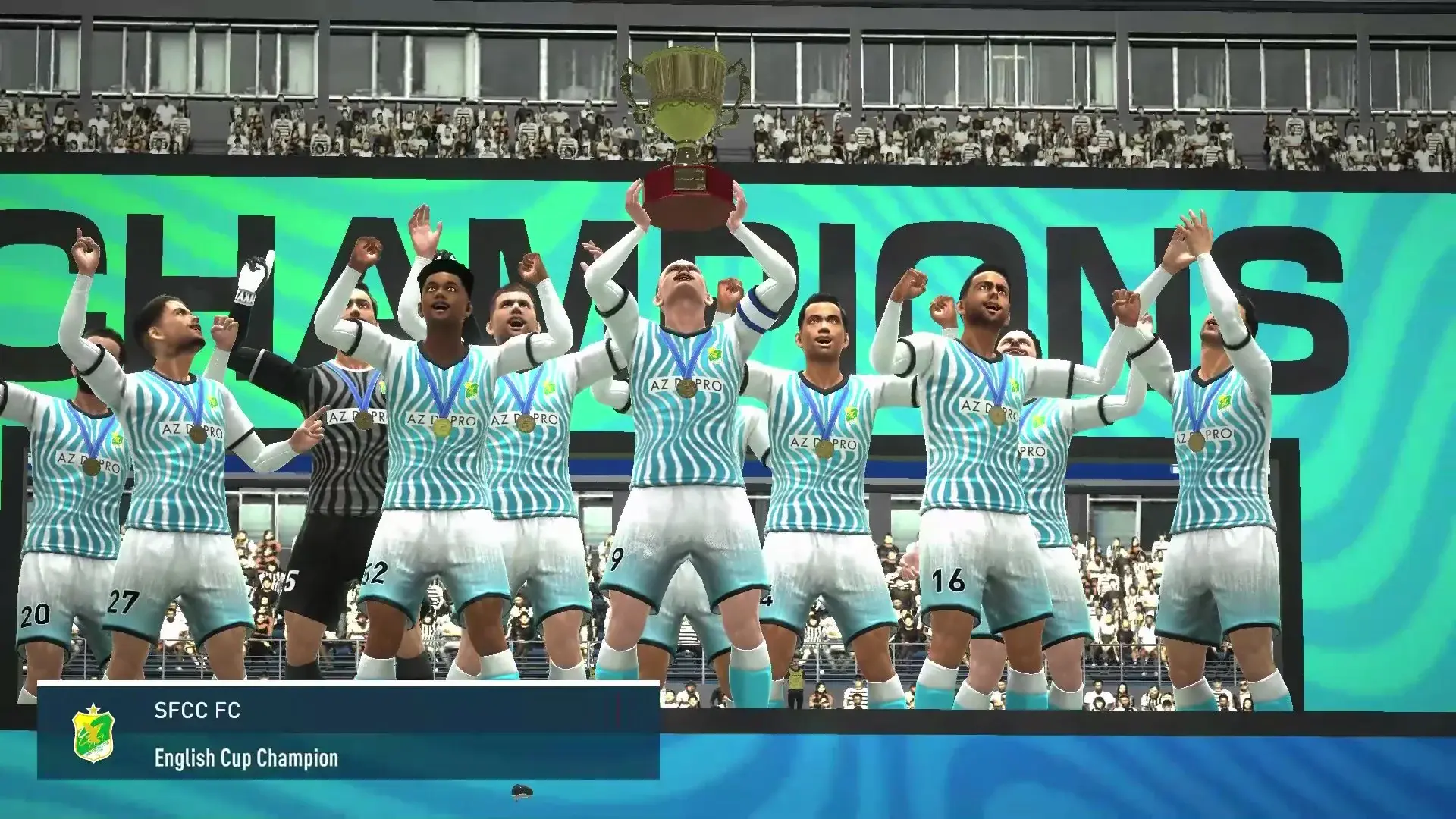

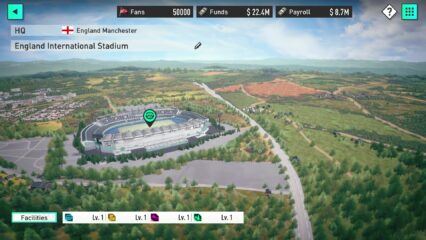
SEGA FOOTBALL CLUB CHAMPIONS is a football management game where you take control of a club and guide it from small beginnings to the top leagues. You act as the manager, making choices about players, training, tactics, and facilities. Every decision matters, whether you are signing a new striker, giving young players a chance, or upgrading your stadium.
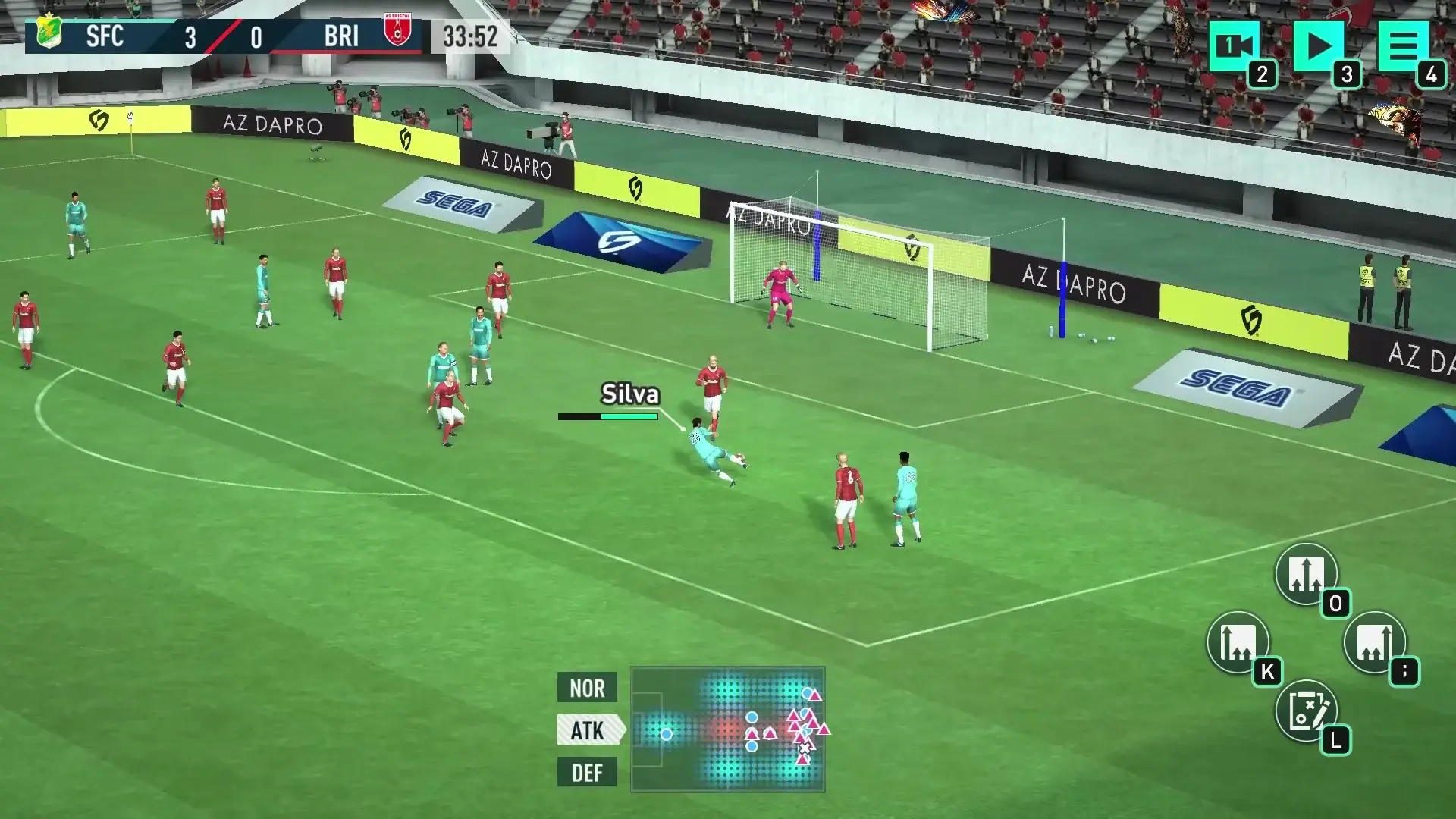
This sports game is based on the well-known SakaTsuku series from Japan and uses official FIFPRO player data. That means real player names, real leagues, and stats that feel familiar if you follow football. You can compete in leagues like the J League and the K League, along with other major competitions, and see how your team stacks up over time.
How to Install SEGA FOOTBALL CLUB CHAMPIONS on PC
- Open the game’s page and press the “Play SEGA FOOTBALL CLUB CHAMPIONS on PC” button.
- Once the download finishes, open the file from your browser’s downloads list.
- Install BlueStacks and start it on your PC or Mac.
- Log in to the Google Play Store, download the game, and jump in.
How to Install SEGA FOOTBALL CLUB CHAMPIONS on Mac with BlueStacks Air
- Download BlueStacks Air: Visit the game’s page and click the “Play SEGA FOOTBALL CLUB CHAMPIONS on Mac” button to get the installer.
- Install BlueStacks Air: Open the BlueStacksInstaller.pkg file and follow the setup steps on screen.
- Launch and Sign In: Open BlueStacks Air from Applications or Launchpad and sign in with your Google account.
- Install SEGA FOOTBALL CLUB CHAMPIONS: Find the game in the Play Store and install it.
- Start Playing: Open the game and begin managing your club.
Have BlueStacks Installed? Jump In Fast
- Head to the game’s page and select the “SEGA FOOTBALL CLUB CHAMPIONS on PC” button.
- Open BlueStacks on your PC or Mac.
- Install the game from the BlueStacks Store or Google Play Store.
- Launch the game and play.
Minimum System Requirements
SEGA FOOTBALL CLUB CHAMPIONS runs smoothly on PC or Mac with modest hardware, which makes it a good option even for shared or low-end systems.
- OS: Windows 7 or newer, macOS 11 (Big Sur) or newer
- Processor: Intel, AMD, or Apple Silicon processor (M1–M4)
- RAM: At least 4GB
- Storage: 10GB of free space
- Permissions: Administrator access on your computer
- Graphic drivers: Updated drivers from Microsoft or your chipset provider
SEGA FOOTBALL CLUB CHAMPIONS is a great pick for players who enjoy planning, strategy, and football knowledge. You can play at your own pace, adjust tactics between matches, and slowly shape your squad into something special. It works well for solo play when you want to relax and think, but it also offers competitive modes if you feel like testing your ideas against others.
Also, using BlueStacks to play SEGA FOOTBALL CLUB CHAMPIONS on PC or Mac makes managing your club more comfortable. A bigger screen helps you see player stats, menus, and formations more clearly. Keyboard and mouse controls also make moving through screens faster, which is helpful during longer sessions. If you want smoother play and more control than a phone screen can offer, playing SEGA FOOTBALL CLUB CHAMPIONS on BlueStacks is a solid choice.