SEGA FOOTBALL CLUB CHAMPIONS

SEGA FOOTBALL CLUB CHAMPIONS

Sports

| SEGA CORPORATION

Play on PC with BlueStacks or from our cloud

Click here to Pre-Register for SEGA FOOTBALL CLUB CHAMPIONS
  • Overview
  • Features
  • How to Play

Page Modified On: January 02, 2026

Play SEGA FOOTBALL CLUB CHAMPIONS on PC or Mac

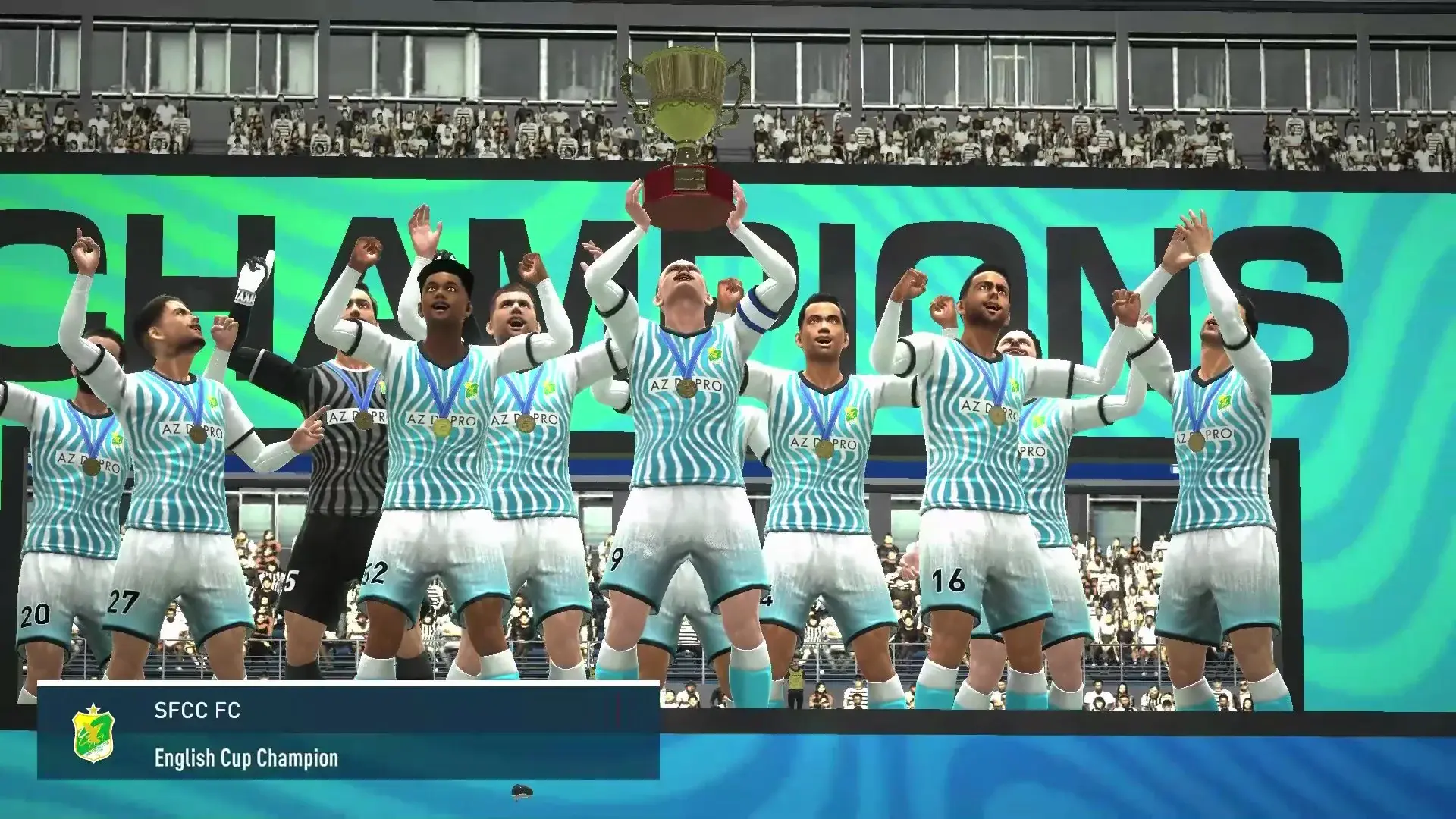
From the innovators and creators at SEGA CORPORATION, SEGA FOOTBALL CLUB CHAMPIONS is another fun addition to the World of Sports games. Go beyond your mobile screen and play it bigger and better on your PC or Mac. An immersive experience awaits you.

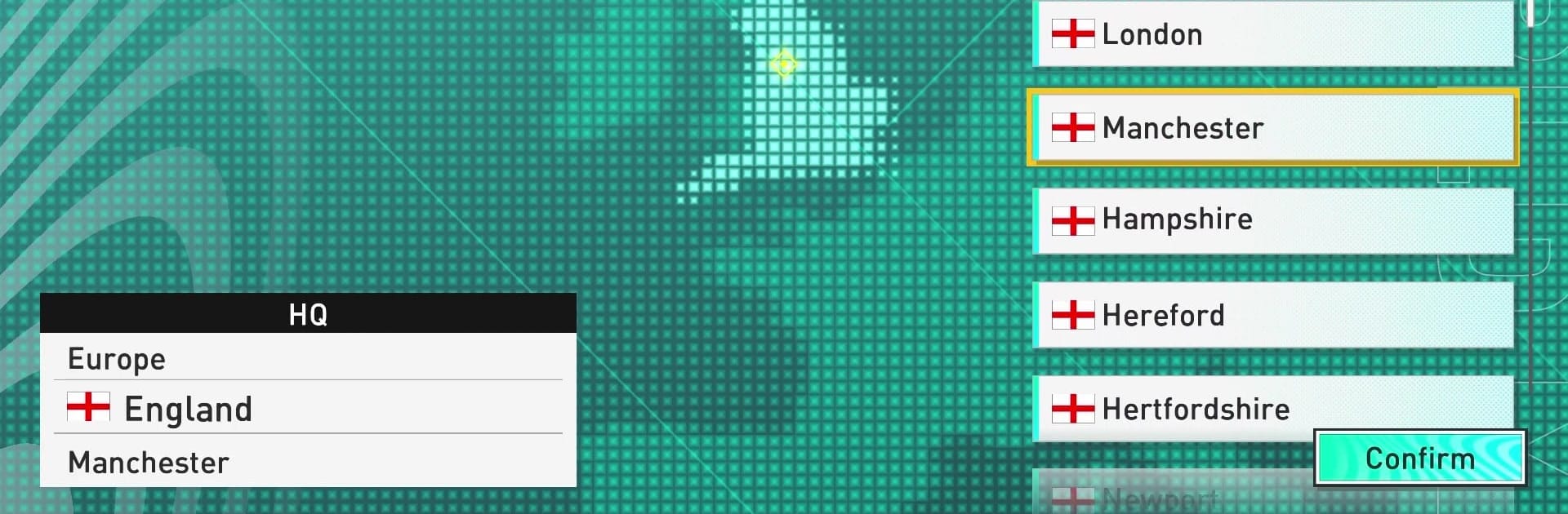
SEGA Football Club Champions feels like a true club boss sim, the kind where players start with a modest side and try to build something serious piece by piece. It pulls from the long-running Japanese SakaTsuku series, and under the hood it uses that Football Manager style brain with FIFPRO licensed data, so the player names and stats actually line up. The loop is all about decisions. Sign or sell, promote a youth prospect or trust a veteran, invest in training facilities or expand the stadium. Formations are flexible, roles matter, and simple tweaks can tilt a match. It has real leagues in the mix, including J League and K League, plus the big European scene, so it scratches that itch to test lineups against different styles.

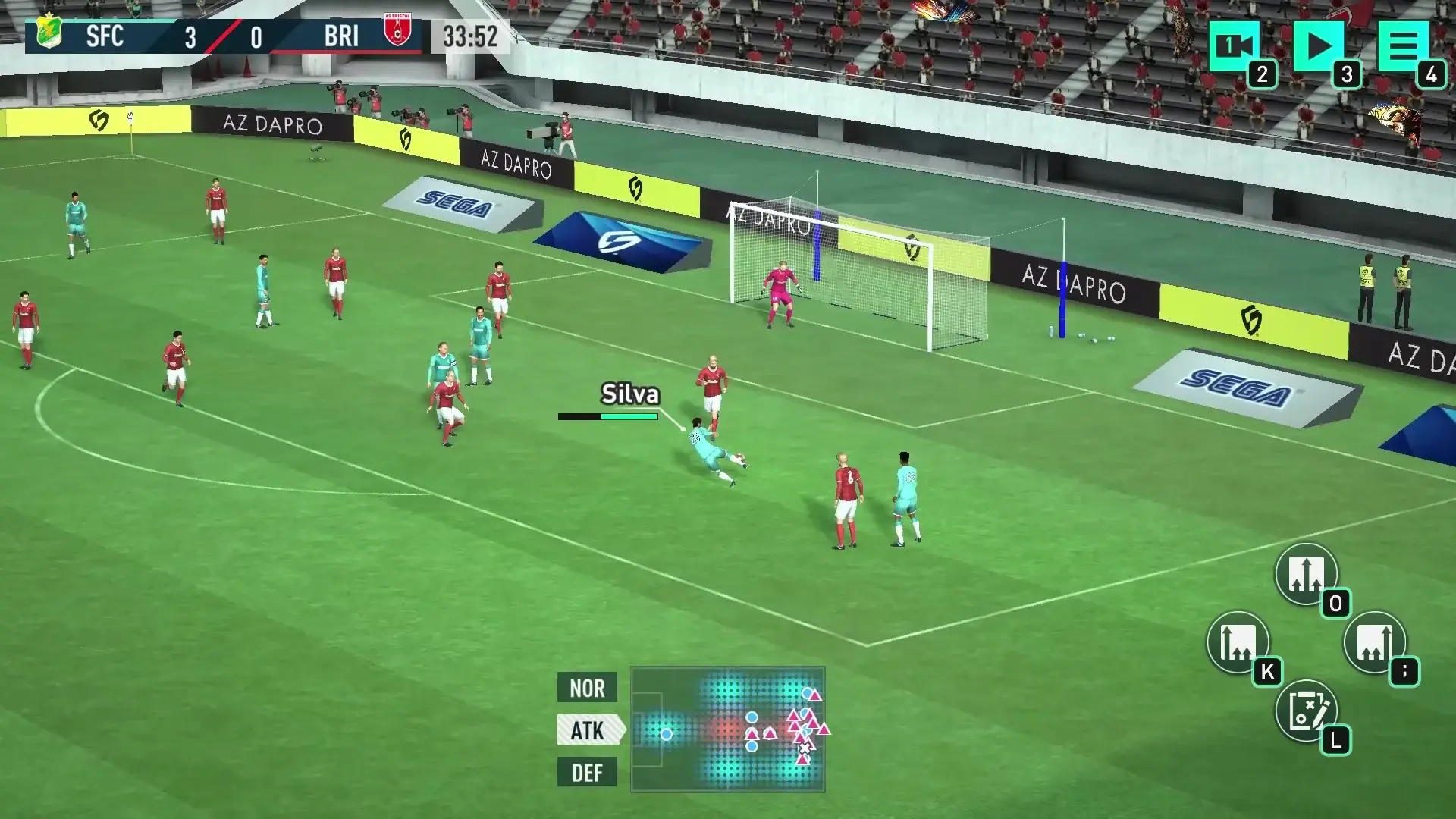
There is a lot to tinker with, maybe too much at first, but it clicks once the squad starts to shape up. Matches turn into that slow-burn stress where every adjustment feels meaningful. Players can chase cups, climb leaderboards, and there is PVP if they want to see how their tactics stack against others. It is free to play with cross-play across mobile, PC, and console, which makes it easy to hop in. On PC with BlueStacks, the bigger screen and mouse make all the menu hopping and drag-and-drop tactics feel smoother, nothing fancy, just straightforward. Football knowledge really pays off here, since spotting bargains in the transfer market and planning training paths is where the game opens up.

Make your gaming sessions memorable with precise controls that give you an edge in close combats and visuals that pop up, bringing every character to life.

Features

  • Macros

    Automate the predictable in SEGA FOOTBALL CLUB CHAMPIONS and transform your gameplay with Macros. Get access to inventive Macros in the BlueStacks Macro Community

  • Multi Instance

    Play SEGA FOOTBALL CLUB CHAMPIONS on one window. And chat with your friend on the other. Press CTRL + Shift + 8 to open the Multi-Instance Manager. And start creating fresh instances or clone an existing one.

  • Multi Instance Sync

    Play SEGA FOOTBALL CLUB CHAMPIONS with the power of Multi-Instance Sync. Replicate what you are doing on the main instance on all other instances. Level up faster, play more.

  • Script

    Script your way to gaming glory in SEGA FOOTBALL CLUB CHAMPIONS with BlueStacks Script. Write and run a set of commands to automate repeated tasks. Trigger the command by assigning it to any key.

How to Download and Play SEGA FOOTBALL CLUB CHAMPIONS on PC or Mac

  • Download and install BlueStacks on your PC or Mac

  • Complete Google sign-in to access the Play Store, or do it later

  • Look for SEGA FOOTBALL CLUB CHAMPIONS in the search bar at the top right corner

  • Click to install SEGA FOOTBALL CLUB CHAMPIONS from the search results

  • Complete Google sign-in (if you skipped step 2) to install SEGA FOOTBALL CLUB CHAMPIONS

  • Click the SEGA FOOTBALL CLUB CHAMPIONS icon on the home screen to start playing

video
Watch Video

Minimum System Requirements

With BlueStacks 5, you can get started on a PC that fulfills the following requirements.

  • Operating System

    Microsoft Windows 7 or above, macOS 11 (Big Sur) or above

  • Processor

    Intel, AMD or Apple Silicon Processor

  • RAM

    at least 4GB

  • HDD

    10GB Free Disk Space

Note:

* You must be an Administrator on your PC. Up to date graphics drivers from Microsoft or the chipset vendor.

Exclusive Gaming Content. And More.

Get the latest updates on the BlueStacks Blog.

See More
SEGA FOOTBALL CLUB CHAMPIONS

Be among the first to play SEGA FOOTBALL CLUB CHAMPIONS on PC

Get notified when the Game launches

SEGA FOOTBALL CLUB CHAMPIONS - FAQs

  • How to play SEGA FOOTBALL CLUB CHAMPIONS on Windows PC & Mac?

    Play SEGA FOOTBALL CLUB CHAMPIONS on your PC or Mac by following these simple steps.

    • Click on 'Play SEGA FOOTBALL CLUB CHAMPIONS on PC’ to download BlueStacks
    • Install it and log-in to Google Play Store
    • Launch and play the game.
  • Why is BlueStacks the fastest and safest platform to play games on PC?

    BlueStacks respects your privacy and is always safe and secure to use. It does not carry any malware, spyware, or any sort of additional software that could harm your PC.

    It is engineered to optimize speed and performance for a seamless gaming experience.

  • What are SEGA FOOTBALL CLUB CHAMPIONS PC requirements?

    Minimum requirement to run SEGA FOOTBALL CLUB CHAMPIONS on your PC

    • OS: Microsoft Windows 7 or above MacOS 11 (Big Sur) or above
    • Processor: Intel, AMD or Apple Silicon Processor
    • RAM: Your PC must have at least 4GB of RAM. (Note that having 4GB or more disk space is not a substitute for RAM)
    • HDD: 10GB Free Disk Space.
    • You must be an Administrator on your PC.