How to Install and Play Stickman GO on PC with BlueStacks


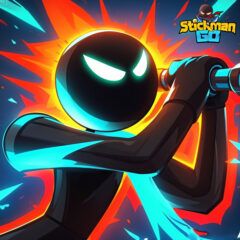
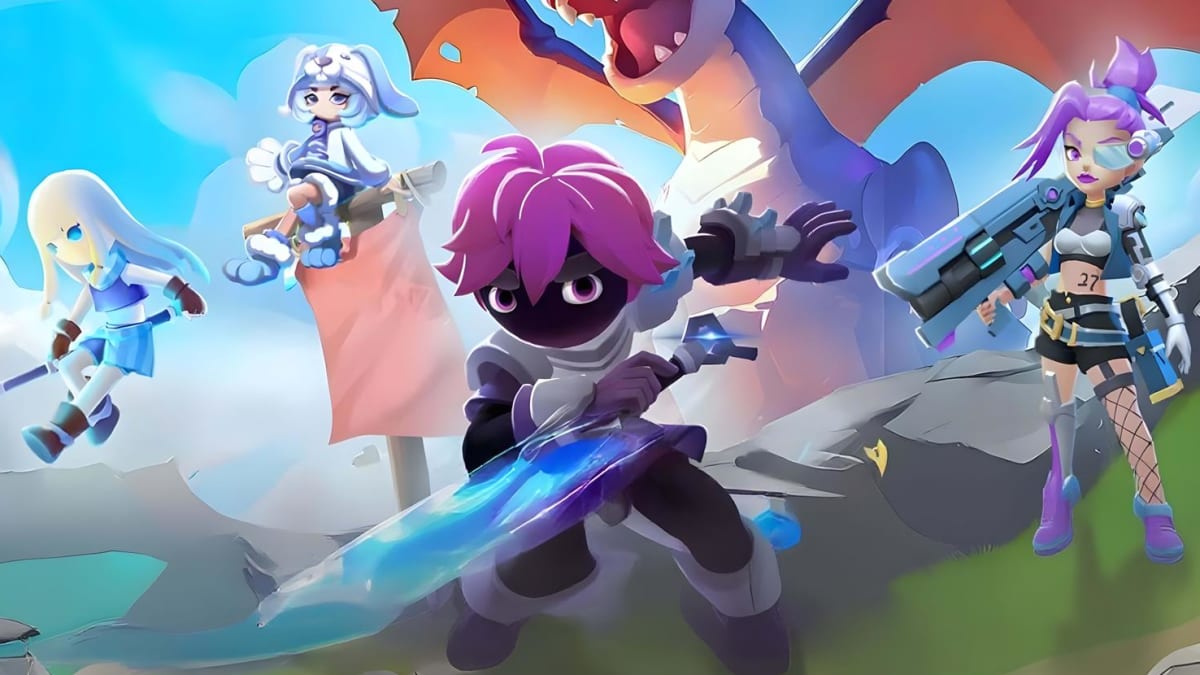
Stickman GO is a fun role-playing game that mixes action, idle play, and team battles in a colorful stickman style. You can pick different classes like Swordsman, Mage, Ranger, or Dancer, and switch things up as you play. The game is easy to start, but there’s a lot to do once you get deeper into it.
As you play, you collect heroes such as Nezha and Sun Wukong and build a team that fits your play style. Battles happen fast, and leveling up feels quick, which makes the game great for short sessions or longer playtime. There are also social features like guilds and World Boss fights, so you can team up with friends instead of playing alone.
How to Install Stickman GO on PC
- Open the game’s page and press the “Play Stickman GO on PC” button.
- Check your browser downloads and open the setup file once it’s ready.
- Install BlueStacks and let it start on your PC or laptop.
- Log in to the Google Play Store, install Stickman GO, and jump into the game.
How to Install Stickman GO on Mac with BlueStacks Air
- Get BlueStacks Air: Visit the game’s page and click the “Play Stickman GO on Mac” button to download the installer.
- Install the App: Double-click the BlueStacksInstaller.pkg file and follow the on-screen steps.
- Open and Sign In: Launch BlueStacks Air from Applications or Launchpad and sign in with your Google account.
- Install the Game: Search for Stickman GO in the Play Store and install it.
- Start Playing: Open the game and begin your adventure.
Already Using BlueStacks? Start Faster
- Visit the game’s page and click the “Stickman GO on PC” button.
- Open BlueStacks on your PC or Mac.
- Download the game from the BlueStacks Store or Google Play Store.
- Launch the game and play right away.
Minimum System Requirements
To run Stickman GO smoothly, your computer should meet these basic needs:
- OS: Windows 7 or newer, macOS 11 (Big Sur) or later
- Processor: Intel, AMD, or Apple Silicon (M1–M4)
- RAM: At least 4GB
- Storage: 10GB of free space
- Permissions: Admin access on your computer
- Graphics: Updated drivers from Microsoft or your chip maker
Stickman GO is a great pick for players who enjoy RPG games without heavy pressure. You can play actively or let the idle system handle progress while you’re away. It’s easy to play after school, late at night, or during breaks, and it works well whether you like solo play or group activities. Friends can team up for raids, bosses, and guild events, which makes the game more fun over time.
Playing Stickman GO on PC or Mac with BlueStacks makes everything feel easier. The bigger screen helps you see battles clearly, and keyboard and mouse controls give you better control than a phone screen. It’s a solid option if you want smoother gameplay and more comfort during longer sessions.