How to Install and Play Trailer Park Boys Match on PC with BlueStacks
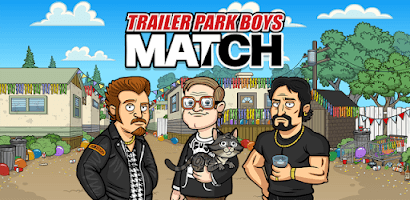

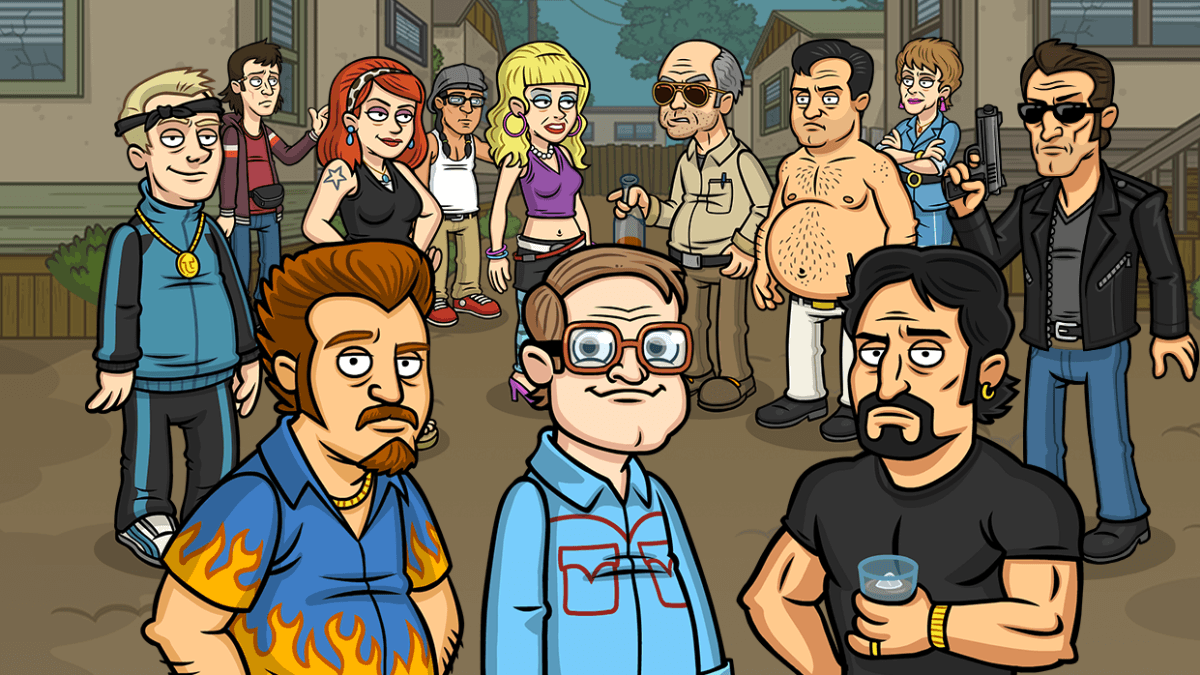
Trailer Park Boys Match is a fun and relaxed match-3 puzzle game based on the popular comedy series. In this game, you match colorful icons to clear levels, unlock characters, and build up your own version of the trailer park. And the best part is there’s no timer pushing you to rush, so you can play at your own pace.
As you move forward, you unlock familiar faces from the show and add them to your growing crew. Each new character brings more chaos and funny moments to the park. But it’s not just about puzzles. You also unlock classic storylines and brand-new tales that feel like bonus episodes.
How to Install Trailer Park Boys Match on PC
- Head over to the game’s page and click on the “Play Trailer Park Boys Match on PC” button.
- Once the download starts, open the installer from your browser’s downloads area.
- Install BlueStacks and wait for it to finish setting up on your PC or Mac.
- Sign in to the Google Play Store, install Trailer Park Boys Match, and start playing.
How to Install Trailer Park Boys Match on Mac with BlueStacks Air
- Download BlueStacks Air: Visit the game’s page and press the “Play Trailer Park Boys Match on Mac” button to get the installer file.
- Install BlueStacks Air: Open the BlueStacksInstaller.pkg file and follow the on-screen steps to complete the setup.
- Launch and Sign In: Open BlueStacks Air from Launchpad or the Applications folder, then log in with your Google account to access the Play Store.
- Install Trailer Park Boys Match: Search for the game in the Play Store and click install.
- Start Playing: Open the game and jump straight into the puzzles.
Already Using BlueStacks? Follow These Steps
- Go to the game’s page and click on the “Trailer Park Boys Match on PC” button.
- Open BlueStacks on your computer.
- Install the game directly from the BlueStacks Store or Google Play Store.
- Launch the game and begin matching tiles.
Minimum System Requirements
BlueStacks runs smoothly on most basic computers, so you don’t need a high-end gaming setup to play:
- OS: Microsoft Windows 7 or higher, macOS 11 (Big Sur) or newer
- Processor: Intel or AMD processor, or Apple Silicon (M1–M4)
- RAM: At least 4GB of RAM
- Storage: 10GB of free disk space
- Permissions: Administrator access on your PC or Mac
- Graphics Drivers: Updated drivers from Microsoft or your hardware provider
Trailer Park Boys Match is great for players who enjoy casual games they can pick up anytime. And since there’s no timer, it’s perfect for relaxing after school or playing during short breaks. You can play alone, compare progress with friends, or just collect as many characters as possible.
Playing Trailer Park Boys Match on PC or Mac with BlueStacks makes everything feel smoother. And using a keyboard and mouse gives you more control when matching tiles. The bigger screen also helps you see the board clearly, especially during harder levels. So if you want better controls, steadier performance, and more comfort while playing, using BlueStacks on PC or Mac is a great choice.