StoneAge Idle Adventure Redeem Codes Free Blue Gems and Rewards (July 2026)

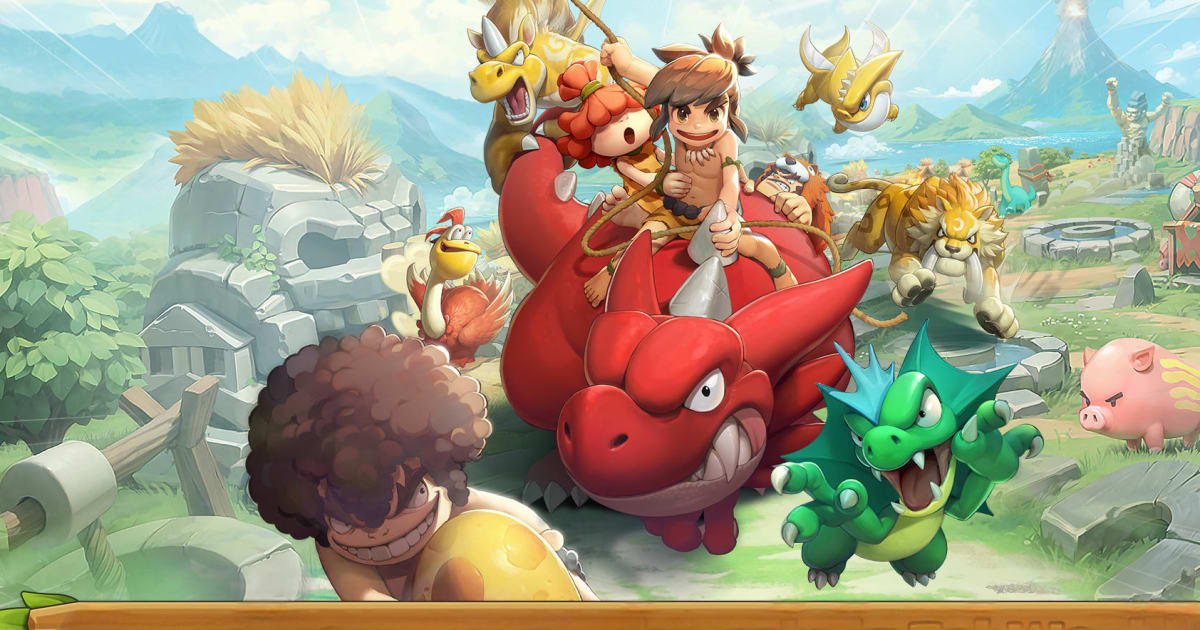
StoneAge: Idle Adventure is a fun idle role-playing game from Netmarble that brings players into a prehistoric world filled with dinosaurs, mammoths, and many other wild creatures. Your goal is to travel across the continent of Tectonika, collect powerful pets, and train them to become stronger allies in battle. The game mixes simple idle progress with strategy, and lets you build teams of trainers and pets while your village grows over time.
One of the coolest parts of the game is the large pet collection system. You can capture many different creatures and add them to your team. Each pet has its own skills, which means your battle strategy can change depending on the pets you choose. You can also join clans, fight other players in PvP battles, and work with teammates to grow stronger together.
Got questions about pets, battles, or strategies in StoneAge: Idle Adventure? Join our Discord channel to chat with other trainers and get help from the community.
Active Redeem Codes in StoneAge: Idle Adventure
Here is the currently available redeem code for StoneAge: Idle Adventure:
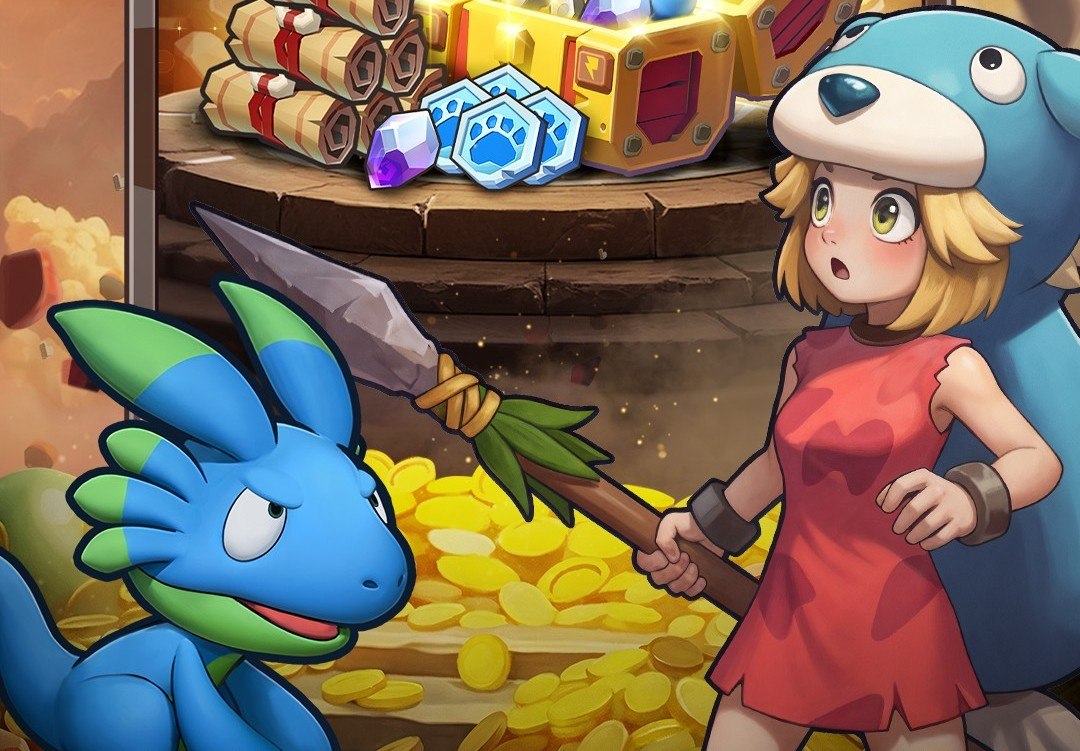
- STONELAUNCH – 1000x Blue Gem
- TIMEWARP – Speed Up Token (valid until April 30, 2026)
- CATCHCATCH – Capture Ticket (valid until April 30, 2026)
- GEMSTONE – Blue Gems (valid until April 30, 2026)
Redeem codes usually stay active for a limited time, so it’s best to use them as soon as possible. Developers typically release new codes during game updates, celebrations, or major milestones.
If new codes appear, we will update this page. Bookmark it and check back from time to time so you don’t miss any rewards.
How to Redeem Codes in StoneAge: Idle Adventure
Using redeem codes in StoneAge: Idle Adventure is simple. Just follow these steps:
- Launch the game on your device.
- Tap your profile icon in the top-left corner of the screen.
- Open the Account section.
- Tap the Redeem Coupon option.
- Enter the code in the text box.
- Tap Use to claim your rewards.
If the code works, the game will send the rewards directly to your account. You should see a message confirming the items you received.
Why Redeem Codes Might Not Work in StoneAge: Idle Adventure
Sometimes, redeem codes may fail even if they look correct. Here are a few common reasons why this might happen:
- The code has expired: Many codes are only active for a short time.
- Typing mistakes: Codes must match the exact spelling and letter case.
- Extra spaces: Copying and pasting codes can sometimes add spaces.
- Usage limits: Some codes stop working after a certain number of players redeem them.
If a code does not work, try typing it again carefully and check if it is still active.
Key Takeaway
StoneAge: Idle Adventure offers a fun mix of pet collecting, strategy, and idle progression. Building your team of trainers and pets while battling across Tectonika makes every session feel rewarding.
Playing StoneAge: Idle Adventure on PC or Mac with BlueStacks can make the experience even better. You get smoother performance, easier controls with keyboard and mouse, and a bigger screen to see every battle clearly. So if you want a more comfortable way to play, then trying StoneAge: Idle Adventure on BlueStacks is a great option.