

Animal Hunt: PvP Clash brings the Action genre to life, and throws up exciting challenges for gamers. Developed by Creative Distrix Studio, this Android game is best experienced on BlueStacks, the World’s #1 app player for PC and Mac users.
About the Game
Animal Hunt: PvP Clash drops you into wild, open habitats where patience and precision matter more than speed. Built by Creative Distrix Studio, this Action game blends calm, careful stalking with quick, high-stakes shots and competitive showdowns. Prefer a bigger screen and steadier aim? It plays great on BlueStacks, too.
Game Features
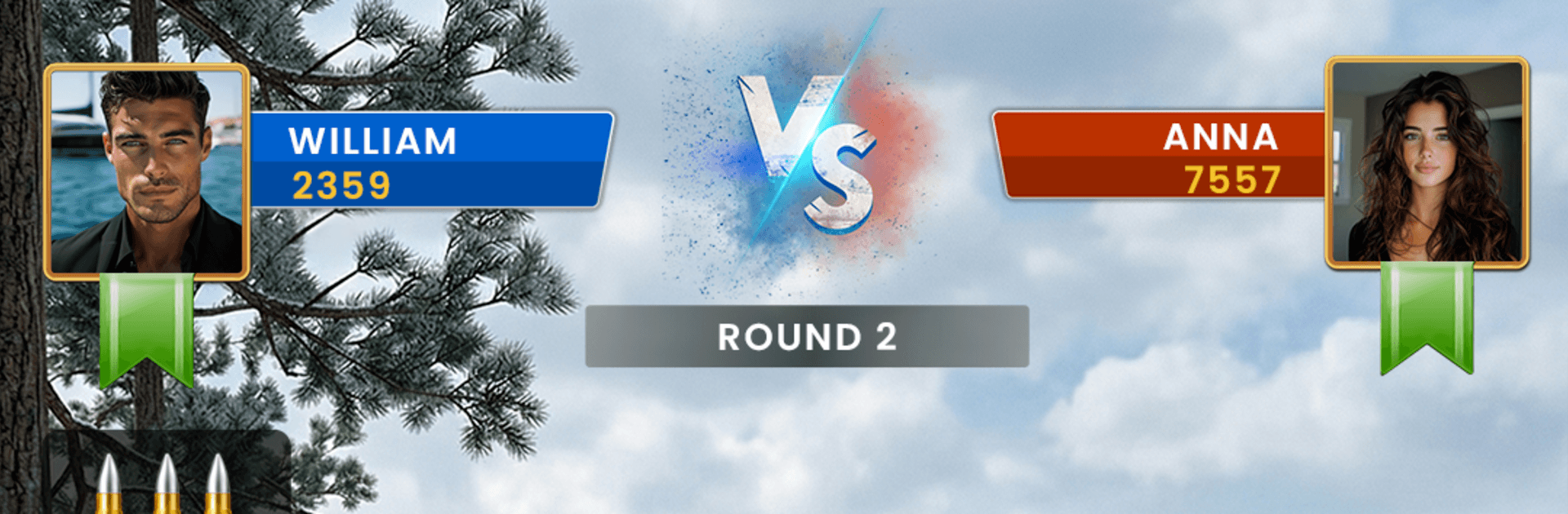
- Competitive PvP Hunts: Go head-to-head with other sharpshooters in tense hunting challenges. Land clean shots, outscore rivals, and climb the leaderboard one perfect hit at a time.
- Offline Missions: No signal? No problem. Tackle solo hunts packed with objectives you can clear at your own pace, anytime.
- Realistic Wildlands: Trek through dense jungle paths and wide-open safari plains. Each location feels alive, with animals on the move and environments that keep you alert.
- Precision Sniper Arsenal: Unlock a lineup of powerful rifles built for distance and accuracy. Pick the right tool for the job and sharpen your long-range game.
- Smooth, Responsive Controls: Aim, steady, and fire with controls that feel natural—whether you’re lining up a slow breath-shot or reacting fast to a sudden runner.
- Detailed 3D Visuals: Crisp models, natural motion, and punchy effects make every encounter feel close and personal.
- Diverse Wildlife: Track graceful deer and stand your ground against dangerous predators. Every species brings a different rhythm to the hunt.
- Progression That Matters: Complete missions, improve your shot consistency, and earn rewards that help you push for higher ranks in PvP.
Make your gaming sessions memorable with precise controls that give you an edge in close combats and visuals that pop up, bringing every character to life.