Arm Gunner 360
Arm Gunner 360

Arm Gunner 360

Action

| FourM Inc.

Play on PC with BlueStacks or from our cloud

  • Overview
  • Game Features
  • How to Play

Page Modified On: July 20, 2026

Play Arm Gunner 360 on PC or Mac

Bring your A-game to Arm Gunner 360, the Action game sensation from FourM Inc.. Give your gameplay the much-needed boost with precise game controls, high FPS graphics, and top-tier features on your PC or Mac with BlueStacks.

About the Game

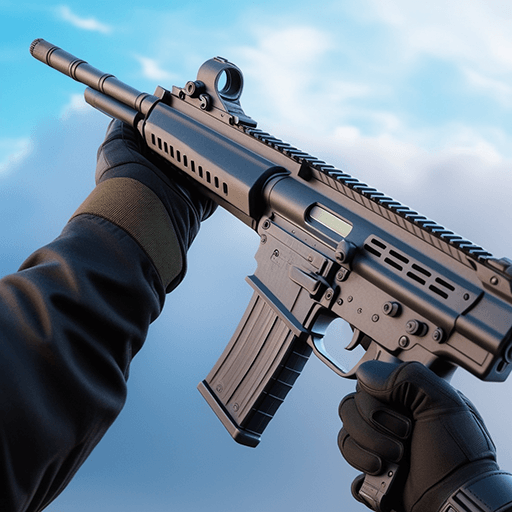
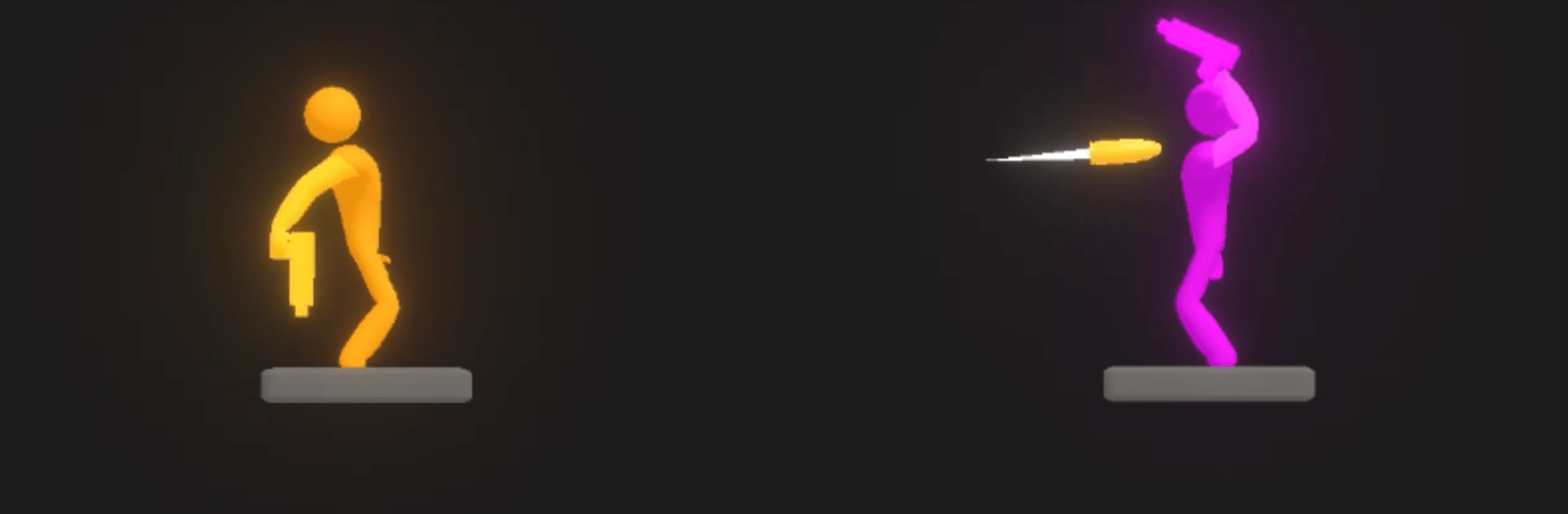
Arm Gunner 360 is a snappy Action title all about timing, angles, and a little bit of glorious chaos. You swing your shooter’s arm in a full circle, catch the right moment, and let a bullet fly. Short stages, goofy physics, and nail-biting duels make every shot feel like a tiny puzzle with a bang.

Game Features

  • Spin-to-Shoot Controls: Wind up the arm, watch the rotation, and release when your aim lines up. Simple to pick up, tricky to master.
  • Physics-Driven Foes: Enemies wobble, tumble, and react in unpredictable, ragdoll-style ways, so no two encounters feel the same.
  • Quickfire Stages: Hop in for super short rounds that are perfect for a minute or two of play—or a whole string of “one more” attempts.
  • High-Stakes Duels: One clean shot can end a fight, but mistiming your release can send your round sailing into nowhere. Pressure makes the win sweeter.
  • 360-Degree Aiming: Read the motion, adjust the angle, and use momentum to thread shots you didn’t think were possible.
  • Learn the Rhythm: Each stage pushes your sense of timing a bit further—tiny tweaks in angle or release time make a huge difference.
  • Plays Great on PC: Prefer a bigger screen and steady clicks? Arm Gunner 360 feels right at home on BlueStacks, with crisp visuals and responsive input.

Start playing Arm Gunner 360 on BlueStacks and get a smoother, more comfortable PC or Mac setup.

Game Features

Enhancements

  • Macros
  • Multi Instance
  • Multi Instance Sync
  • Eco Mode
  • Enhancements
Macros

Macros

Skip the boring parts of a game. Play Arm Gunner 360 with Macros and get the edge. Simply record a sequence of commands and execute them at any moment.
Multi Instance

Multi Instance

Why limit to one game on your phone when you can play many on your PC? Open multiple instances of Arm Gunner 360 at once with Multi-Instance. Leverage the power of different accounts by doing more.
Multi Instance Sync

Multi Instance Sync

Get the best out of Arm Gunner 360 with Multi-Instance Sync. Play the game from different accounts and build your own empire. Use Multi-instance sync to repeat the action in the main BlueStacks instance on all other instances.
Eco Mode

Eco Mode

Find the rarest heroes by making multiple summons in Arm Gunner 360. And while you are at it, reduce your PC’s resource consumption with the Eco Mode. Farm efficiently. Get the best results.
Read More

How to Download and Play Arm Gunner 360 on PC or Mac

  • Download and install BlueStacks on your PC or Mac

  • Complete Google sign-in to access the Play Store, or do it later

  • Look for Arm Gunner 360 in the search bar at the top right corner

  • Click to install Arm Gunner 360 from the search results

  • Complete Google sign-in (if you skipped step 2) to install Arm Gunner 360

  • Click the Arm Gunner 360 icon on the home screen to start playing

video
Watch Video

Minimum System Requirements

With BlueStacks 5, you can get started on a PC that fulfills the following requirements.

  • Operating System

    Microsoft Windows 7 or above, macOS 11 (Big Sur) or above

  • Processor

    Intel, AMD or Apple Silicon Processor

  • RAM

    at least 4GB

  • HDD

    10GB Free Disk Space

Note:

* You must be an Administrator on your PC. Up to date graphics drivers from Microsoft or the chipset vendor.

Arm Gunner 360 - FAQs

  • How to play Arm Gunner 360 on Windows PC & Mac?

    Play Arm Gunner 360 on your PC or Mac by following these simple steps.

    • Click on 'Play Arm Gunner 360 on PC’ to download BlueStacks
    • Install it and log-in to Google Play Store
    • Launch and play the game.
  • Why is BlueStacks the fastest and safest platform to play games on PC?

    BlueStacks respects your privacy and is always safe and secure to use. It does not carry any malware, spyware, or any sort of additional software that could harm your PC.

    It is engineered to optimize speed and performance for a seamless gaming experience.

  • What are Arm Gunner 360 PC requirements?

    Minimum requirement to run Arm Gunner 360 on your PC

    • OS: Microsoft Windows 7 or above MacOS 11 (Big Sur) or above
    • Processor: Intel, AMD or Apple Silicon Processor
    • RAM: Your PC must have at least 4GB of RAM. (Note that having 4GB or more disk space is not a substitute for RAM)
    • HDD: 10GB Free Disk Space.
    • You must be an Administrator on your PC.