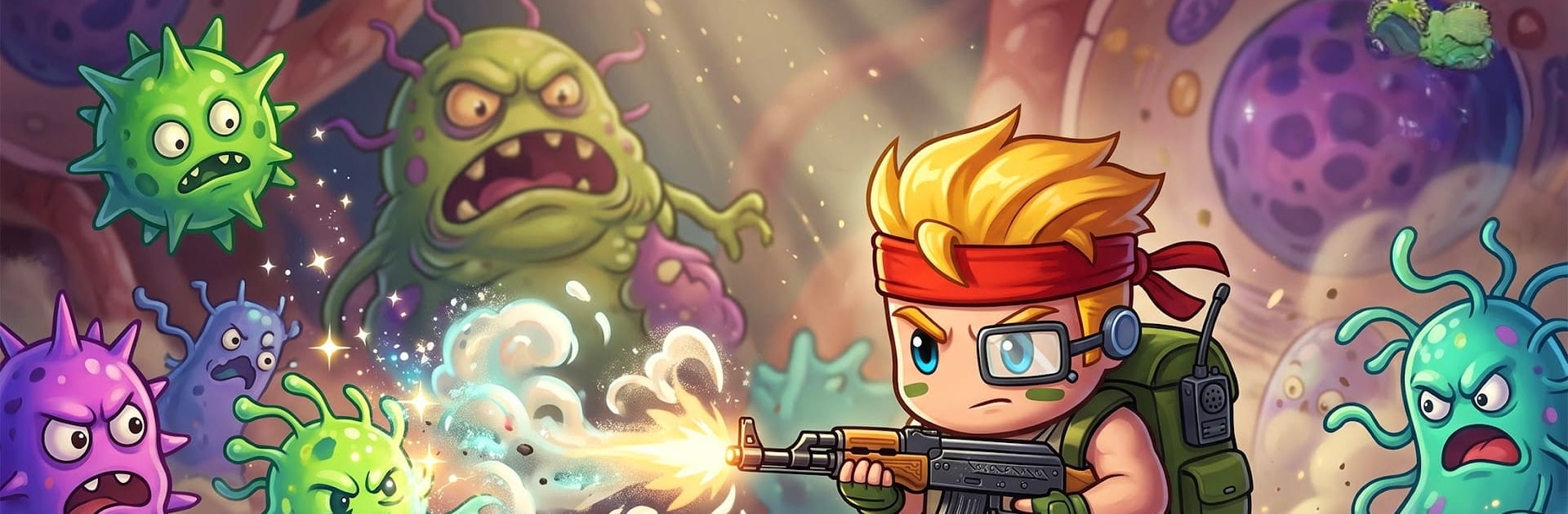


Bring your A-game to Bullet Survivor, the Action game sensation from Game Hollywood Hong Kong Limited. Give your gameplay the much-needed boost with precise game controls, high FPS graphics, and top-tier features on your PC or Mac with BlueStacks.
About the Game
Bullet Survivor is a fast, run-based Action shooter where you’re stuck in a microscopic battlefield and everything wants a piece of you. It mixes quick reflexes with smart planning, so every minute swings between “panic” and “I’ve got this.” Prefer playing on a larger screen? It also works great on BlueStacks.
Game Features
- Segmented boss showdowns: Massive, multi-part virus bosses break apart as you chip them down. Each chunk has its own weak spots and patterns, so you’re always repositioning, adapting, and finding the safest angle to keep the bullets flying.
- Roguelike build crafting: Every run deals you a fresh set of weapons, skills, and perks. Stack wild synergies, experiment with odd combos, and figure out what clicks. Timing your activations and smart positioning add a subtle tower-defense twist.
- Swarms that keep shifting: One moment it’s tiny germ clusters, the next it’s a full-blown outbreak. Maps push you to weave through gaps, prioritize targets, and control space before things snowball.
- Progress that sticks: Grow your hero’s stats, evolve weapons, and unlock talents that reshape how you play. Tweak your loadout, chase new interactions, and watch once-terrifying bosses turn into target practice.
- Easy to pick up, surprisingly deep: Auto-shooting keeps the action smooth, so you can focus on dodging and decision-making. Quick sessions feel satisfying, and longer runs reward smart planning without turning into a grind.
Ready to top the leaderboard? We bet you do. Let precise controls and sharp visuals optimized on BlueStacks lead you to victory.