Call Of Courage : WW2 Shooting

Call Of Courage : WW2 Shooting

Action

| Canadian Rig

Play on PC with BlueStacks or from our cloud

  • Overview
  • Game Features
  • How to Play

Page Modified On: September 02, 2025

Play Call Of Courage : WW2 Shooting on PC or Mac

Explore a whole new adventure with Call Of Courage : WW2 Shooting, a Action game created by Canadian Rig. Experience great gameplay with BlueStacks, the most popular gaming platform to play Android games on your PC or Mac.

About the Game

Call Of Courage : WW2 Shooting throws you into gritty, boots-on-the-ground firefights across World War II. It’s an offline FPS from Canadian Rig that mixes tense missions, chunky WW2 hardware, and a surprising MVP: Max, your combat dog. Expect quick decision-making, clear objectives, and that “one more mission” pull you get from a good Action game. Prefer keyboard and mouse? It feels right at home on BlueStacks.

Game Features

  • Three combat styles: Jump between focused sniper ops, armored tank clashes, and classic soldier missions where you fight side by side with Max.
  • Your dog, your squadmate: Max isn’t just cute—he tracks enemies, creates openings, and helps turn tough encounters your way.
  • Iconic war fronts: Battle across European cities and island strongholds in the Pacific, each with its own pace, cover, and hazards.
  • 50+ hand-crafted missions: Sabotage, defend, rescue, and exfil. Objectives shift often, keeping you on your toes.
  • Built-in map guidance: Clear routes and marked extraction points help you plan the clean getaway—or the loud one.
  • WW2 arsenal: Gear up with rifles, SMGs, shotguns, pistols, grenades, and a trusty bazooka. Pick a loadout that fits the mission.
  • Crisp 3D visuals and sound: Explosions hit hard, gunfire feels weighty, and the atmosphere sells the era.
  • Smooth, simple controls: A clean UI keeps the focus on the fight, not the menus.
  • Offline and lightweight: Plays great without a connection, with low storage needs and battery-friendly performance.

Ready to top the leaderboard? We bet you do. Let precise controls and sharp visuals optimized on BlueStacks lead you to victory.
Game Features

Enhancements

  • Shooting Mode
  • High FPS
  • Script
  • Free Look
  • Enhancements
Shooting Mode

Shooting Mode

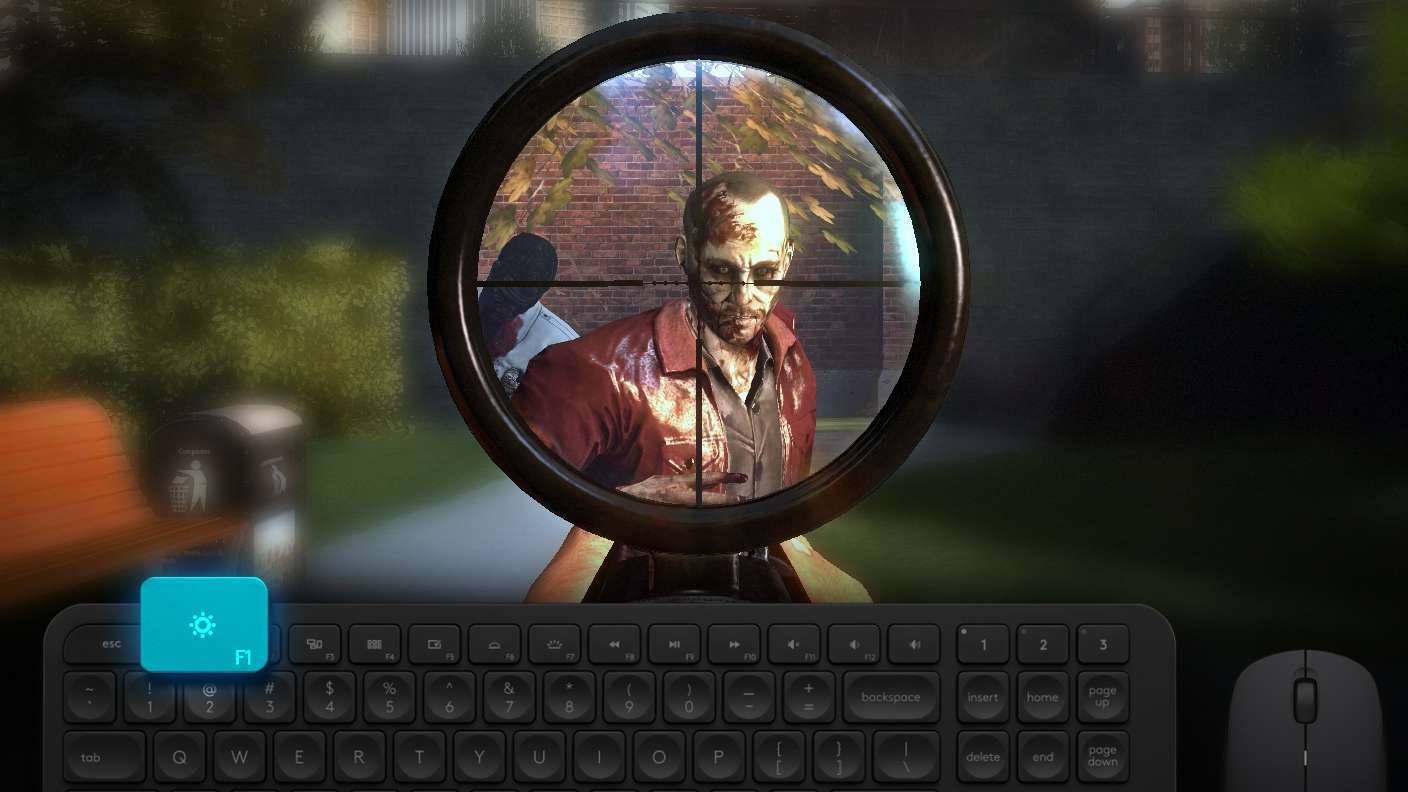
Boom, headshot. With BlueStacks Shooting Mode, experience PC-like gameplay when playing Call Of Courage : WW2 Shooting. Press F1 to aim and shoot with mouse.
High FPS

High FPS

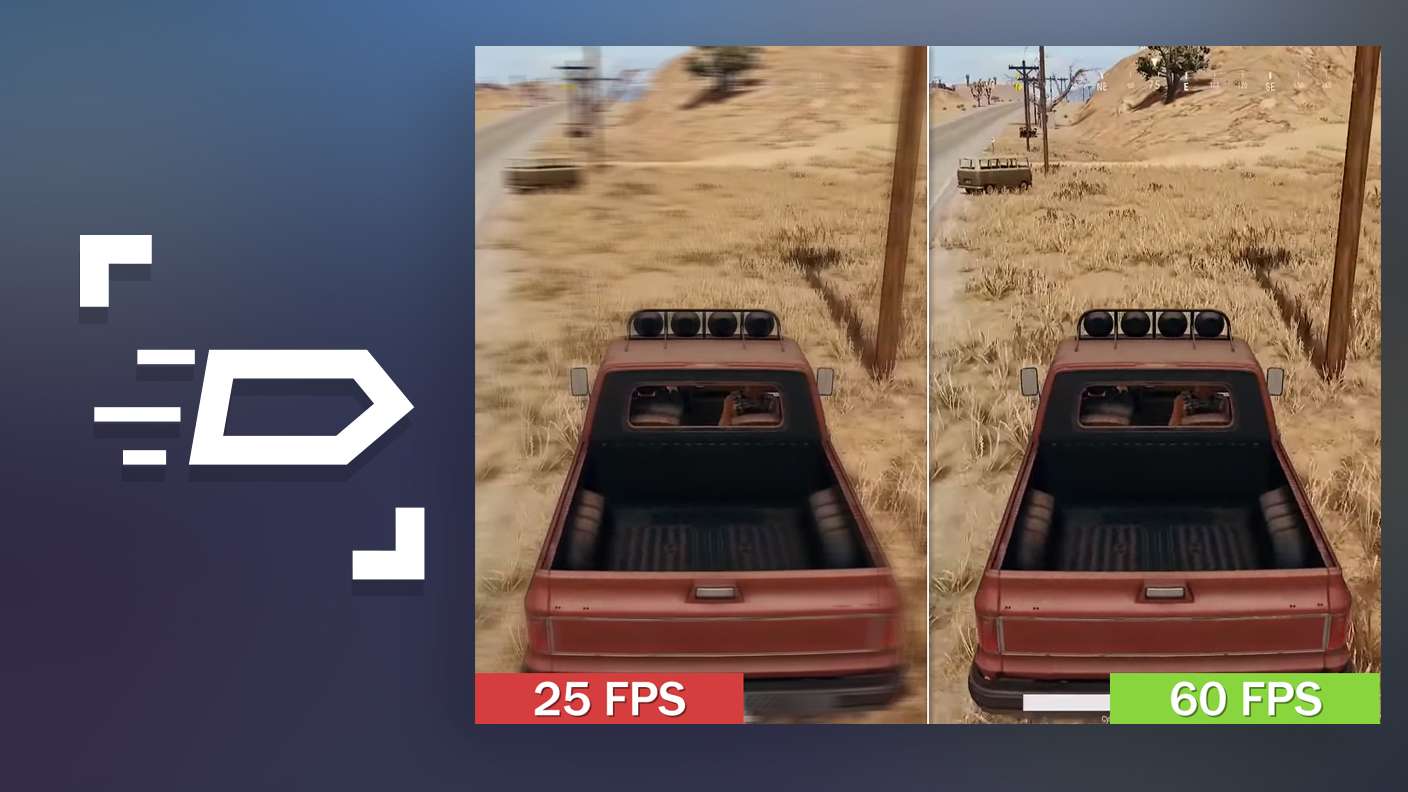
Enable the highest possible frame rate in Call Of Courage : WW2 Shooting for a seamless gaming experience. Get smoother graphics and better reaction time.
Script

Script

Play Call Of Courage : WW2 Shooting with the innovative Script feature. Create and run a script to fully automize a sequence of actions. Assign it a key to execute in one go.
Free Look

Free Look

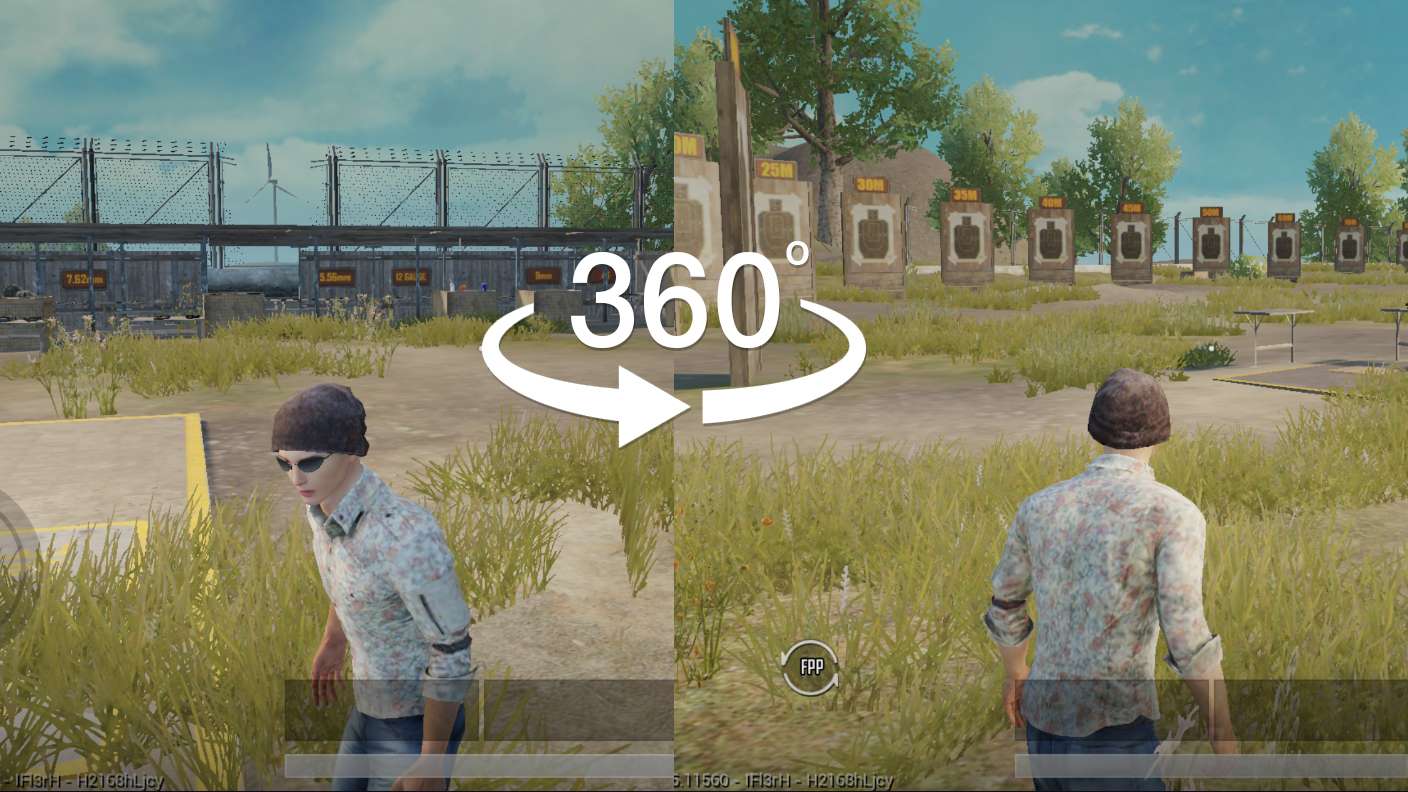
Turn and shoot in milliseconds. With Freelook, BlueStacks has always got your back. Rule Call Of Courage : WW2 Shooting and get more kills.
Read More

How to Download and Play Call Of Courage : WW2 Shooting on PC or Mac

  • Download and install BlueStacks on your PC or Mac

  • Complete Google sign-in to access the Play Store, or do it later

  • Look for Call Of Courage : WW2 Shooting in the search bar at the top right corner

  • Click to install Call Of Courage : WW2 Shooting from the search results

  • Complete Google sign-in (if you skipped step 2) to install Call Of Courage : WW2 Shooting

  • Click the Call Of Courage : WW2 Shooting icon on the home screen to start playing

video
Watch Video

Minimum System Requirements

With BlueStacks 5, you can get started on a PC that fulfills the following requirements.

  • Operating System

    Microsoft Windows 7 or above, macOS 11 (Big Sur) or above

  • Processor

    Intel, AMD or Apple Silicon Processor

  • RAM

    at least 4GB

  • HDD

    10GB Free Disk Space

Note:

* You must be an Administrator on your PC. Up to date graphics drivers from Microsoft or the chipset vendor.

Call Of Courage : WW2 Shooting - FAQs

  • How to play Call Of Courage : WW2 Shooting on Windows PC & Mac?

    Play Call Of Courage : WW2 Shooting on your PC or Mac by following these simple steps.

    • Click on 'Play Call Of Courage : WW2 Shooting on PC’ to download BlueStacks
    • Install it and log-in to Google Play Store
    • Launch and play the game.
  • Why is BlueStacks the fastest and safest platform to play games on PC?

    BlueStacks respects your privacy and is always safe and secure to use. It does not carry any malware, spyware, or any sort of additional software that could harm your PC.

    It is engineered to optimize speed and performance for a seamless gaming experience.

  • What are Call Of Courage : WW2 Shooting PC requirements?

    Minimum requirement to run Call Of Courage : WW2 Shooting on your PC

    • OS: Microsoft Windows 7 or above MacOS 11 (Big Sur) or above
    • Processor: Intel, AMD or Apple Silicon Processor
    • RAM: Your PC must have at least 4GB of RAM. (Note that having 4GB or more disk space is not a substitute for RAM)
    • HDD: 10GB Free Disk Space.
    • You must be an Administrator on your PC.