Collision Race
Collision Race

Collision Race

Action

| StarSoft Game

Play on PC with BlueStacks or from our cloud

  • Overview
  • Game Features
  • How to Play

Page Modified On: July 08, 2025

Play Collision Race on PC or Mac

Collision Race brings the Action genre to life, and throws up exciting challenges for gamers. Developed by StarSoft Game, this Android game is best experienced on BlueStacks, the World’s #1 app player for PC and Mac users.

About the Game

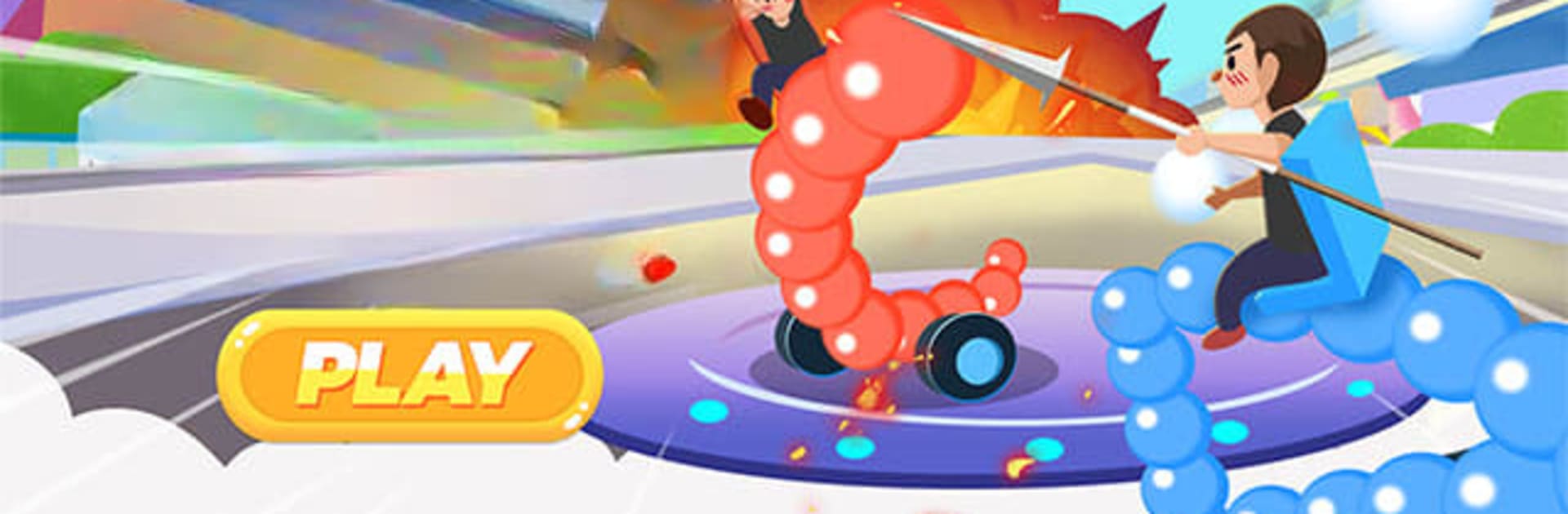
Buckle up, because Collision Race puts you in the driver’s seat of mayhem—literally. This isn’t your typical action racing game; here, not only do you race, but crashing is all part of the plan. Build your own wild car, outsmart and out-crash enemies, and come out on top. Whether you’re in it for pure chaos, strategy, or just to show off your wildest car creations, Collision Race by StarSoft Game is packed with adrenaline and surprises at every curve.

Game Features

  • Draw-Your-Own Car
  • Ever wanted to see your doodles hit top speed? Design your own racecar just by drawing it out—make it as sleek or as crazy as you want. Toss in custom colors, wild decals, and whatever accessories fit your mood.

  • Epic Collisions

  • This isn’t a place for careful drivers. Smash into rivals, send cars spinning, and time those crashes just right to take the lead. The track is a playground for chaos.

  • Power-Ups & Weapons

  • Rockets, oil slicks, turbo boosts—you’ll find them scattered all over the circuit. Collect them mid-race and use them to mess with your opponents or give your own car a burst of speed.

  • Diverse Race Modes

  • Mix things up with different ways to play. Sprint Races are all about breakneck speed. Demolition Derby? It’s survival of the messiest. Capture the Flag brings in a whole new level of pandemonium.

  • Wild Tracks

  • From city highways and dusty deserts to icy, treacherous slopes, every track throws curveballs your way with tight corners, ramps, and hazards that keep you on your toes.

  • Global Leaderboards & Tournaments

  • Feeling competitive? Rise up the ranks against friends and racers from around the world. Keep an eye out for weekly tournaments—there are always fresh challenges and cool rewards waiting.

You can sketch your car and race from your phone, or get the most out of all the action by checking it out on BlueStacks. Just don’t expect your carefully drawn car to survive without a few dents.

Start your journey now. Download the game on BlueStacks, invite your friends, and march on a new adventure.


Game Features

Enhancements

  • Macros
  • Multi Instance
  • Multi Instance Sync
  • Eco Mode
  • Enhancements
Macros

Macros

Skip the boring parts of a game. Play Collision Race with Macros and get the edge. Simply record a sequence of commands and execute them at any moment.
Multi Instance

Multi Instance

Why limit to one game on your phone when you can play many on your PC? Open multiple instances of Collision Race at once with Multi-Instance. Leverage the power of different accounts by doing more.
Multi Instance Sync

Multi Instance Sync

Get the best out of Collision Race with Multi-Instance Sync. Play the game from different accounts and build your own empire. Use Multi-instance sync to repeat the action in the main BlueStacks instance on all other instances.
Eco Mode

Eco Mode

Find the rarest heroes by making multiple summons in Collision Race. And while you are at it, reduce your PC’s resource consumption with the Eco Mode. Farm efficiently. Get the best results.
Read More

How to Download and Play Collision Race on PC or Mac

  • Download and install BlueStacks on your PC or Mac

  • Complete Google sign-in to access the Play Store, or do it later

  • Look for Collision Race in the search bar at the top right corner

  • Click to install Collision Race from the search results

  • Complete Google sign-in (if you skipped step 2) to install Collision Race

  • Click the Collision Race icon on the home screen to start playing

video
Watch Video

Minimum System Requirements

With BlueStacks 5, you can get started on a PC that fulfills the following requirements.

  • Operating System

    Microsoft Windows 7 or above, macOS 11 (Big Sur) or above

  • Processor

    Intel, AMD or Apple Silicon Processor

  • RAM

    at least 4GB

  • HDD

    10GB Free Disk Space

Note:

* You must be an Administrator on your PC. Up to date graphics drivers from Microsoft or the chipset vendor.

Collision Race - FAQs

  • How to play Collision Race on Windows PC & Mac?

    Play Collision Race on your PC or Mac by following these simple steps.

    • Click on 'Play Collision Race on PC’ to download BlueStacks
    • Install it and log-in to Google Play Store
    • Launch and play the game.
  • Why is BlueStacks the fastest and safest platform to play games on PC?

    BlueStacks respects your privacy and is always safe and secure to use. It does not carry any malware, spyware, or any sort of additional software that could harm your PC.

    It is engineered to optimize speed and performance for a seamless gaming experience.

  • What are Collision Race PC requirements?

    Minimum requirement to run Collision Race on your PC

    • OS: Microsoft Windows 7 or above MacOS 11 (Big Sur) or above
    • Processor: Intel, AMD or Apple Silicon Processor
    • RAM: Your PC must have at least 4GB of RAM. (Note that having 4GB or more disk space is not a substitute for RAM)
    • HDD: 10GB Free Disk Space.
    • You must be an Administrator on your PC.