Crossy Road
Crossy Road

Crossy Road

Action

| HIPSTER WHALE

Play on PC with BlueStacks or from our cloud

  • Overview
  • Tips & Tricks
  • Game Features
  • How to Play

Page Modified On: November 27, 2026

Play Crossy Road on PC or Mac

Crossy Road is an Action game developed by HIPSTER WHALE. BlueStacks app player is the best platform to play this Android game on your PC or Mac for an enjoyable gaming experience.

About the Game

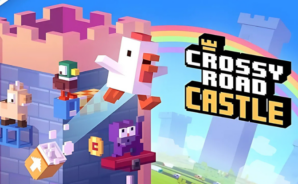
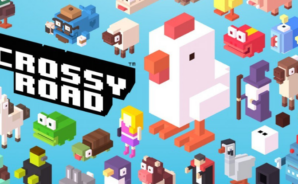
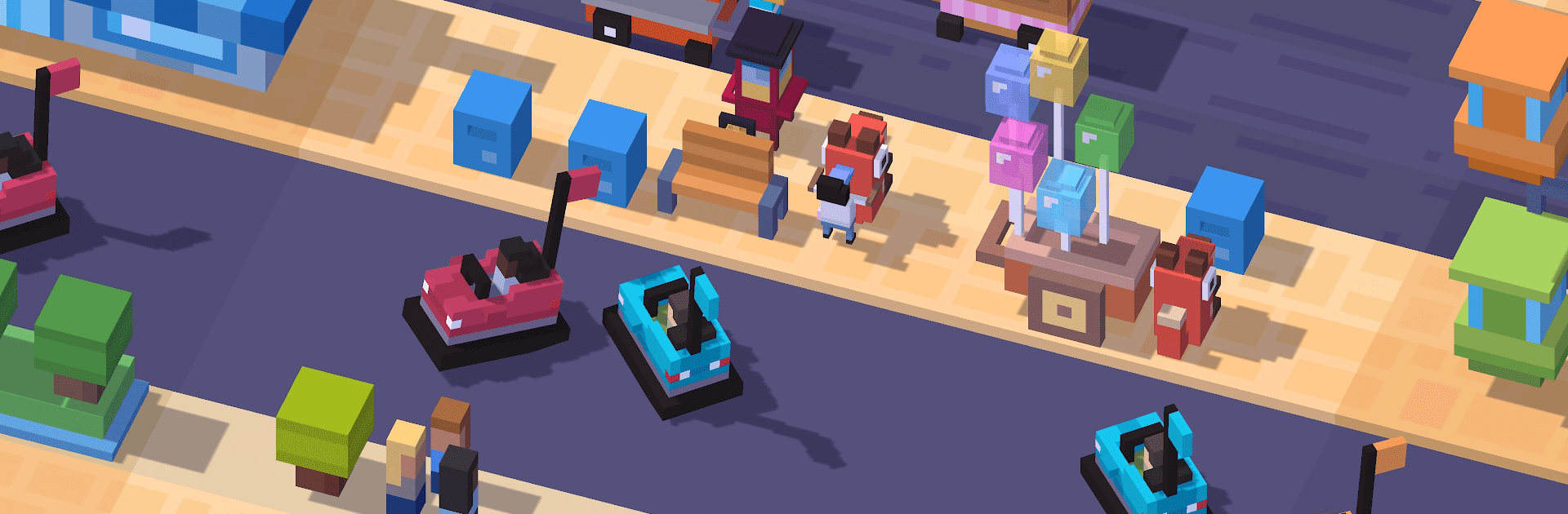
Crossy Road is an endless arcade game where you guide different characters across busy roads, railway tracks, rivers, and other dangerous environments. Dodge moving vehicles, avoid trains, and hop across obstacles while trying to travel as far as possible. Enjoy offline gameplay without an internet connection. The game is free to play and also offers daily quests and additional challenges.

Game Features

  • 300+ Collectible Characters: Unlock and collect more than 300 characters, each featuring the game’s distinctive retro-inspired design.
  • 28+ Discoverable Worlds: Explore more than 28 different worlds, each with unique environments and arcade challenges. Travel through oceans, savannahs, space, and other settings.
  • Daily Challenges and Leaderboards: Complete daily challenges, compete with players worldwide, and climb the leaderboards to earn gifts and unlock rare characters.
  • Character Stats Cards: Collect special holographic cards for your characters and use them to track your gameplay statistics.
  • Special Events: Participate in limited-time events and celebrate special occasions with exclusive challenges and free character rewards.
  • Same-Device Multiplayer: Challenge friends and family in multiplayer mode on the same device and see who can achieve the highest score.

How to Play?

Download Crossy Road from the Google Play Store using the BlueStacks app player.
Game Features

Enhancements

  • Macros
  • Multi Instance
  • Multi Instance Sync
  • Eco Mode
  • Enhancements
Macros

Macros

Skip the boring parts of a game. Play Crossy Road with Macros and get the edge. Simply record a sequence of commands and execute them at any moment.
Multi Instance

Multi Instance

Why limit to one game on your phone when you can play many on your PC? Open multiple instances of Crossy Road at once with Multi-Instance. Leverage the power of different accounts by doing more.
Multi Instance Sync

Multi Instance Sync

Get the best out of Crossy Road with Multi-Instance Sync. Play the game from different accounts and build your own empire. Use Multi-instance sync to repeat the action in the main BlueStacks instance on all other instances.
Eco Mode

Eco Mode

Find the rarest heroes by making multiple summons in Crossy Road. And while you are at it, reduce your PC’s resource consumption with the Eco Mode. Farm efficiently. Get the best results.
Read More

How to Download and Play Crossy Road on PC or Mac

  • Download and install BlueStacks on your PC or Mac

  • Complete Google sign-in to access the Play Store, or do it later

  • Look for Crossy Road in the search bar at the top right corner

  • Click to install Crossy Road from the search results

  • Complete Google sign-in (if you skipped step 2) to install Crossy Road

  • Click the Crossy Road icon on the home screen to start playing

video
Watch Video

Minimum System Requirements

With BlueStacks 5, you can get started on a PC that fulfills the following requirements.

  • Operating System

    Microsoft Windows 7 or above, macOS 11 (Big Sur) or above

  • Processor

    Intel, AMD or Apple Silicon Processor

  • RAM

    at least 4GB

  • HDD

    10GB Free Disk Space

Note:

* You must be an Administrator on your PC. Up to date graphics drivers from Microsoft or the chipset vendor.

Crossy Road - FAQs

  • How to play Crossy Road on Windows PC & Mac?

    Play Crossy Road on your PC or Mac by following these simple steps.

    • Click on 'Play Crossy Road on PC’ to download BlueStacks
    • Install it and log-in to Google Play Store
    • Launch and play the game.
  • Why is BlueStacks the fastest and safest platform to play games on PC?

    BlueStacks respects your privacy and is always safe and secure to use. It does not carry any malware, spyware, or any sort of additional software that could harm your PC.

    It is engineered to optimize speed and performance for a seamless gaming experience.

  • What are Crossy Road PC requirements?

    Minimum requirement to run Crossy Road on your PC

    • OS: Microsoft Windows 7 or above MacOS 11 (Big Sur) or above
    • Processor: Intel, AMD or Apple Silicon Processor
    • RAM: Your PC must have at least 4GB of RAM. (Note that having 4GB or more disk space is not a substitute for RAM)
    • HDD: 10GB Free Disk Space.
    • You must be an Administrator on your PC.