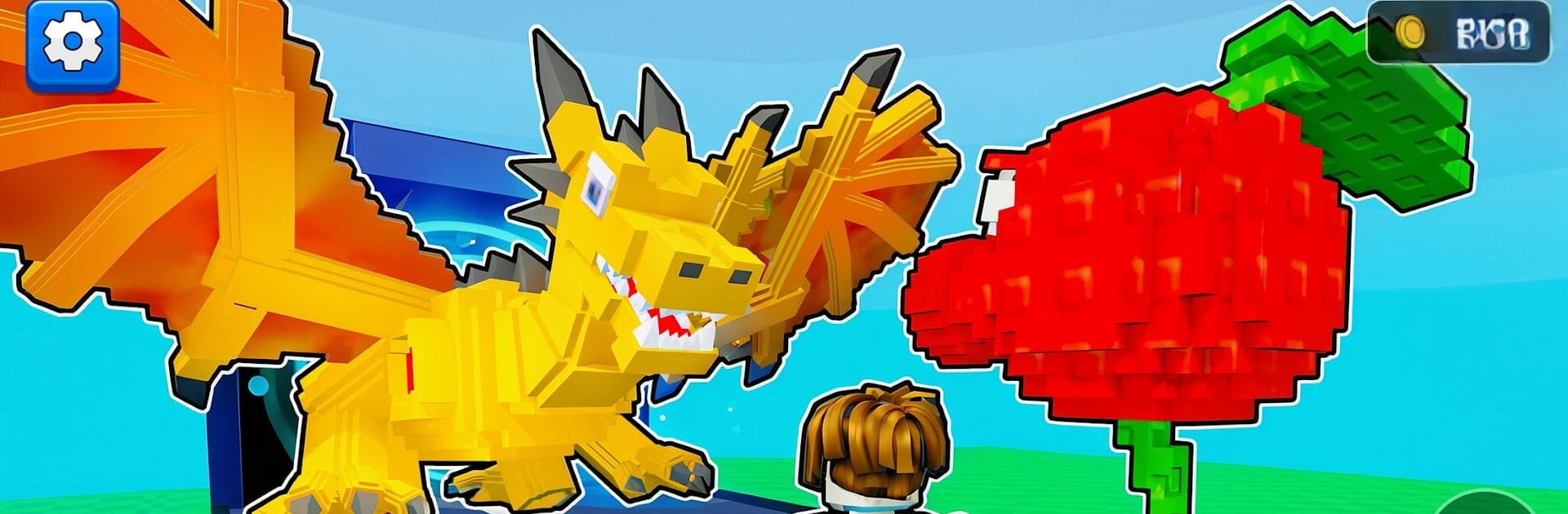
Epic Brainrots Vs Plants

Epic Brainrots Vs Plants

Action

| Wondrous Games

Play on PC with BlueStacks or from our cloud

  • Overview
  • Game Features
  • How to Play

Page Modified On: November 20, 2025

Play Epic Brainrots Vs Plants on PC or Mac

Bring your A-game to Epic Brainrots Vs Plants, the Action game sensation from Wondrous Games. Give your gameplay the much-needed boost with precise game controls, high FPS graphics, and top-tier features on your PC or Mac with BlueStacks.

About the Game

Epic Brainrots Vs Plants throws you into a ridiculous garden showdown where cute-looking plants get surprisingly rowdy. It’s an Action game by Wondrous Games that mixes hands-off auto battles with quick, satisfying choices about where to place, upgrade, and evolve your crew. Prefer a bigger screen and mouse clicks? It runs smoothly on BlueStacks, too.

Game Features

  • Chaotic Garden Defense: Set up lanes, drop your best buds into the fight, and watch them shred waves of goofy Brainrots while you handle the smarts behind the scenes.

  • Auto Battles, Smart Calls: Your plants handle the clobbering; you focus on picking lineups, timing upgrades, and turning tight moments into clean wins.

  • Build a Wild Base: Enemies keep coming, you keep cashing in. Convert gold and collected brainrots into stronger plants, faster income, and new tricks for your garden.

  • Eccentric Plant Roster: Speedy shooters, boom-happy bombers, tanky weirdos—every plant fights differently and has its own personality.

  • Mix-and-Match Strategy: Blend calm stabilizers with pure-chaos attackers to create combos that melt waves and keep the garden intact.

  • Hidden Powers to Uncover: Hunt down rare plants and secret boosts that flip the board and open new strategies mid-run.

  • Meme-Fueled Worlds: Play through cheeky stages packed with offbeat animations, silly effects, and moments that feel like inside jokes.

  • Go Rare, Go Big: The rarer the plant, the louder the spectacle—and the sweeter the rewards when it all pops off.

Start your journey now. Download the game on BlueStacks, invite your friends, and march on a new adventure.


Game Features

Enhancements

  • Macros
  • Multi Instance
  • Multi Instance Sync
  • Eco Mode
  • Enhancements
Macros

Macros

Skip the boring parts of a game. Play Epic Brainrots Vs Plants with Macros and get the edge. Simply record a sequence of commands and execute them at any moment.
Multi Instance

Multi Instance

Why limit to one game on your phone when you can play many on your PC? Open multiple instances of Epic Brainrots Vs Plants at once with Multi-Instance. Leverage the power of different accounts by doing more.
Multi Instance Sync

Multi Instance Sync

Get the best out of Epic Brainrots Vs Plants with Multi-Instance Sync. Play the game from different accounts and build your own empire. Use Multi-instance sync to repeat the action in the main BlueStacks instance on all other instances.
Eco Mode

Eco Mode

Find the rarest heroes by making multiple summons in Epic Brainrots Vs Plants. And while you are at it, reduce your PC’s resource consumption with the Eco Mode. Farm efficiently. Get the best results.
Read More

How to Download and Play Epic Brainrots Vs Plants on PC or Mac

  • Download and install BlueStacks on your PC or Mac

  • Complete Google sign-in to access the Play Store, or do it later

  • Look for Epic Brainrots Vs Plants in the search bar at the top right corner

  • Click to install Epic Brainrots Vs Plants from the search results

  • Complete Google sign-in (if you skipped step 2) to install Epic Brainrots Vs Plants

  • Click the Epic Brainrots Vs Plants icon on the home screen to start playing

video
Watch Video

Minimum System Requirements

With BlueStacks 5, you can get started on a PC that fulfills the following requirements.

  • Operating System

    Microsoft Windows 7 or above, macOS 11 (Big Sur) or above

  • Processor

    Intel, AMD or Apple Silicon Processor

  • RAM

    at least 4GB

  • HDD

    10GB Free Disk Space

Note:

* You must be an Administrator on your PC. Up to date graphics drivers from Microsoft or the chipset vendor.

Epic Brainrots Vs Plants - FAQs

  • How to play Epic Brainrots Vs Plants on Windows PC & Mac?

    Play Epic Brainrots Vs Plants on your PC or Mac by following these simple steps.

    • Click on 'Play Epic Brainrots Vs Plants on PC’ to download BlueStacks
    • Install it and log-in to Google Play Store
    • Launch and play the game.
  • Why is BlueStacks the fastest and safest platform to play games on PC?

    BlueStacks respects your privacy and is always safe and secure to use. It does not carry any malware, spyware, or any sort of additional software that could harm your PC.

    It is engineered to optimize speed and performance for a seamless gaming experience.

  • What are Epic Brainrots Vs Plants PC requirements?

    Minimum requirement to run Epic Brainrots Vs Plants on your PC

    • OS: Microsoft Windows 7 or above MacOS 11 (Big Sur) or above
    • Processor: Intel, AMD or Apple Silicon Processor
    • RAM: Your PC must have at least 4GB of RAM. (Note that having 4GB or more disk space is not a substitute for RAM)
    • HDD: 10GB Free Disk Space.
    • You must be an Administrator on your PC.