Gun War: 3D Shooting Games

Gun War: 3D Shooting Games

Action

| VNGGames Studios

Play on PC with BlueStacks or from our cloud

  • Overview
  • Game Features
  • How to Play

Page Modified On: August 20, 2026

Play Gun War: 3D Shooting Games on PC or Mac

Explore a whole new adventure with Gun War: 3D Shooting Games, a Action game created by VNGGames Studios. Experience great gameplay with BlueStacks, the most popular gaming platform to play Android games on your PC or Mac.

About the Game

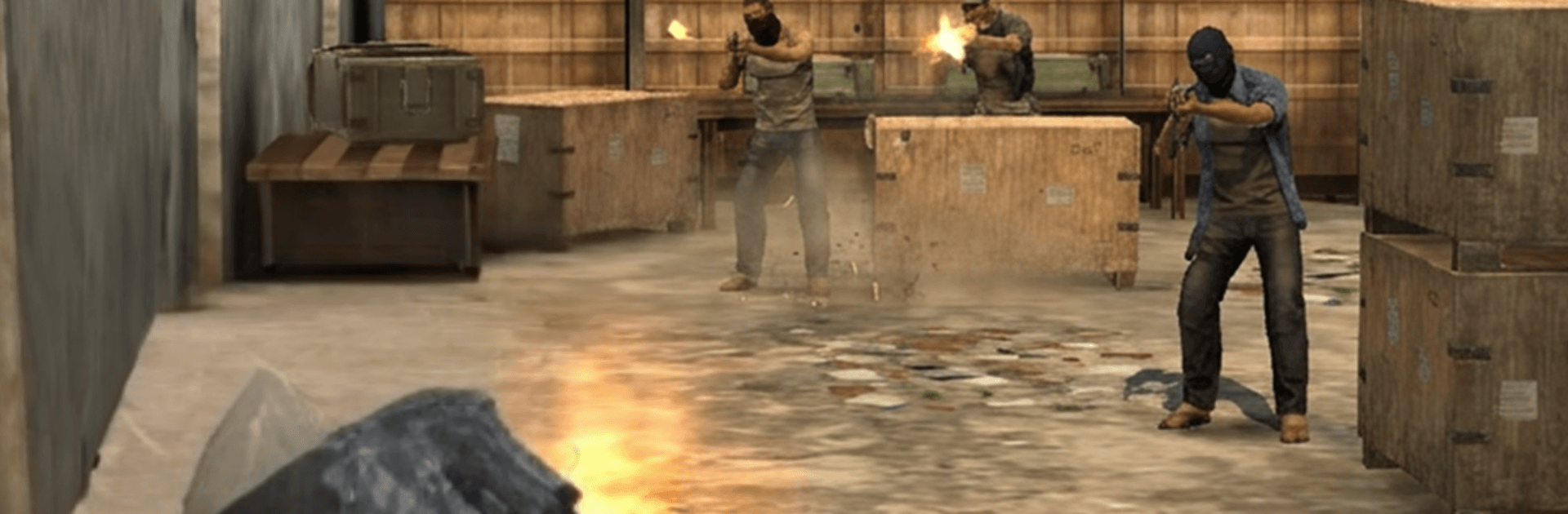
Gun War: 3D Shooting Games drops you into fast, high-pressure firefights where smart moves and clean shots pay off. This Action shooter mixes quick missions with thoughtful map design and a seriously deep arsenal, so you can jump in for a couple rounds or settle in for a longer session. Prefer a keyboard and mouse? BlueStacks makes that switch easy without stealing the spotlight.

Game Features

  • Versatile Loadouts: Build your kit from ARs, SMGs, shotguns, DMRs, sniper rifles, and launchers, then fine-tune recoil, range, and handling with attachments that actually change how each weapon feels.
  • Smart Maps: Battle through city blocks, rooftops, industrial yards, desert outposts, and wild backroads—every arena is laid out with cover lanes, flanking routes, and elevated sightlines that reward planning.
  • Campaign Ops: Tackle covert breaches, high-risk extractions, and base takeovers as objectives evolve and enemy AI adapts to your style.
  • Sniper Focus: Hold steady, time the breath, and make the shot; long-range eliminations demand patience, stealth, and a clean exit.
  • Multiplayer Modes: Queue for casual scraps or ranked showdowns, squad up with friends, chase the boards, and tweak your loadout after every match.
  • Tight Gunplay: Snappy controls, punchy feedback, and meaningful ammo management push you to read patterns and commit at the right moment.
  • Easy In, Deep Skill Ceiling: Short missions make it simple to start, while mastering advanced tactics and climbing operator tiers takes dedication.
  • Progression That Sticks: Earn blueprints, attachments, and camos, clear solo missions and daily challenges, and sharpen your edge in live PvP.

Start playing Gun War: 3D Shooting Games on BlueStacks and get a smoother, more comfortable PC or Mac setup.


Game Features

Enhancements

  • Macros
  • Multi Instance
  • Multi Instance Sync
  • Eco Mode
  • Enhancements
Macros

Macros

Skip the boring parts of a game. Play Gun War: 3D Shooting Games with Macros and get the edge. Simply record a sequence of commands and execute them at any moment.
Multi Instance

Multi Instance

Why limit to one game on your phone when you can play many on your PC? Open multiple instances of Gun War: 3D Shooting Games at once with Multi-Instance. Leverage the power of different accounts by doing more.
Multi Instance Sync

Multi Instance Sync

Get the best out of Gun War: 3D Shooting Games with Multi-Instance Sync. Play the game from different accounts and build your own empire. Use Multi-instance sync to repeat the action in the main BlueStacks instance on all other instances.
Eco Mode

Eco Mode

Find the rarest heroes by making multiple summons in Gun War: 3D Shooting Games. And while you are at it, reduce your PC’s resource consumption with the Eco Mode. Farm efficiently. Get the best results.
Read More

How to Download and Play Gun War: 3D Shooting Games on PC or Mac

  • Download and install BlueStacks on your PC or Mac

  • Complete Google sign-in to access the Play Store, or do it later

  • Look for Gun War: 3D Shooting Games in the search bar at the top right corner

  • Click to install Gun War: 3D Shooting Games from the search results

  • Complete Google sign-in (if you skipped step 2) to install Gun War: 3D Shooting Games

  • Click the Gun War: 3D Shooting Games icon on the home screen to start playing

video
Watch Video

Minimum System Requirements

With BlueStacks 5, you can get started on a PC that fulfills the following requirements.

  • Operating System

    Microsoft Windows 7 or above, macOS 11 (Big Sur) or above

  • Processor

    Intel, AMD or Apple Silicon Processor

  • RAM

    at least 4GB

  • HDD

    10GB Free Disk Space

Note:

* You must be an Administrator on your PC. Up to date graphics drivers from Microsoft or the chipset vendor.

Gun War: 3D Shooting Games - FAQs

  • How to play Gun War: 3D Shooting Games on Windows PC & Mac?

    Play Gun War: 3D Shooting Games on your PC or Mac by following these simple steps.

    • Click on 'Play Gun War: 3D Shooting Games on PC’ to download BlueStacks
    • Install it and log-in to Google Play Store
    • Launch and play the game.
  • Why is BlueStacks the fastest and safest platform to play games on PC?

    BlueStacks respects your privacy and is always safe and secure to use. It does not carry any malware, spyware, or any sort of additional software that could harm your PC.

    It is engineered to optimize speed and performance for a seamless gaming experience.

  • What are Gun War: 3D Shooting Games PC requirements?

    Minimum requirement to run Gun War: 3D Shooting Games on your PC

    • OS: Microsoft Windows 7 or above MacOS 11 (Big Sur) or above
    • Processor: Intel, AMD or Apple Silicon Processor
    • RAM: Your PC must have at least 4GB of RAM. (Note that having 4GB or more disk space is not a substitute for RAM)
    • HDD: 10GB Free Disk Space.
    • You must be an Administrator on your PC.