
Iron Hero Superhero Robot Game

Iron Hero Superhero Robot Game

Action

| Blue Mount Studio

Play on PC with BlueStacks or from our cloud

  • Overview
  • Game Features
  • How to Play

Page Modified On: December 26, 2025

Play Iron Hero Superhero Robot Game on PC or Mac

Explore a whole new adventure with Iron Hero Superhero Robot Game, a Action game created by Blue Mount Studio. Experience great gameplay with BlueStacks, the most popular gaming platform to play Android games on your PC or Mac.

Iron Hero Superhero Robot Game plays like a loud third person city brawler where the hero is a shiny mech that keeps flipping between vehicles. The hook is the instant transforming. One moment it is a fast car weaving through traffic, tap a button and it is a tank with chunky shells, switch again and it is a jet streaking over rooftops. There is also a bus form, slower but sturdy, which is funnier than it sounds. Fights are simple but busy, lasers and machine guns everywhere, alien robots pouring into the streets like a small invasion. The rope tool lets the robot latch onto buildings and scramble up to the top, so chases jump from road to roof without a loading break.

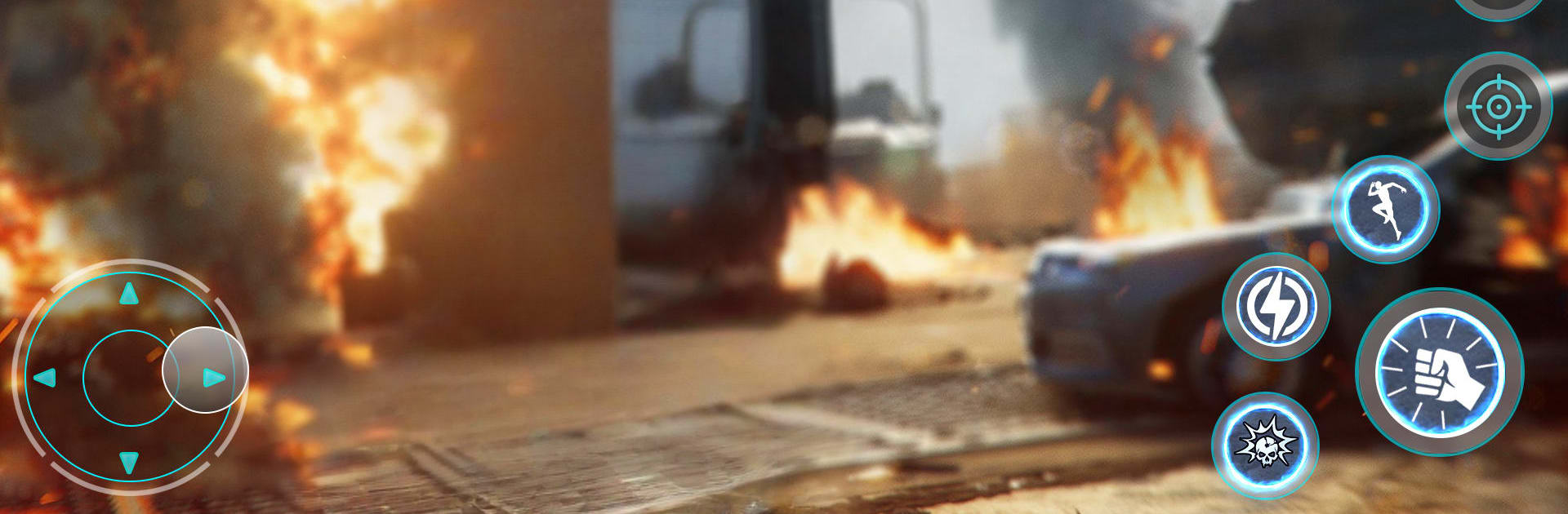
Missions pop up around the map, stuff like clearing gangs of enemy bots, defending a spot, or just surviving waves until everything is scrap. Controls are easy to read, move with a virtual stick and smack the attack buttons, and on PC through BlueStacks the keymapping makes it smoother. Aiming with a mouse, mapping transform keys, and flying the jet with proper keyboard controls makes the whole thing feel snappier, less thumb wrestling. The graphics are bold and a bit dramatic, lots of sparks, not super realistic, but it sells the chaos. It can be repetitive in longer sessions, though the constant swap between car, tank, bus, and jet keeps the loop from going stale. Quick pick up, smash some bots, loud explosions, then out. The physics get goofy here and there, camera twitches in tight alleys, but the game does not take itself too serious, so it fits the mood.

Start your journey now. Download the game on BlueStacks, invite your friends, and march on a new adventure.


Game Features

Enhancements

  • Macros
  • Multi Instance
  • Multi Instance Sync
  • Eco Mode
  • Enhancements
Macros

Macros

Skip the boring parts of a game. Play Iron Hero Superhero Robot Game with Macros and get the edge. Simply record a sequence of commands and execute them at any moment.
Multi Instance

Multi Instance

Why limit to one game on your phone when you can play many on your PC? Open multiple instances of Iron Hero Superhero Robot Game at once with Multi-Instance. Leverage the power of different accounts by doing more.
Multi Instance Sync

Multi Instance Sync

Get the best out of Iron Hero Superhero Robot Game with Multi-Instance Sync. Play the game from different accounts and build your own empire. Use Multi-instance sync to repeat the action in the main BlueStacks instance on all other instances.
Eco Mode

Eco Mode

Find the rarest heroes by making multiple summons in Iron Hero Superhero Robot Game. And while you are at it, reduce your PC’s resource consumption with the Eco Mode. Farm efficiently. Get the best results.
Read More

How to Download and Play Iron Hero Superhero Robot Game on PC or Mac

  • Download and install BlueStacks on your PC or Mac

  • Complete Google sign-in to access the Play Store, or do it later

  • Look for Iron Hero Superhero Robot Game in the search bar at the top right corner

  • Click to install Iron Hero Superhero Robot Game from the search results

  • Complete Google sign-in (if you skipped step 2) to install Iron Hero Superhero Robot Game

  • Click the Iron Hero Superhero Robot Game icon on the home screen to start playing

video
Watch Video

Minimum System Requirements

With BlueStacks 5, you can get started on a PC that fulfills the following requirements.

  • Operating System

    Microsoft Windows 7 or above, macOS 11 (Big Sur) or above

  • Processor

    Intel, AMD or Apple Silicon Processor

  • RAM

    at least 4GB

  • HDD

    10GB Free Disk Space

Note:

* You must be an Administrator on your PC. Up to date graphics drivers from Microsoft or the chipset vendor.

Iron Hero Superhero Robot Game - FAQs

  • How to play Iron Hero Superhero Robot Game on Windows PC & Mac?

    Play Iron Hero Superhero Robot Game on your PC or Mac by following these simple steps.

    • Click on 'Play Iron Hero Superhero Robot Game on PC’ to download BlueStacks
    • Install it and log-in to Google Play Store
    • Launch and play the game.
  • Why is BlueStacks the fastest and safest platform to play games on PC?

    BlueStacks respects your privacy and is always safe and secure to use. It does not carry any malware, spyware, or any sort of additional software that could harm your PC.

    It is engineered to optimize speed and performance for a seamless gaming experience.

  • What are Iron Hero Superhero Robot Game PC requirements?

    Minimum requirement to run Iron Hero Superhero Robot Game on your PC

    • OS: Microsoft Windows 7 or above MacOS 11 (Big Sur) or above
    • Processor: Intel, AMD or Apple Silicon Processor
    • RAM: Your PC must have at least 4GB of RAM. (Note that having 4GB or more disk space is not a substitute for RAM)
    • HDD: 10GB Free Disk Space.
    • You must be an Administrator on your PC.







