Sea War: Uboat Attack

Sea War: Uboat Attack

Action

| Anisoft Yazilim Derya Bagdinli ve Ort. Koll. Sti.

Play on PC with BlueStacks or from our cloud

  • Overview
  • Game Features
  • How to Play

Page Modified On: August 22, 2025

Play Sea War: Uboat Attack on PC or Mac

Explore a whole new adventure with Sea War: Uboat Attack, a Action game created by Anisoft Yazilim Derya Bagdinli ve Ort. Koll. Sti.. Experience great gameplay with BlueStacks, the most popular gaming platform to play Android games on your PC or Mac.

About the Game

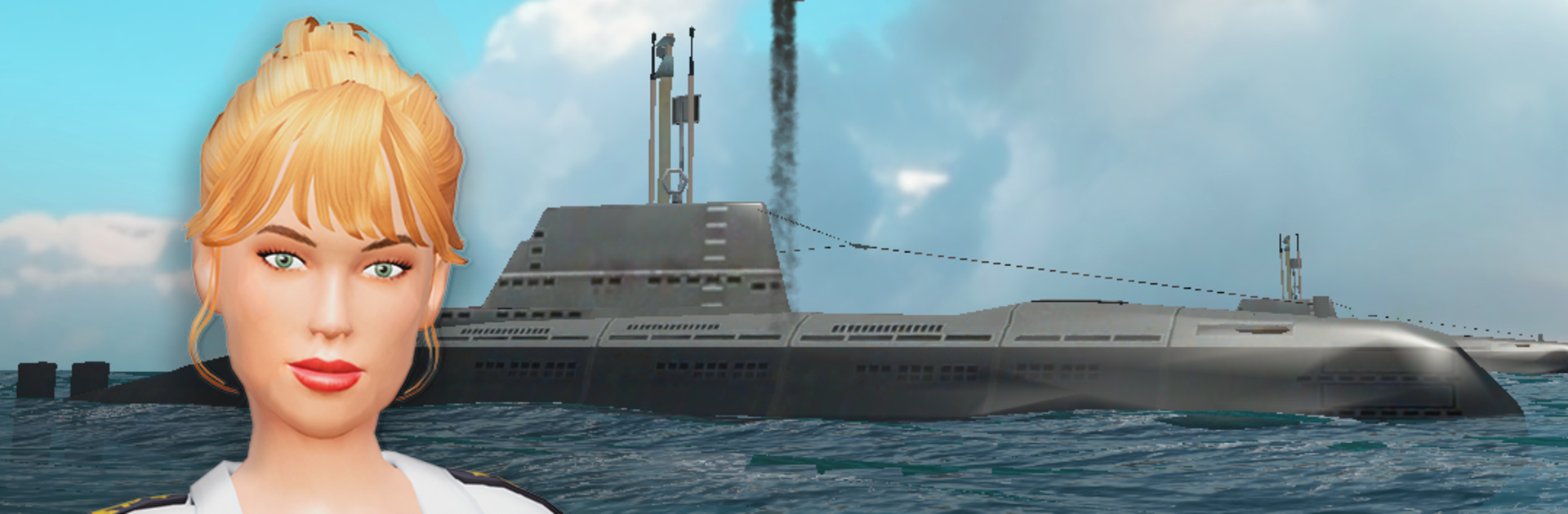
Sea War: Uboat Attack puts you in the captain’s seat of a deadly submarine, right at the heart of tense, action-packed naval skirmishes. If you’ve ever wondered what it’s like to patrol the deep blue, facing down enemy vessels and outsmarting destroyers, this is your chance. Every mission delivers that perfect mix of strategy and adrenaline, keeping you alert as you track enemies and make each shot count.

Game Features

  • Intense Underwater Showdowns
    Enemy ships aren’t just floating targets—they’ll hunt you down, drop depth charges, and cut off your escape. Get ready for split-second decisions and some pretty wild chase sequences.

  • Customizable Submarine Upgrades
    Boost your U-boat’s abilities! Tinker with your ship, upgrade everything from hull armor to torpedo firepower, and adapt your ride to fit your battle style.

  • Weapon Variety
    Unlock and test out new torpedoes and underwater gadgets. You’ll have more ways to blast through enemy lines as you progress.

  • Progressive Challenge
    The further you venture, the sharper your opponents get. Expect smarter enemy tactics and tougher warships to keep each battle interesting.

  • Immersive Action Genre Experience
    From the sound of propellers to those nail-biting attacks, everything’s designed to pull you right into ocean combat. And if you want a bigger screen (and keener controls), try running it with BlueStacks.

Get ready for a buttery smooth, high-performance gaming action only on BlueStacks.

Game Features

Enhancements

  • Macros
  • Multi Instance
  • Multi Instance Sync
  • Eco Mode
  • Enhancements
Macros

Macros

Skip the boring parts of a game. Play Sea War: Uboat Attack with Macros and get the edge. Simply record a sequence of commands and execute them at any moment.
Multi Instance

Multi Instance

Why limit to one game on your phone when you can play many on your PC? Open multiple instances of Sea War: Uboat Attack at once with Multi-Instance. Leverage the power of different accounts by doing more.
Multi Instance Sync

Multi Instance Sync

Get the best out of Sea War: Uboat Attack with Multi-Instance Sync. Play the game from different accounts and build your own empire. Use Multi-instance sync to repeat the action in the main BlueStacks instance on all other instances.
Eco Mode

Eco Mode

Find the rarest heroes by making multiple summons in Sea War: Uboat Attack. And while you are at it, reduce your PC’s resource consumption with the Eco Mode. Farm efficiently. Get the best results.
Read More

How to Download and Play Sea War: Uboat Attack on PC or Mac

  • Download and install BlueStacks on your PC or Mac

  • Complete Google sign-in to access the Play Store, or do it later

  • Look for Sea War: Uboat Attack in the search bar at the top right corner

  • Click to install Sea War: Uboat Attack from the search results

  • Complete Google sign-in (if you skipped step 2) to install Sea War: Uboat Attack

  • Click the Sea War: Uboat Attack icon on the home screen to start playing

video
Watch Video

Minimum System Requirements

With BlueStacks 5, you can get started on a PC that fulfills the following requirements.

  • Operating System

    Microsoft Windows 7 or above, macOS 11 (Big Sur) or above

  • Processor

    Intel, AMD or Apple Silicon Processor

  • RAM

    at least 4GB

  • HDD

    10GB Free Disk Space

Note:

* You must be an Administrator on your PC. Up to date graphics drivers from Microsoft or the chipset vendor.

Sea War: Uboat Attack - FAQs

  • How to play Sea War: Uboat Attack on Windows PC & Mac?

    Play Sea War: Uboat Attack on your PC or Mac by following these simple steps.

    • Click on 'Play Sea War: Uboat Attack on PC’ to download BlueStacks
    • Install it and log-in to Google Play Store
    • Launch and play the game.
  • Why is BlueStacks the fastest and safest platform to play games on PC?

    BlueStacks respects your privacy and is always safe and secure to use. It does not carry any malware, spyware, or any sort of additional software that could harm your PC.

    It is engineered to optimize speed and performance for a seamless gaming experience.

  • What are Sea War: Uboat Attack PC requirements?

    Minimum requirement to run Sea War: Uboat Attack on your PC

    • OS: Microsoft Windows 7 or above MacOS 11 (Big Sur) or above
    • Processor: Intel, AMD or Apple Silicon Processor
    • RAM: Your PC must have at least 4GB of RAM. (Note that having 4GB or more disk space is not a substitute for RAM)
    • HDD: 10GB Free Disk Space.
    • You must be an Administrator on your PC.