Slash King: Die Like a Pro

Slash King: Die Like a Pro

Action

| Springcomes

Play on PC with BlueStacks or from our cloud

  • Overview
  • Game Features
  • How to Play

Page Modified On: August 10, 2026

Play Slash King: Die Like a Pro on PC or Mac

Slash King: Die Like a Pro brings the Action genre to life, and throws up exciting challenges for gamers. Developed by Springcomes, this Android game is best experienced on BlueStacks, the World’s #1 app player for PC and Mac users.

About the Game

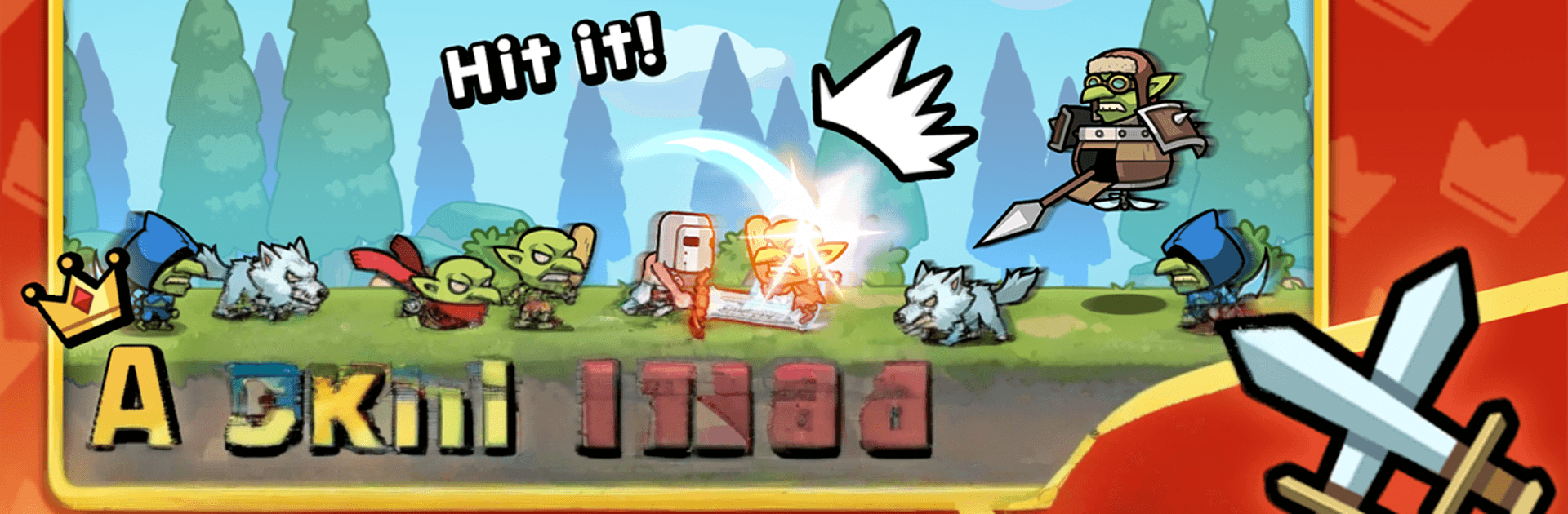
Slash King: Die Like a Pro is a razor-sharp Action arcade slasher where your reflexes do all the talking. It’s just you, two buttons, and a stream of enemies charging in from both sides. Miss a beat and your run ends—nail the rhythm and watch the speed crank up until your heart’s in your throat. Prefer playing on a bigger screen? It also feels slick on BlueStacks with crisp inputs.

Game Features

  • Two-Button Combat: Tap left or right to cut down threats in an instant. No fluff—every press matters.
  • One Slip, You’re Out: A single mistake ends the run, making every decision feel tense and satisfying.
  • Speed That Doesn’t Let Up: The pace ramps fast, pushing quick judgment, steady hands, and total focus.
  • Global Crown on the Line: Climb a worldwide leaderboard, hit the top three, and hang onto your crown against challengers.
  • Skins with Attitude: Unlock fresh looks that keep the grind feeling new—cute style, brutal stakes.
  • Achievements to Show Off: Rack up milestones and prove your consistency, not just lucky streaks.
  • Perfect for Short Bursts: Got 30 seconds? That’s enough for a quick attempt—great for breaks, commutes, or couch time.
  • Fully Offline-Friendly: No connection needed, so you can play anywhere—yes, even on airplanes.
  • Rhythm for Reflex Fans: Designed for players who love that left-right flow and the thrill of shaving milliseconds off their reactions.
  • Subtle PC Comfort: If you like tighter control or bigger visuals, playing on BlueStacks is a smooth way to keep those taps precise.

BlueStacks gives you more room to focus on the game and less time adjusting around mobile limitations.


Game Features

Enhancements

  • Macros
  • Multi Instance
  • Multi Instance Sync
  • Eco Mode
  • Enhancements
Macros

Macros

Skip the boring parts of a game. Play Slash King: Die Like a Pro with Macros and get the edge. Simply record a sequence of commands and execute them at any moment.
Multi Instance

Multi Instance

Why limit to one game on your phone when you can play many on your PC? Open multiple instances of Slash King: Die Like a Pro at once with Multi-Instance. Leverage the power of different accounts by doing more.
Multi Instance Sync

Multi Instance Sync

Get the best out of Slash King: Die Like a Pro with Multi-Instance Sync. Play the game from different accounts and build your own empire. Use Multi-instance sync to repeat the action in the main BlueStacks instance on all other instances.
Eco Mode

Eco Mode

Find the rarest heroes by making multiple summons in Slash King: Die Like a Pro. And while you are at it, reduce your PC’s resource consumption with the Eco Mode. Farm efficiently. Get the best results.
Read More

How to Download and Play Slash King: Die Like a Pro on PC or Mac

  • Download and install BlueStacks on your PC or Mac

  • Complete Google sign-in to access the Play Store, or do it later

  • Look for Slash King: Die Like a Pro in the search bar at the top right corner

  • Click to install Slash King: Die Like a Pro from the search results

  • Complete Google sign-in (if you skipped step 2) to install Slash King: Die Like a Pro

  • Click the Slash King: Die Like a Pro icon on the home screen to start playing

video
Watch Video

Minimum System Requirements

With BlueStacks 5, you can get started on a PC that fulfills the following requirements.

  • Operating System

    Microsoft Windows 7 or above, macOS 11 (Big Sur) or above

  • Processor

    Intel, AMD or Apple Silicon Processor

  • RAM

    at least 4GB

  • HDD

    10GB Free Disk Space

Note:

* You must be an Administrator on your PC. Up to date graphics drivers from Microsoft or the chipset vendor.

Slash King: Die Like a Pro - FAQs

  • How to play Slash King: Die Like a Pro on Windows PC & Mac?

    Play Slash King: Die Like a Pro on your PC or Mac by following these simple steps.

    • Click on 'Play Slash King: Die Like a Pro on PC’ to download BlueStacks
    • Install it and log-in to Google Play Store
    • Launch and play the game.
  • Why is BlueStacks the fastest and safest platform to play games on PC?

    BlueStacks respects your privacy and is always safe and secure to use. It does not carry any malware, spyware, or any sort of additional software that could harm your PC.

    It is engineered to optimize speed and performance for a seamless gaming experience.

  • What are Slash King: Die Like a Pro PC requirements?

    Minimum requirement to run Slash King: Die Like a Pro on your PC

    • OS: Microsoft Windows 7 or above MacOS 11 (Big Sur) or above
    • Processor: Intel, AMD or Apple Silicon Processor
    • RAM: Your PC must have at least 4GB of RAM. (Note that having 4GB or more disk space is not a substitute for RAM)
    • HDD: 10GB Free Disk Space.
    • You must be an Administrator on your PC.