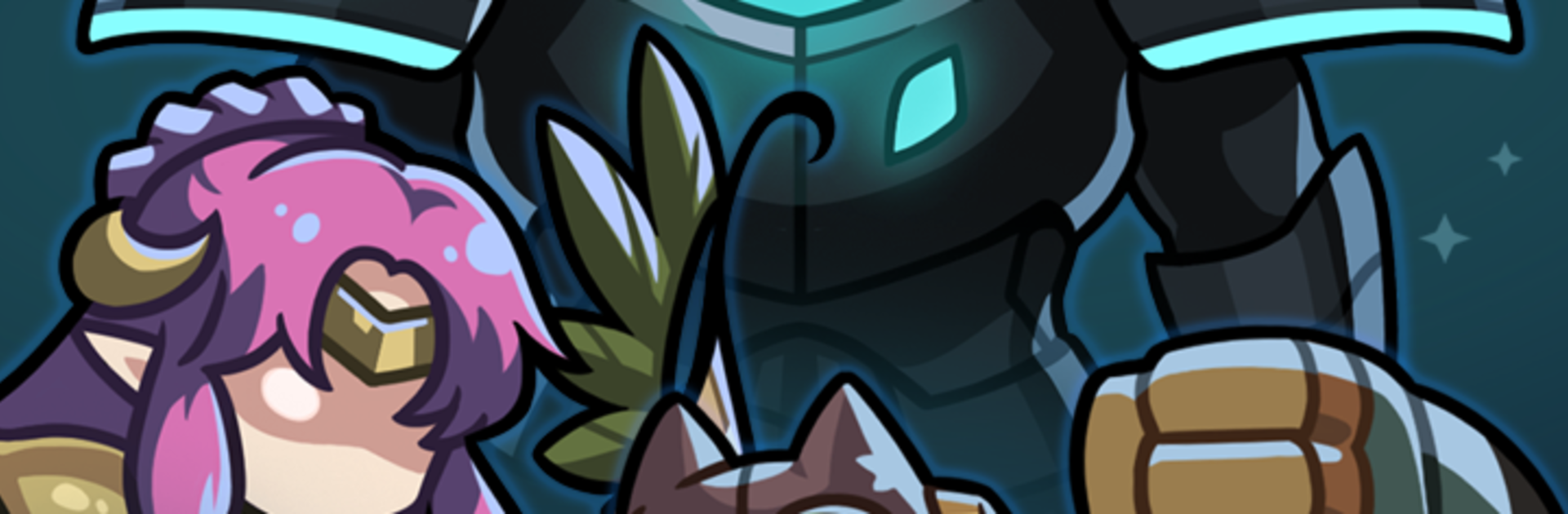
Star2 Random Defense(S2RD)

Star2 Random Defense(S2RD)

Strategy

| Springcomes

Play on PC with BlueStacks or from our cloud

  • Overview
  • Game Features
  • How to Play

Page Modified On: March 02, 2026

Play Star2 Random Defense(S2RD) on PC or Mac

Step into the World of Star2 Random Defense(S2RD), a thrilling Strategy game from the house of Springcomes. Play this Android game on BlueStacks App Player and experience immersive gaming on PC or Mac.

About the Game

Star2 Random Defense(S2RD) is a fast, vertical Strategy game from Springcomes where every match feels like a fresh puzzle. You’re drawing heroes, combining cards, and trying to outwit chaos itself—because the lineup you get is never the same twice. It’s quick to pick up, surprisingly deep, and perfect when you want a burst of tactical fun without the fuss.

What’s New?

Control your alerts! Added an On/Off toggle for “Quick Mission Summon” notifications. Turn off distractions and focus on the battle.· Zero unnecessary taps! Visually improved the “Fusion UI” for better intuition. Fusion smoothly without misclicks and grow faster.”Update now and experience a more optimized battlefield!”

Game Features

Random summons, real decisions: Every battle starts with a new mix of heroes. With limited resources, your card draws and merges matter—one sharp call can flip the entire match.

Build-defining traits: Over 100 traits let you shape a unique playstyle. Stack synergies, chase wild combos, or craft a slow-burn strategy that snowballs hard.

7-tier hero growth: Push heroes from basic to legendary through a clear seven-step path. Watching a modest unit become a monster is half the thrill.

88 heroes, 200+ cards: Tons of units and cards to experiment with, and enough variety that “same old, same old” never really happens.

Regions with personality: Jungle swamps, dusty deserts, molten fields—each area adds its own curveballs, nudging you to rethink your approach.

Made for one-hand play: Vertical matches are snappy and portable, whether you’ve got two minutes or twenty.

Depth that rewards tinkering: Luck starts the story; strategy finishes it. Draft cleverly, adapt on the fly, and chase that perfect run.

Smooth on mobile—and comfy on PC: Prefer longer sessions with crisp controls? Star2 Random Defense(S2RD) also plays nicely on your computer with BlueStacks.

Start your journey now. Download the game on BlueStacks, invite your friends, and march on a new adventure.


Game Features

Enhancements

  • Macros
  • Multi Instance
  • Multi Instance Sync
  • Eco Mode
  • Enhancements
Macros

Macros

Skip the boring parts of a game. Play Star2 Random Defense(S2RD) with Macros and get the edge. Simply record a sequence of commands and execute them at any moment.
Multi Instance

Multi Instance

Why limit to one game on your phone when you can play many on your PC? Open multiple instances of Star2 Random Defense(S2RD) at once with Multi-Instance. Leverage the power of different accounts by doing more.
Multi Instance Sync

Multi Instance Sync

Get the best out of Star2 Random Defense(S2RD) with Multi-Instance Sync. Play the game from different accounts and build your own empire. Use Multi-instance sync to repeat the action in the main BlueStacks instance on all other instances.
Eco Mode

Eco Mode

Find the rarest heroes by making multiple summons in Star2 Random Defense(S2RD). And while you are at it, reduce your PC’s resource consumption with the Eco Mode. Farm efficiently. Get the best results.
Read More

How to Download and Play Star2 Random Defense(S2RD) on PC or Mac

  • Download and install BlueStacks on your PC or Mac

  • Complete Google sign-in to access the Play Store, or do it later

  • Look for Star2 Random Defense(S2RD) in the search bar at the top right corner

  • Click to install Star2 Random Defense(S2RD) from the search results

  • Complete Google sign-in (if you skipped step 2) to install Star2 Random Defense(S2RD)

  • Click the Star2 Random Defense(S2RD) icon on the home screen to start playing

video
Watch Video

Minimum System Requirements

With BlueStacks 5, you can get started on a PC that fulfills the following requirements.

  • Operating System

    Microsoft Windows 7 or above, macOS 11 (Big Sur) or above

  • Processor

    Intel, AMD or Apple Silicon Processor

  • RAM

    at least 4GB

  • HDD

    10GB Free Disk Space

Note:

* You must be an Administrator on your PC. Up to date graphics drivers from Microsoft or the chipset vendor.

Star2 Random Defense(S2RD) - FAQs

  • How to play Star2 Random Defense(S2RD) on Windows PC & Mac?

    Play Star2 Random Defense(S2RD) on your PC or Mac by following these simple steps.

    • Click on 'Play Star2 Random Defense(S2RD) on PC’ to download BlueStacks
    • Install it and log-in to Google Play Store
    • Launch and play the game.
  • Why is BlueStacks the fastest and safest platform to play games on PC?

    BlueStacks respects your privacy and is always safe and secure to use. It does not carry any malware, spyware, or any sort of additional software that could harm your PC.

    It is engineered to optimize speed and performance for a seamless gaming experience.

  • What are Star2 Random Defense(S2RD) PC requirements?

    Minimum requirement to run Star2 Random Defense(S2RD) on your PC

    • OS: Microsoft Windows 7 or above MacOS 11 (Big Sur) or above
    • Processor: Intel, AMD or Apple Silicon Processor
    • RAM: Your PC must have at least 4GB of RAM. (Note that having 4GB or more disk space is not a substitute for RAM)
    • HDD: 10GB Free Disk Space.
    • You must be an Administrator on your PC.