Inservible
Inservible

Inservible

Action

| AlexJ_Dev

Play on PC with BlueStacks or from our cloud

  • Overview
  • Game Features
  • How to Play

Page Modified On: September 18, 2026

Play Inservible on PC or Mac

Inservible brings the Action genre to life, and throws up exciting challenges for gamers. Developed by AlexJ_Dev, this Android game is best experienced on BlueStacks, the World’s #1 app player for PC and Mac users.

About the Game

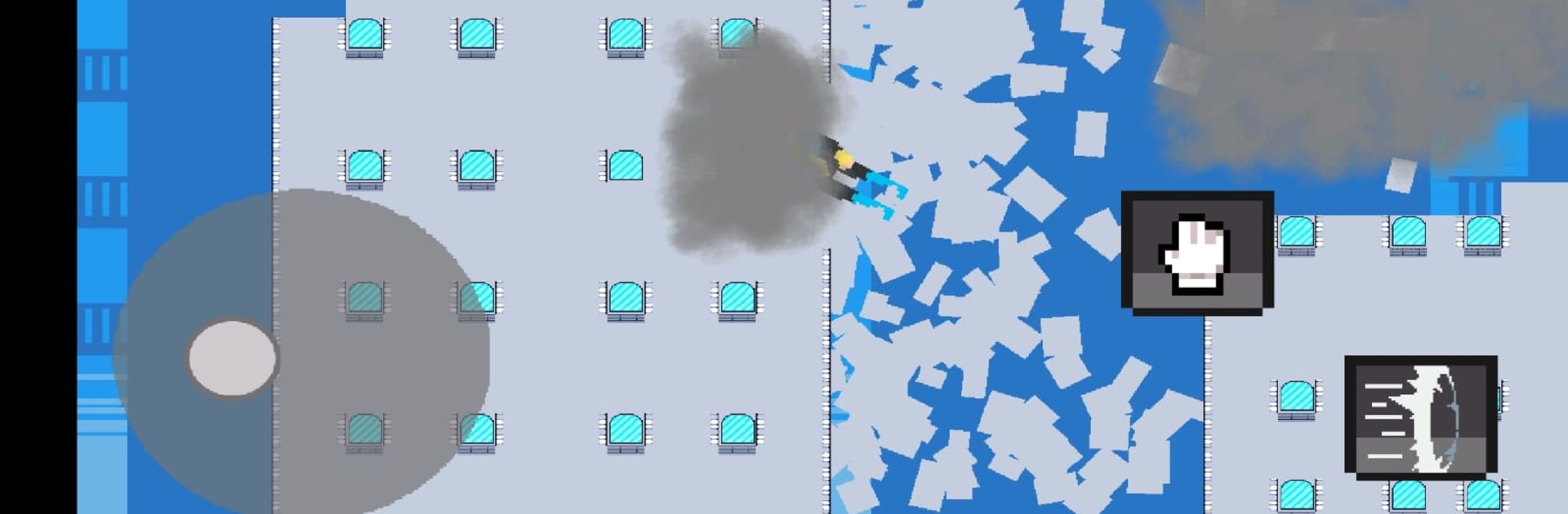
Inservible is a gritty Action experience where you’re not the poster-child hero—you’re the one who keeps getting back up anyway. You step into Mark’s mess of a life and punch through a city that chews up the weak, making hard calls that actually sting. It’s brutal, fast, and personal—and if you like playing on a bigger screen, it feels right at home on BlueStacks.

Game Features

  • Ferocious combat: Smash through enemies with snappy, high-impact brawls that feel ripped from a violent comic panel, rewarding sharp timing, dodges, and well-placed counters.
  • Consequences hit hard: Fights are unforgiving—one bad read can end it, and there’s no cozy safety net to bail you out.
  • A city on the edge: Roam hostile streets where every corner hides trouble, turf lines shift, and alliances can flip the second it benefits someone.
  • Choices with bite: Decide who to trust, who to break, and when to walk away; your calls shape who shows up for you—and who wants you gone.
  • Skill through grit: Get better the old-fashioned way—by surviving. Sharpen your reflexes, refine your combos, and turn hesitation into precision.
  • Brutal style, zero sugarcoating: Expect bone-crunching impacts, splashes of blood, and a raw, relentless tone that doesn’t blink.

BlueStacks gives you more room to focus on the game and less time adjusting around mobile limitations.


Game Features

Enhancements

  • Macros
  • Multi Instance
  • Multi Instance Sync
  • Eco Mode
  • Enhancements
Macros

Macros

Skip the boring parts of a game. Play Inservible with Macros and get the edge. Simply record a sequence of commands and execute them at any moment.
Multi Instance

Multi Instance

Why limit to one game on your phone when you can play many on your PC? Open multiple instances of Inservible at once with Multi-Instance. Leverage the power of different accounts by doing more.
Multi Instance Sync

Multi Instance Sync

Get the best out of Inservible with Multi-Instance Sync. Play the game from different accounts and build your own empire. Use Multi-instance sync to repeat the action in the main BlueStacks instance on all other instances.
Eco Mode

Eco Mode

Find the rarest heroes by making multiple summons in Inservible. And while you are at it, reduce your PC’s resource consumption with the Eco Mode. Farm efficiently. Get the best results.
Read More

How to Download and Play Inservible on PC or Mac

  • Download and install BlueStacks on your PC or Mac

  • Complete Google sign-in to access the Play Store, or do it later

  • Look for Inservible in the search bar at the top right corner

  • Click to install Inservible from the search results

  • Complete Google sign-in (if you skipped step 2) to install Inservible

  • Click the Inservible icon on the home screen to start playing

video
Watch Video

Minimum System Requirements

With BlueStacks 5, you can get started on a PC that fulfills the following requirements.

  • Operating System

    Microsoft Windows 7 or above, macOS 11 (Big Sur) or above

  • Processor

    Intel, AMD or Apple Silicon Processor

  • RAM

    at least 4GB

  • HDD

    10GB Free Disk Space

Note:

* You must be an Administrator on your PC. Up to date graphics drivers from Microsoft or the chipset vendor.

Inservible - FAQs

  • How to play Inservible on Windows PC & Mac?

    Play Inservible on your PC or Mac by following these simple steps.

    • Click on 'Play Inservible on PC’ to download BlueStacks
    • Install it and log-in to Google Play Store
    • Launch and play the game.
  • Why is BlueStacks the fastest and safest platform to play games on PC?

    BlueStacks respects your privacy and is always safe and secure to use. It does not carry any malware, spyware, or any sort of additional software that could harm your PC.

    It is engineered to optimize speed and performance for a seamless gaming experience.

  • What are Inservible PC requirements?

    Minimum requirement to run Inservible on your PC

    • OS: Microsoft Windows 7 or above MacOS 11 (Big Sur) or above
    • Processor: Intel, AMD or Apple Silicon Processor
    • RAM: Your PC must have at least 4GB of RAM. (Note that having 4GB or more disk space is not a substitute for RAM)
    • HDD: 10GB Free Disk Space.
    • You must be an Administrator on your PC.