Aqua Hero : Deep Survival

Aqua Hero : Deep Survival

Adventure

| Kiwert Games

Play on PC with BlueStacks or from our cloud

  • Overview
  • Game Features
  • How to Play

Page Modified On: August 14, 2026

Play Aqua Hero : Deep Survival on PC or Mac

Step into the World of Aqua Hero : Deep Survival, a thrilling Adventure game from the house of Kiwert Games. Play this Android game on BlueStacks App Player and experience immersive gaming on PC or Mac.

About the Game

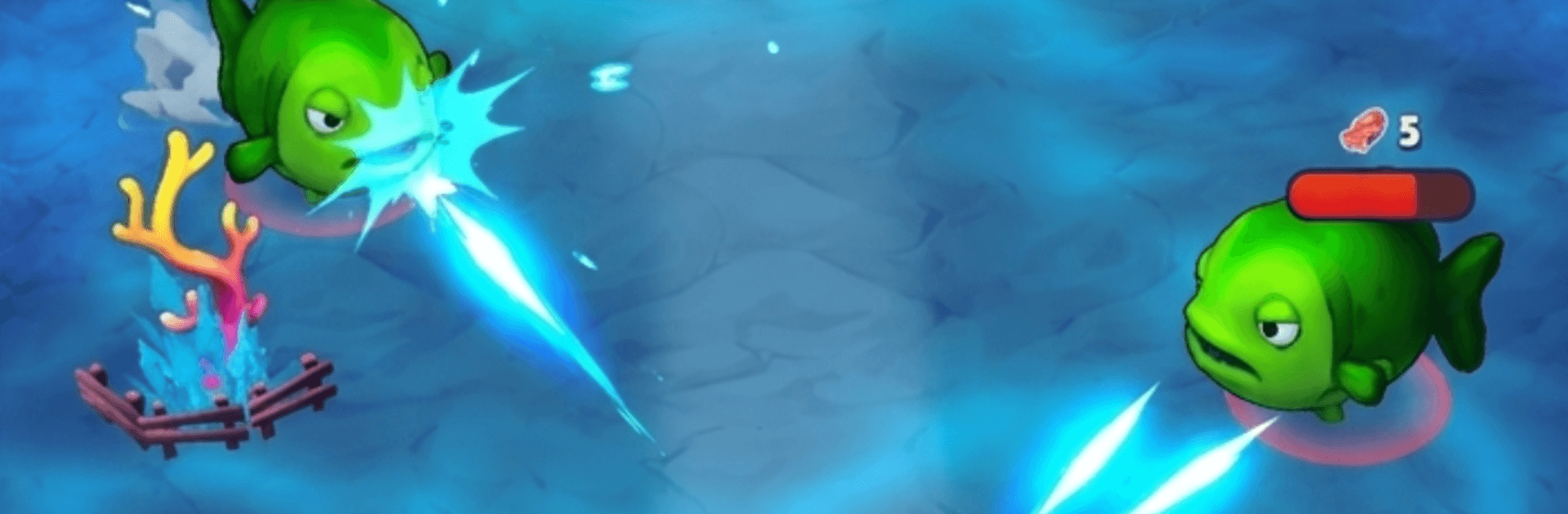
Aqua Hero : Deep Survival drops you beneath the waves with a tank on your back and a whole ocean of unknowns ahead. This underwater Adventure blends exploration, resource gathering, and scrappy battles against sea beasts into a tight loop of risk and reward. If you like a bigger screen and keyboard controls, it plays nicely on BlueStacks.

Game Features

  • Vast Undersea Biomes: Roam sunlit coral gardens, swaying kelp forests, and pitch-black trenches that test your nerve and your oxygen gauge.
  • Resource Hunting: Mine rare minerals, salvage wrecks, and stash valuables to fund your next upgrades and longer expeditions.
  • Fierce Encounters: Face aggressive predators and towering bosses that force you to plan, position, and pick your shots carefully.
  • Gear That Grows With You: Upgrade your suit, tools, and weapons—think tougher plating, stronger spears, faster thrusters—to handle deeper, harsher zones.
  • Unlockable Abilities: Earn new powers that change how you explore and fight, making each return trip feel a bit bolder than the last.
  • Secrets Everywhere: Track down hidden caves, tucked-away chests, and off-route passages packed with rewards if you’re curious enough to look.
  • Intuitive Controls: Easy to pick up, with satisfying depth as you learn enemy patterns and fine-tune your loadout.
  • Relaxed Yet Tense: Peaceful scavenging flips into heart-pounding scrambles when a shadow sweeps in or your air runs low.
  • Progress That Feels Good: Each successful dive opens new regions, tougher challenges, and better loot, pushing you to go just a little deeper next time.

Start your journey now. Download the game on BlueStacks, invite your friends, and march on a new adventure.


Game Features

Enhancements

  • Macros
  • Multi Instance
  • Multi Instance Sync
  • Script
  • Enhancements
Macros

Macros

Automate the predictable in Aqua Hero : Deep Survival and transform your gameplay with Macros. Get access to inventive Macros in the BlueStacks Macro Community
Multi Instance

Multi Instance

Play Aqua Hero : Deep Survival on one window. And chat with your friend on the other. Press CTRL + Shift + 8 to open the Multi-Instance Manager. And start creating fresh instances or clone an existing one.
Multi Instance Sync

Multi Instance Sync

Play Aqua Hero : Deep Survival with the power of Multi-Instance Sync. Replicate what you are doing on the main instance on all other instances. Level up faster, play more.
Script

Script

Script your way to gaming glory in Aqua Hero : Deep Survival with BlueStacks Script. Write and run a set of commands to automate repeated tasks. Trigger the command by assigning it to any key.
Read More

How to Download and Play Aqua Hero : Deep Survival on PC or Mac

  • Download and install BlueStacks on your PC or Mac

  • Complete Google sign-in to access the Play Store, or do it later

  • Look for Aqua Hero : Deep Survival in the search bar at the top right corner

  • Click to install Aqua Hero : Deep Survival from the search results

  • Complete Google sign-in (if you skipped step 2) to install Aqua Hero : Deep Survival

  • Click the Aqua Hero : Deep Survival icon on the home screen to start playing

video
Watch Video

Minimum System Requirements

With BlueStacks 5, you can get started on a PC that fulfills the following requirements.

  • Operating System

    Microsoft Windows 7 or above, macOS 11 (Big Sur) or above

  • Processor

    Intel, AMD or Apple Silicon Processor

  • RAM

    at least 4GB

  • HDD

    10GB Free Disk Space

Note:

* You must be an Administrator on your PC. Up to date graphics drivers from Microsoft or the chipset vendor.

Aqua Hero : Deep Survival - FAQs

  • How to play Aqua Hero : Deep Survival on Windows PC & Mac?

    Play Aqua Hero : Deep Survival on your PC or Mac by following these simple steps.

    • Click on 'Play Aqua Hero : Deep Survival on PC’ to download BlueStacks
    • Install it and log-in to Google Play Store
    • Launch and play the game.
  • Why is BlueStacks the fastest and safest platform to play games on PC?

    BlueStacks respects your privacy and is always safe and secure to use. It does not carry any malware, spyware, or any sort of additional software that could harm your PC.

    It is engineered to optimize speed and performance for a seamless gaming experience.

  • What are Aqua Hero : Deep Survival PC requirements?

    Minimum requirement to run Aqua Hero : Deep Survival on your PC

    • OS: Microsoft Windows 7 or above MacOS 11 (Big Sur) or above
    • Processor: Intel, AMD or Apple Silicon Processor
    • RAM: Your PC must have at least 4GB of RAM. (Note that having 4GB or more disk space is not a substitute for RAM)
    • HDD: 10GB Free Disk Space.
    • You must be an Administrator on your PC.