Brr Brr Patapim
Brr Brr Patapim

Brr Brr Patapim

Adventure

| Ammonite Design Studios Ltd

Play on PC with BlueStacks or from our cloud

  • Overview
  • Game Features
  • How to Play

Page Modified On: May 01, 2026

Play Brr Brr Patapim on PC or Mac

Join millions to experience Brr Brr Patapim, an exciting Adventure game from Ammonite Design Studios Ltd. With BlueStacks App Player, you are always a step ahead of your opponent, ready to outplay them with faster gameplay and better control with the mouse and keyboard on your PC or Mac.

About the Game

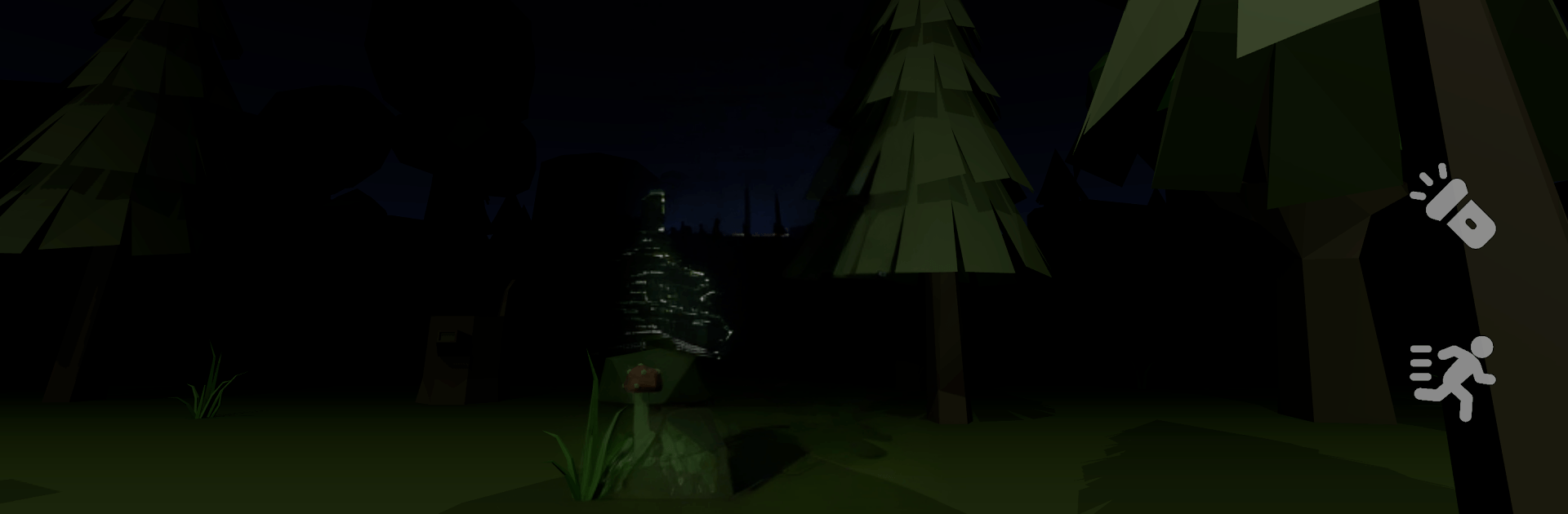
Brr Brr Patapim is a weird, creepy little Adventure from Ammonite Design Studios Ltd that loves messing with your nerves. You’ll wander a twisted forest, scoop up scattered Slim Frogs, and try to avoid the thing that prowls between the trees. The deeper you go, the stranger the woods feel—like the internet’s wildest memes woke up and got lost in a horror story. Prefer a bigger screen? It plays nicely on BlueStacks.

Game Features

  • Unsettling Forest Atmosphere: Explore a gloomy, living woodland that feels off in all the right (wrong?) ways—shadows stretch, paths mislead, and the quiet never stays quiet for long.
  • Offbeat Meme Energy: Built with that chaotic “brainrot” humor in mind, the horror hits with a wink—absurd, eerie, and oddly compelling.
  • Slim Frog Rescue Runs: Track down the missing Slim Frogs and make it out alive. Simple goal, not-so-simple execution when something’s hunting you.
  • A Stalker With Personality: Patapim isn’t just a jump scare; it’s an unpredictable forest oddity that listens, lurks, and forces you to plan every move.
  • Rising Weirdness: The further you push into the trees, the more reality bends—visual cues get stranger, sounds warp, and tension cranks up.
  • Tense, Focused Exploration: Keep your head on a swivel. Choose routes carefully, double back when you must, and don’t get greedy.
  • Eerie Sound Design: Creaks, rustles, and distant murmurs keep you guessing. Headphones make the dread land harder.
  • Pick-Up-and-Play Controls: Intuitive touch controls let you move, search, and react fast—no fuss in a moment that counts.
  • Short, Stressy Sessions: Perfect for quick, heart-in-throat runs where one smart decision (or one bad step) changes everything.

Get ready for a buttery smooth, high-performance gaming action only on BlueStacks.

Game Features

Enhancements

  • Macros
  • Multi Instance
  • Multi Instance Sync
  • Script
  • Enhancements
Macros

Macros

Automate the predictable in Brr Brr Patapim and transform your gameplay with Macros. Get access to inventive Macros in the BlueStacks Macro Community
Multi Instance

Multi Instance

Play Brr Brr Patapim on one window. And chat with your friend on the other. Press CTRL + Shift + 8 to open the Multi-Instance Manager. And start creating fresh instances or clone an existing one.
Multi Instance Sync

Multi Instance Sync

Play Brr Brr Patapim with the power of Multi-Instance Sync. Replicate what you are doing on the main instance on all other instances. Level up faster, play more.
Script

Script

Script your way to gaming glory in Brr Brr Patapim with BlueStacks Script. Write and run a set of commands to automate repeated tasks. Trigger the command by assigning it to any key.
Read More

How to Download and Play Brr Brr Patapim on PC or Mac

  • Download and install BlueStacks on your PC or Mac

  • Complete Google sign-in to access the Play Store, or do it later

  • Look for Brr Brr Patapim in the search bar at the top right corner

  • Click to install Brr Brr Patapim from the search results

  • Complete Google sign-in (if you skipped step 2) to install Brr Brr Patapim

  • Click the Brr Brr Patapim icon on the home screen to start playing

video
Watch Video

Minimum System Requirements

With BlueStacks 5, you can get started on a PC that fulfills the following requirements.

  • Operating System

    Microsoft Windows 7 or above, macOS 11 (Big Sur) or above

  • Processor

    Intel, AMD or Apple Silicon Processor

  • RAM

    at least 4GB

  • HDD

    10GB Free Disk Space

Note:

* You must be an Administrator on your PC. Up to date graphics drivers from Microsoft or the chipset vendor.

Brr Brr Patapim - FAQs

  • How to play Brr Brr Patapim on Windows PC & Mac?

    Play Brr Brr Patapim on your PC or Mac by following these simple steps.

    • Click on 'Play Brr Brr Patapim on PC’ to download BlueStacks
    • Install it and log-in to Google Play Store
    • Launch and play the game.
  • Why is BlueStacks the fastest and safest platform to play games on PC?

    BlueStacks respects your privacy and is always safe and secure to use. It does not carry any malware, spyware, or any sort of additional software that could harm your PC.

    It is engineered to optimize speed and performance for a seamless gaming experience.

  • What are Brr Brr Patapim PC requirements?

    Minimum requirement to run Brr Brr Patapim on your PC

    • OS: Microsoft Windows 7 or above MacOS 11 (Big Sur) or above
    • Processor: Intel, AMD or Apple Silicon Processor
    • RAM: Your PC must have at least 4GB of RAM. (Note that having 4GB or more disk space is not a substitute for RAM)
    • HDD: 10GB Free Disk Space.
    • You must be an Administrator on your PC.