
iChase
iChase

iChase

Adventure

| REMAKEIT - FZCO

Play on PC with BlueStacks or from our cloud

  • Overview
  • Game Features
  • How to Play

Page Modified On: September 18, 2026

Play iChase on PC or Mac

iChase brings the Adventure genre to life, and throws up exciting challenges for gamers. Developed by REMAKEIT – FZCO, this Android game is best experienced on BlueStacks, the World’s #1 app player for PC and Mac users.

About the Game

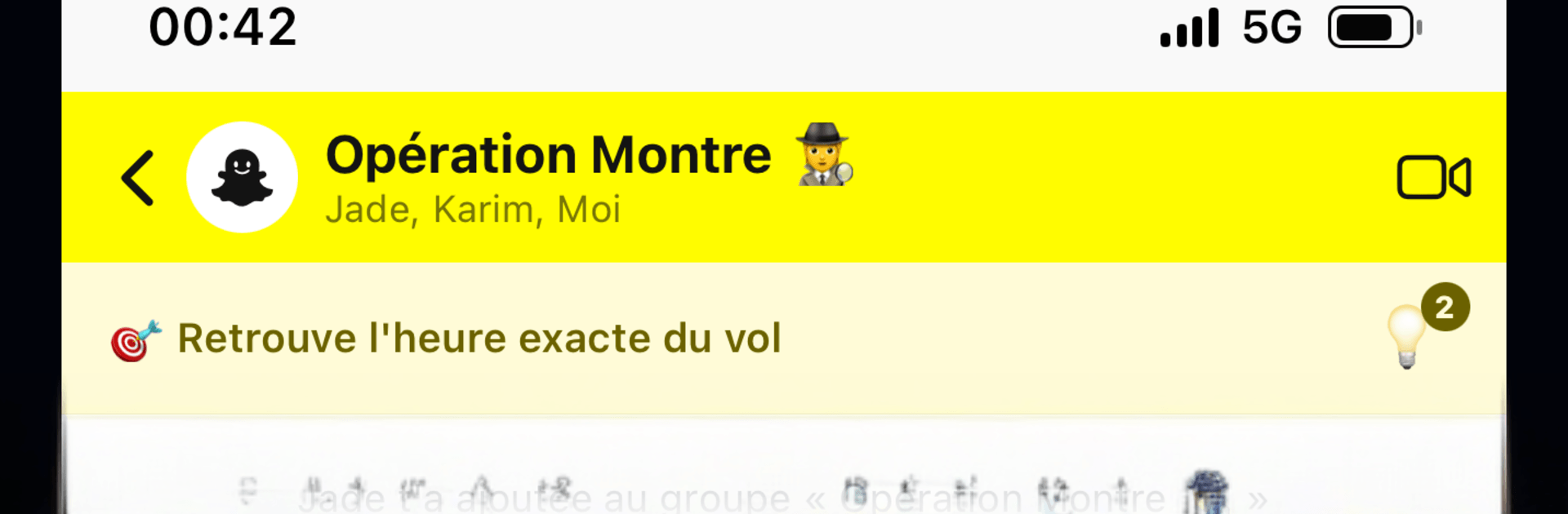
iChase is a story-first Adventure about chasing the truth through someone else’s digital life. You’ll poke through messages, photos, calls, and odd little data trails, then connect the dots to figure out what really went down. Every case is new—like the night Camille’s watch vanished at her birthday party, with six guests and six overlapping alibis.

Game Features

  • A new mystery every time: Each investigation hands you a different owner, fresh social circles, and brand‑new secrets to untangle.
  • Realistic digital sleuthing: Skim group chats and DMs, revisit missed calls, check photos for blink‑and‑you‑miss‑it details, and compare notes, locations, and health stats.
  • Your pace, your path: Open what you want, when you want—jump between apps, cross‑check timelines, and chase contradictions however your gut tells you.
  • Helpful hints when needed: Stuck? Subtle clues nudge you toward the next breadcrumb without ruining the “aha” moment.
  • Make the call: Once the puzzle clicks, name your culprit—there’s only one version of the truth, so confidence matters.
  • Immersive by design: Minimal on‑screen clutter keeps you focused on the case, making everything feel uncomfortably authentic in the best way.
  • Ongoing cases: Expect fresh investigations with new characters, twists, and messy motives to pick apart.
  • Premium for the full story: Sample the start of each case for free, then go Premium to finish investigations, ad‑free, including future releases.
  • Smooth on PC with BlueStacks: Prefer a bigger view and easier typing while you investigate? It plays nicely on BlueStacks without extra setup.

Ready to top the leaderboard? We bet you do. Let precise controls and sharp visuals optimized on BlueStacks lead you to victory.


Game Features

Enhancements

  • Macros
  • Multi Instance
  • Multi Instance Sync
  • Script
  • Enhancements
Macros

Macros

Automate the predictable in iChase and transform your gameplay with Macros. Get access to inventive Macros in the BlueStacks Macro Community
Multi Instance

Multi Instance

Play iChase on one window. And chat with your friend on the other. Press CTRL + Shift + 8 to open the Multi-Instance Manager. And start creating fresh instances or clone an existing one.
Multi Instance Sync

Multi Instance Sync

Play iChase with the power of Multi-Instance Sync. Replicate what you are doing on the main instance on all other instances. Level up faster, play more.
Script

Script

Script your way to gaming glory in iChase with BlueStacks Script. Write and run a set of commands to automate repeated tasks. Trigger the command by assigning it to any key.
Read More

How to Download and Play iChase on PC or Mac

  • Download and install BlueStacks on your PC or Mac

  • Complete Google sign-in to access the Play Store, or do it later

  • Look for iChase in the search bar at the top right corner

  • Click to install iChase from the search results

  • Complete Google sign-in (if you skipped step 2) to install iChase

  • Click the iChase icon on the home screen to start playing

video
Watch Video

Minimum System Requirements

With BlueStacks 5, you can get started on a PC that fulfills the following requirements.

  • Operating System

    Microsoft Windows 7 or above, macOS 11 (Big Sur) or above

  • Processor

    Intel, AMD or Apple Silicon Processor

  • RAM

    at least 4GB

  • HDD

    10GB Free Disk Space

Note:

* You must be an Administrator on your PC. Up to date graphics drivers from Microsoft or the chipset vendor.

iChase - FAQs

  • How to play iChase on Windows PC & Mac?

    Play iChase on your PC or Mac by following these simple steps.

    • Click on 'Play iChase on PC’ to download BlueStacks
    • Install it and log-in to Google Play Store
    • Launch and play the game.
  • Why is BlueStacks the fastest and safest platform to play games on PC?

    BlueStacks respects your privacy and is always safe and secure to use. It does not carry any malware, spyware, or any sort of additional software that could harm your PC.

    It is engineered to optimize speed and performance for a seamless gaming experience.

  • What are iChase PC requirements?

    Minimum requirement to run iChase on your PC

    • OS: Microsoft Windows 7 or above MacOS 11 (Big Sur) or above
    • Processor: Intel, AMD or Apple Silicon Processor
    • RAM: Your PC must have at least 4GB of RAM. (Note that having 4GB or more disk space is not a substitute for RAM)
    • HDD: 10GB Free Disk Space.
    • You must be an Administrator on your PC.







