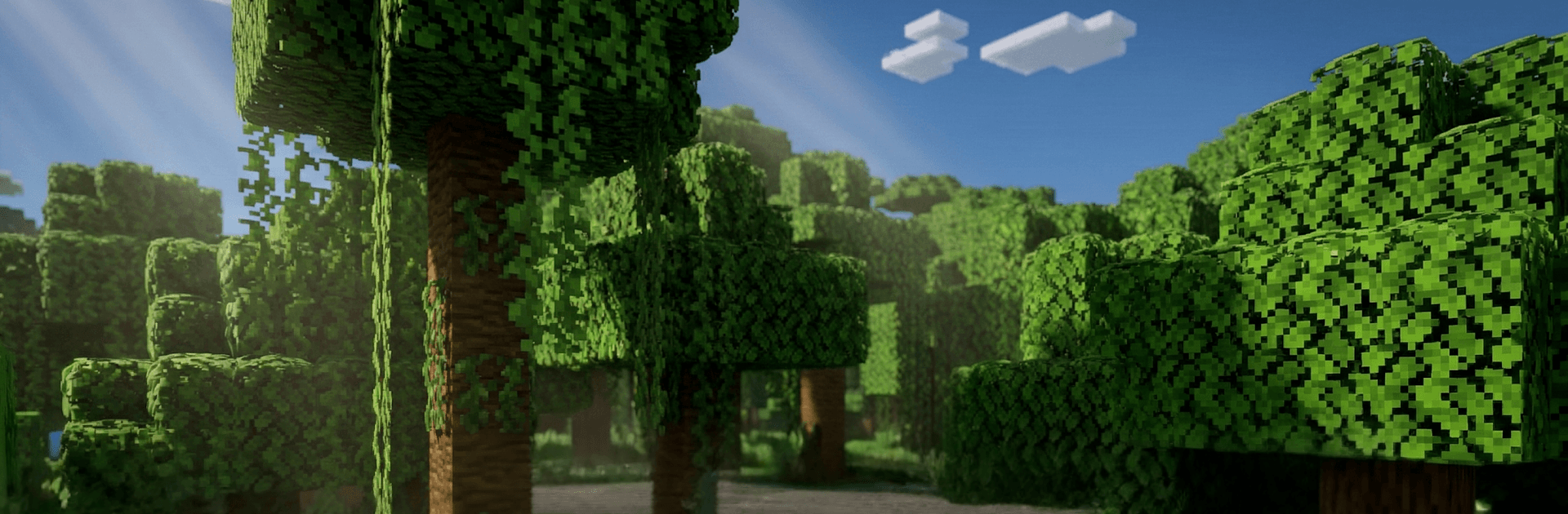
Craftsman 2: Building Craft

Craftsman 2: Building Craft

Adventure

| Alcatronz Dev

Play on PC with BlueStacks or from our cloud

  • Overview
  • Game Features
  • How to Play

Page Modified On: April 07, 2026

Play Craftsman 2: Building Craft on PC or Mac

Bring your A-game to Craftsman 2: Building Craft, the Adventure game sensation from Alcatronz Dev. Give your gameplay the much-needed boost with precise game controls, high FPS graphics, and top-tier features on your PC or Mac with BlueStacks.

About the Game

Craftsman 2: Building Craft is a sandbox Adventure from Alcatronz Dev where relaxing building sessions and edge-of-your-seat survival live side by side. One minute you’re sketching out a cozy homestead; the next you’re hustling to gear up before night falls. It’s open-ended, endlessly replayable, and happy to let you set the pace—solo or with friends. Prefer a bigger screen and precise controls? It plays great on BlueStacks, too.

Game Features

  • Creative Mode: Unlimited materials and total freedom to experiment, sketch, and bring bold builds to life without worrying about resources.
  • Survival Mode: Scavenge, craft weapons and armor, fortify your base, and make it through the night when threats come knocking.
  • Multiplayer Worlds: Hop onto shared servers, team up with friends, split up tasks, and watch massive community projects take shape.
  • Procedural Maps: Worlds generate on the fly, so every new seed reshuffles the terrain, resources, and surprises.
  • Living Biomes: Roam through varied regions packed with distinct plants, wildlife, and hidden nooks worth uncovering.
  • Smooth Pixel Look: Crisp, blocky 3D visuals and stable performance keep big builds and hectic nights running cleanly.
  • Smart Crafting: Assemble specialized tools and custom blocks that make tough jobs faster—and ambitious designs possible.
  • Build Big (or Small): From tiny cabins to sprawling cities and detailed villages, scale your projects exactly how you like.
  • Play Your Way: Be a meticulous architect, an explorer charting the unknown, or a survivor optimizing every last resource—the game won’t box you in.

Get ready for a buttery smooth, high-performance gaming action only on BlueStacks.

Game Features

Enhancements

  • Macros
  • Multi Instance
  • Multi Instance Sync
  • Script
  • Enhancements
Macros

Macros

Automate the predictable in Craftsman 2: Building Craft and transform your gameplay with Macros. Get access to inventive Macros in the BlueStacks Macro Community
Multi Instance

Multi Instance

Play Craftsman 2: Building Craft on one window. And chat with your friend on the other. Press CTRL + Shift + 8 to open the Multi-Instance Manager. And start creating fresh instances or clone an existing one.
Multi Instance Sync

Multi Instance Sync

Play Craftsman 2: Building Craft with the power of Multi-Instance Sync. Replicate what you are doing on the main instance on all other instances. Level up faster, play more.
Script

Script

Script your way to gaming glory in Craftsman 2: Building Craft with BlueStacks Script. Write and run a set of commands to automate repeated tasks. Trigger the command by assigning it to any key.
Read More

How to Download and Play Craftsman 2: Building Craft on PC or Mac

  • Download and install BlueStacks on your PC or Mac

  • Complete Google sign-in to access the Play Store, or do it later

  • Look for Craftsman 2: Building Craft in the search bar at the top right corner

  • Click to install Craftsman 2: Building Craft from the search results

  • Complete Google sign-in (if you skipped step 2) to install Craftsman 2: Building Craft

  • Click the Craftsman 2: Building Craft icon on the home screen to start playing

video
Watch Video

Minimum System Requirements

With BlueStacks 5, you can get started on a PC that fulfills the following requirements.

  • Operating System

    Microsoft Windows 7 or above, macOS 11 (Big Sur) or above

  • Processor

    Intel, AMD or Apple Silicon Processor

  • RAM

    at least 4GB

  • HDD

    10GB Free Disk Space

Note:

* You must be an Administrator on your PC. Up to date graphics drivers from Microsoft or the chipset vendor.

Craftsman 2: Building Craft - FAQs

  • How to play Craftsman 2: Building Craft on Windows PC & Mac?

    Play Craftsman 2: Building Craft on your PC or Mac by following these simple steps.

    • Click on 'Play Craftsman 2: Building Craft on PC’ to download BlueStacks
    • Install it and log-in to Google Play Store
    • Launch and play the game.
  • Why is BlueStacks the fastest and safest platform to play games on PC?

    BlueStacks respects your privacy and is always safe and secure to use. It does not carry any malware, spyware, or any sort of additional software that could harm your PC.

    It is engineered to optimize speed and performance for a seamless gaming experience.

  • What are Craftsman 2: Building Craft PC requirements?

    Minimum requirement to run Craftsman 2: Building Craft on your PC

    • OS: Microsoft Windows 7 or above MacOS 11 (Big Sur) or above
    • Processor: Intel, AMD or Apple Silicon Processor
    • RAM: Your PC must have at least 4GB of RAM. (Note that having 4GB or more disk space is not a substitute for RAM)
    • HDD: 10GB Free Disk Space.
    • You must be an Administrator on your PC.