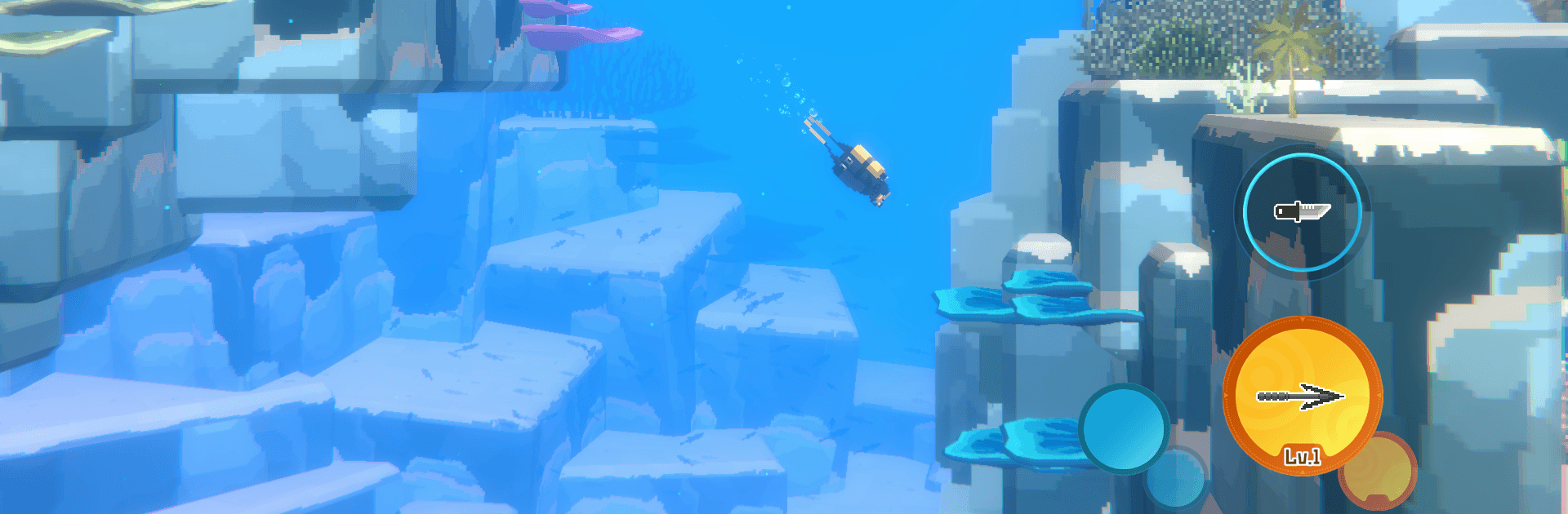


Step into the World of DAVE THE DIVER, a thrilling Adventure game from the house of MINTROCKET. Play this Android game on BlueStacks App Player and experience immersive gaming on PC or Mac.
About the Game
DAVE THE DIVER is a quirky Adventure that blends ocean exploration with cozy restaurant management. By day, you plunge beneath the waves to hunt, gather, and uncover strange secrets; by night, you’re plating sashimi and keeping impatient diners happy. It’s a surprisingly relaxing loop with just enough danger and decision-making to keep every run fresh.
Game Features
- Day jobs, night shifts: Scavenge the ever-changing Blue Hole during the day, then flip to running an exotic sushi bar after sunset. Different vibes, one satisfying routine.
- Risky oxygen, big rewards: Your O2 tank is the clock. Stretch it for a bigger haul, but push too far and you’ll drop your hard-earned catch on the way up. Tense in the best way.
- Tools that evolve with you: Craft and upgrade harpoons, guns, and diving gear using resources from the sea and cash from the restaurant. Each improvement opens new hunting strategies.
- Light, funny storytelling: A cast of oddballs, running gags, and goofy side moments keeps the tone breezy without getting in the way of the action.
- Striking 2D/3D art: Crisp pixel work meets 3D depth to build a stunning underwater world packed with over 200 kinds of marine life—pretty and a little eerie.
- Restaurant rhythm: Set menus, serve customers, and manage staff to keep the sushi flowing and the tips coming. It’s fast, chaotic, and oddly zen once you find your groove.
- Plenty to do beyond the loop: Minigames, side quests, and branching story beats add variety and reasons to explore “just one more run.”
- Play your way: Prefer a bigger screen and comfy controls? You can also enjoy it on PC with BlueStacks without changing the core feel.
Start playing DAVE THE DIVER on BlueStacks and get a smoother, more comfortable PC or Mac setup.