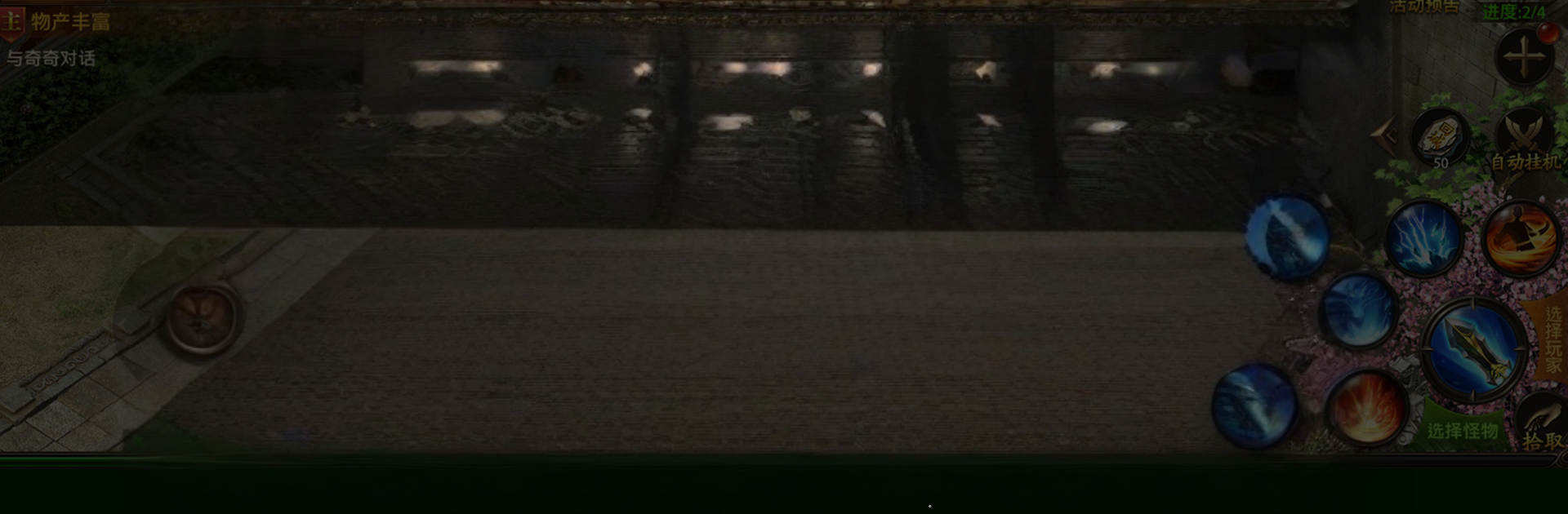
魔龍秘境
魔龍秘境

魔龍秘境

Adventure

| JI DevLabs

Play on PC with BlueStacks or from our cloud

  • Overview
  • Game Features
  • How to Play

Page Modified On: January 06, 2026

Play 魔龍秘境 on PC or Mac

Explore a whole new adventure with 魔龍秘境, a Adventure game created by JI DevLabs. Experience great gameplay with BlueStacks, the most popular gaming platform to play Android games on your PC or Mac.

魔龍秘境 is one of those fantasy grinders that just lets a player chill while the hero keeps slicing through mobs and scooping loot. It has a true idle setup, so progress keeps ticking even when the phone is down, then it throws a pile of treasure chests at the player every day. The gear chase is the hook here. Sets drop fast, stats jump in big chunks, and mixing pieces to push power higher feels crunchy in a good way. It is not hard to get stronger, more like a steady stream of materials, enchants, and random goodies that snowball. On PC with BlueStacks the menus are easier to manage, clicking through bag clutter and swapping loadouts feels cleaner on a big screen, and skills on hotkeys make fights less fussy.

Combat is quick and flashy with auto doing the routine work, then bosses become the moments to actually pay attention. Field bosses pop up with better drops, so there is that classic rush to tag them first, grind out mats, craft, repeat. PVP is everywhere, from on the spot duels to structured showdowns that get hectic fast, so it scratches the itch to test a build without waiting around. It never feels empty, something is always giving rewards, whether it is a chest timer, a boss spawn, or a PVP bout that suddenly turns into a brawl. If someone likes watching numbers climb and showing off a sharpened set in quick fights, this hits that loop without much hassle.

Get ready for a buttery smooth, high-performance gaming action only on BlueStacks.

Game Features

Enhancements

  • Macros
  • Multi Instance
  • Multi Instance Sync
  • Script
  • Enhancements
Macros

Macros

Automate the predictable in 魔龍秘境 and transform your gameplay with Macros. Get access to inventive Macros in the BlueStacks Macro Community
Multi Instance

Multi Instance

Play 魔龍秘境 on one window. And chat with your friend on the other. Press CTRL + Shift + 8 to open the Multi-Instance Manager. And start creating fresh instances or clone an existing one.
Multi Instance Sync

Multi Instance Sync

Play 魔龍秘境 with the power of Multi-Instance Sync. Replicate what you are doing on the main instance on all other instances. Level up faster, play more.
Script

Script

Script your way to gaming glory in 魔龍秘境 with BlueStacks Script. Write and run a set of commands to automate repeated tasks. Trigger the command by assigning it to any key.
Read More

How to Download and Play 魔龍秘境 on PC or Mac

  • Download and install BlueStacks on your PC or Mac

  • Complete Google sign-in to access the Play Store, or do it later

  • Look for 魔龍秘境 in the search bar at the top right corner

  • Click to install 魔龍秘境 from the search results

  • Complete Google sign-in (if you skipped step 2) to install 魔龍秘境

  • Click the 魔龍秘境 icon on the home screen to start playing

video
Watch Video

Minimum System Requirements

With BlueStacks 5, you can get started on a PC that fulfills the following requirements.

  • Operating System

    Microsoft Windows 7 or above, macOS 11 (Big Sur) or above

  • Processor

    Intel, AMD or Apple Silicon Processor

  • RAM

    at least 4GB

  • HDD

    10GB Free Disk Space

Note:

* You must be an Administrator on your PC. Up to date graphics drivers from Microsoft or the chipset vendor.

魔龍秘境 - FAQs

  • How to play 魔龍秘境 on Windows PC & Mac?

    Play 魔龍秘境 on your PC or Mac by following these simple steps.

    • Click on 'Play 魔龍秘境 on PC’ to download BlueStacks
    • Install it and log-in to Google Play Store
    • Launch and play the game.
  • Why is BlueStacks the fastest and safest platform to play games on PC?

    BlueStacks respects your privacy and is always safe and secure to use. It does not carry any malware, spyware, or any sort of additional software that could harm your PC.

    It is engineered to optimize speed and performance for a seamless gaming experience.

  • What are 魔龍秘境 PC requirements?

    Minimum requirement to run 魔龍秘境 on your PC

    • OS: Microsoft Windows 7 or above MacOS 11 (Big Sur) or above
    • Processor: Intel, AMD or Apple Silicon Processor
    • RAM: Your PC must have at least 4GB of RAM. (Note that having 4GB or more disk space is not a substitute for RAM)
    • HDD: 10GB Free Disk Space.
    • You must be an Administrator on your PC.