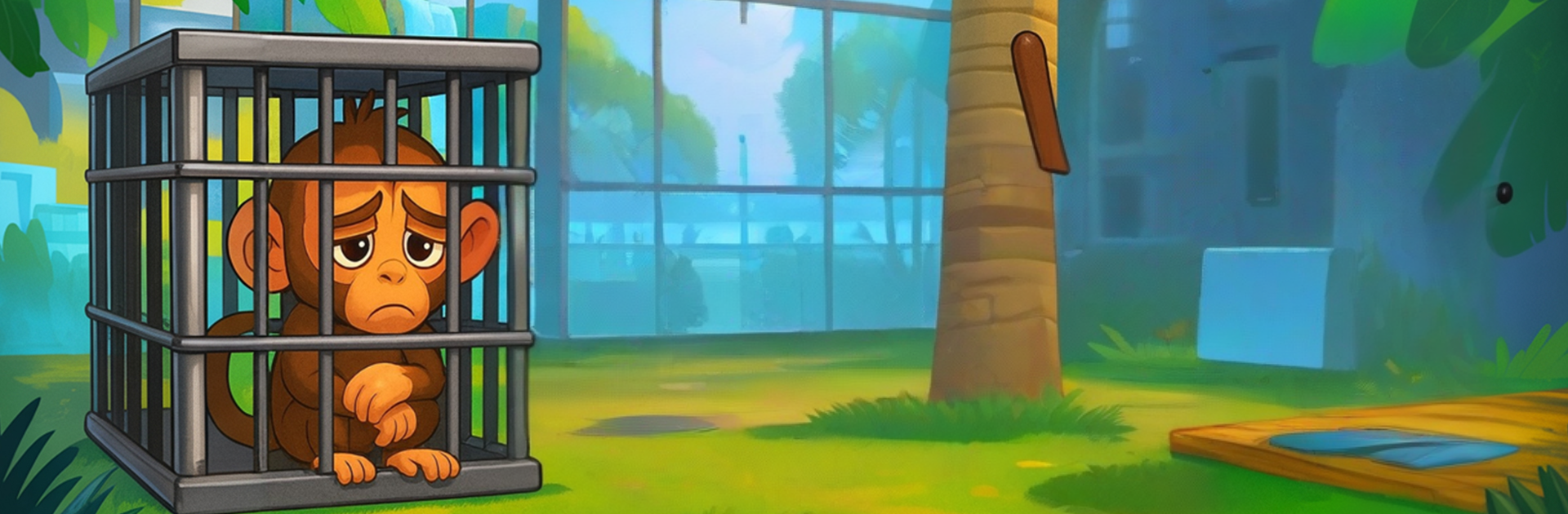
I am a Monkey Prankster

I am a Monkey Prankster

Adventure

| ASCEND GAMES LIMITED

Play on PC with BlueStacks or from our cloud

  • Overview
  • Game Features
  • How to Play

Page Modified On: November 28, 2025

Play I am a Monkey Prankster on PC or Mac

Step into the World of I am a Monkey Prankster, a thrilling Adventure game from the house of ASCEND GAMES LIMITED. Play this Android game on BlueStacks App Player and experience immersive gaming on PC or Mac.

It is a goofy sandbox where the player is a trouble-making monkey loose in a busy zoo. Think slapstick stealth mixed with tag. One moment the monkey is swinging across railings or climbing a pen, the next it is lobbing fruit, splashing water, and setting off little chain reactions. Visitors giggle, guards get alert, animals react, and suddenly there is a mini chase through stalls and paths. Reactions are the hook here, because the same prank never lands exactly the same way twice, so it feels like a small comedy sketch every time something hits.

The loop stays simple on purpose. Collect bananas and coins, unlock silly skins, poke around to find hidden corners and short challenges, then cook up a new prank. Controls are smooth and arcadey, so movement feels quick and jumpy rather than heavy. On PC with BlueStacks, aiming throws with a mouse and snapping the camera around helps a lot, and custom keys make those grab-jump-sprint moments less fumbly.

What stands out most is the playful chaos. The zoo is crowded enough that messing with one person often leads to three or four other reactions, which is fun to poke. It is not super deep, so anyone who needs big goals may hit repetition after a while, and the camera can wobble when the monkey swings fast, but for short sessions of mischief it lands. If slapstick humor, light sneaking, and open-ended pranks sound good, this scratches that itch.

Make your gaming sessions memorable with precise controls that give you an edge in close combats and visuals that pop up, bringing every character to life.


Game Features

Enhancements

  • Macros
  • Multi Instance
  • Multi Instance Sync
  • Script
  • Enhancements
Macros

Macros

Automate the predictable in I am a Monkey Prankster and transform your gameplay with Macros. Get access to inventive Macros in the BlueStacks Macro Community
Multi Instance

Multi Instance

Play I am a Monkey Prankster on one window. And chat with your friend on the other. Press CTRL + Shift + 8 to open the Multi-Instance Manager. And start creating fresh instances or clone an existing one.
Multi Instance Sync

Multi Instance Sync

Play I am a Monkey Prankster with the power of Multi-Instance Sync. Replicate what you are doing on the main instance on all other instances. Level up faster, play more.
Script

Script

Script your way to gaming glory in I am a Monkey Prankster with BlueStacks Script. Write and run a set of commands to automate repeated tasks. Trigger the command by assigning it to any key.
Read More

How to Download and Play I am a Monkey Prankster on PC or Mac

  • Download and install BlueStacks on your PC or Mac

  • Complete Google sign-in to access the Play Store, or do it later

  • Look for I am a Monkey Prankster in the search bar at the top right corner

  • Click to install I am a Monkey Prankster from the search results

  • Complete Google sign-in (if you skipped step 2) to install I am a Monkey Prankster

  • Click the I am a Monkey Prankster icon on the home screen to start playing

video
Watch Video

Minimum System Requirements

With BlueStacks 5, you can get started on a PC that fulfills the following requirements.

  • Operating System

    Microsoft Windows 7 or above, macOS 11 (Big Sur) or above

  • Processor

    Intel, AMD or Apple Silicon Processor

  • RAM

    at least 4GB

  • HDD

    10GB Free Disk Space

Note:

* You must be an Administrator on your PC. Up to date graphics drivers from Microsoft or the chipset vendor.

I am a Monkey Prankster - FAQs

  • How to play I am a Monkey Prankster on Windows PC & Mac?

    Play I am a Monkey Prankster on your PC or Mac by following these simple steps.

    • Click on 'Play I am a Monkey Prankster on PCโ€™ to download BlueStacks
    • Install it and log-in to Google Play Store
    • Launch and play the game.
  • Why is BlueStacks the fastest and safest platform to play games on PC?

    BlueStacks respects your privacy and is always safe and secure to use. It does not carry any malware, spyware, or any sort of additional software that could harm your PC.

    It is engineered to optimize speed and performance for a seamless gaming experience.

  • What are I am a Monkey Prankster PC requirements?

    Minimum requirement to run I am a Monkey Prankster on your PC

    • OS: Microsoft Windows 7 or above MacOS 11 (Big Sur) or above
    • Processor: Intel, AMD or Apple Silicon Processor
    • RAM: Your PC must have at least 4GB of RAM. (Note that having 4GB or more disk space is not a substitute for RAM)
    • HDD: 10GB Free Disk Space.
    • You must be an Administrator on your PC.