It Happened Here 1: Streaming

It Happened Here 1: Streaming

Adventure

| Elephant Games AR LLC

Play on PC with BlueStacks or from our cloud

  • Overview
  • Game Features
  • How to Play

Page Modified On: November 10, 2025

Play It Happened Here 1: Streaming on PC or Mac

It Happened Here 1: Streaming brings the Adventure genre to life, and throws up exciting challenges for gamers. Developed by Elephant Games AR LLC, this Android game is best experienced on BlueStacks, the World’s #1 app player for PC and Mac users.

About the Game

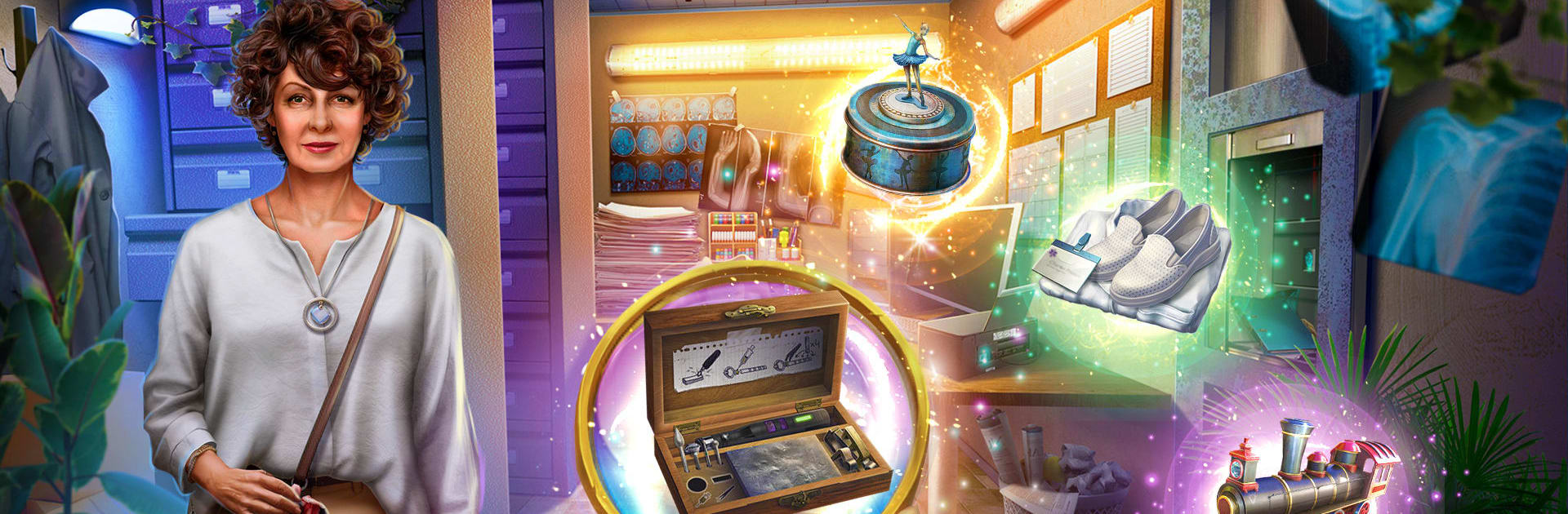
It Happened Here 1: Streaming is an Adventure mystery that puts you in the shoes of Emily Smith, a true‑crime podcaster who can’t let a chilling case go. A quiet American town, a string of linked murders, and a killer who’s still out there—Emily has to gather evidence, record testimony, and keep her people safe while the story unfolds. Created by Elephant Games AR LLC, it blends hidden‑object sleuthing, clever brain teasers, and tense moments where quick thinking really counts.

Game Features

  • A podcast-led investigation: Track the case as Emily, balancing the urge to publish with the need to protect the people around her. Collect clues, interview witnesses, and decide what makes it into the episode.

  • Hidden-object sleuthing: Search detailed scenes for story-critical items. Every found object nudges the investigation forward or reveals something unsettling about the town.

  • Puzzles that matter: Solve smart mini-games and brain teasers—decoding, piecing together evidence, and unlocking paths that point straight at the murderer’s setup.

  • Protect those who matter: Emily’s friend’s nephew, William, is in danger. Secure his safety while figuring out why the killer targets young men—and how the town’s “important people” fit into the scheme.

  • Unusual places to search: Explore a small town with big secrets, from eerie corners to everyday spaces turned suspicious, each location adding context and new leads.

  • Bonus chapter and extras: See how Emily recorded her first podcast in a special chapter. Hunt for collectibles and puzzle pieces, earn achievements, replay favorite HOPs and mini-games, and browse extras like wallpapers, soundtrack, and concept art.

  • Plays great on BlueStacks: Prefer a bigger screen and precise cursor control for HOP scenes and puzzles? You can run it on PC with BlueStacks for a comfy, clean view of every clue.

Get ready for a buttery smooth, high-performance gaming action only on BlueStacks.

Game Features

Enhancements

  • Macros
  • Multi Instance
  • Multi Instance Sync
  • Script
  • Enhancements
Macros

Macros

Automate the predictable in It Happened Here 1: Streaming and transform your gameplay with Macros. Get access to inventive Macros in the BlueStacks Macro Community
Multi Instance

Multi Instance

Play It Happened Here 1: Streaming on one window. And chat with your friend on the other. Press CTRL + Shift + 8 to open the Multi-Instance Manager. And start creating fresh instances or clone an existing one.
Multi Instance Sync

Multi Instance Sync

Play It Happened Here 1: Streaming with the power of Multi-Instance Sync. Replicate what you are doing on the main instance on all other instances. Level up faster, play more.
Script

Script

Script your way to gaming glory in It Happened Here 1: Streaming with BlueStacks Script. Write and run a set of commands to automate repeated tasks. Trigger the command by assigning it to any key.
Read More

How to Download and Play It Happened Here 1: Streaming on PC or Mac

  • Download and install BlueStacks on your PC or Mac

  • Complete Google sign-in to access the Play Store, or do it later

  • Look for It Happened Here 1: Streaming in the search bar at the top right corner

  • Click to install It Happened Here 1: Streaming from the search results

  • Complete Google sign-in (if you skipped step 2) to install It Happened Here 1: Streaming

  • Click the It Happened Here 1: Streaming icon on the home screen to start playing

video
Watch Video

Minimum System Requirements

With BlueStacks 5, you can get started on a PC that fulfills the following requirements.

  • Operating System

    Microsoft Windows 7 or above, macOS 11 (Big Sur) or above

  • Processor

    Intel, AMD or Apple Silicon Processor

  • RAM

    at least 4GB

  • HDD

    10GB Free Disk Space

Note:

* You must be an Administrator on your PC. Up to date graphics drivers from Microsoft or the chipset vendor.

It Happened Here 1: Streaming - FAQs

  • How to play It Happened Here 1: Streaming on Windows PC & Mac?

    Play It Happened Here 1: Streaming on your PC or Mac by following these simple steps.

    • Click on 'Play It Happened Here 1: Streaming on PC’ to download BlueStacks
    • Install it and log-in to Google Play Store
    • Launch and play the game.
  • Why is BlueStacks the fastest and safest platform to play games on PC?

    BlueStacks respects your privacy and is always safe and secure to use. It does not carry any malware, spyware, or any sort of additional software that could harm your PC.

    It is engineered to optimize speed and performance for a seamless gaming experience.

  • What are It Happened Here 1: Streaming PC requirements?

    Minimum requirement to run It Happened Here 1: Streaming on your PC

    • OS: Microsoft Windows 7 or above MacOS 11 (Big Sur) or above
    • Processor: Intel, AMD or Apple Silicon Processor
    • RAM: Your PC must have at least 4GB of RAM. (Note that having 4GB or more disk space is not a substitute for RAM)
    • HDD: 10GB Free Disk Space.
    • You must be an Administrator on your PC.