Neo Pet: Monster Duel

Neo Pet: Monster Duel

Adventure

| AVITA

Play on PC with BlueStacks or from our cloud

  • Overview
  • Game Features
  • How to Play

Page Modified On: April 21, 2026

Play Neo Pet: Monster Duel on PC or Mac

Bring your A-game to Neo Pet: Monster Duel, the Adventure game sensation from AVITA. Give your gameplay the much-needed boost with precise game controls, high FPS graphics, and top-tier features on your PC or Mac with BlueStacks.

About the Game

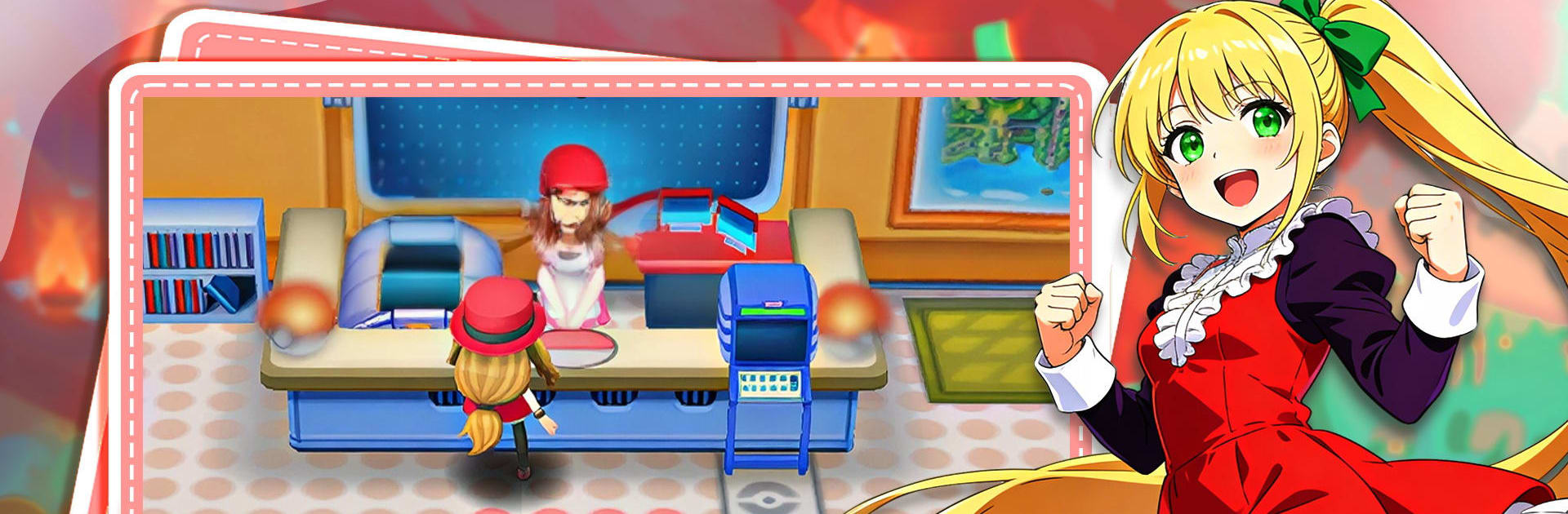
Neo Pet: Monster Duel is an Adventure battler from AVITA where brainy plays beat brute force. You’ll collect quirky creatures, build lineups that actually make sense, and throw down in flashy 3D fights where timing and smart choices decide everything. Want to play on a bigger screen with crisp controls? BlueStacks has your back without getting in the way.

Game Features

  • Deep, timing-based combat: Every skill has a purpose, cooldowns matter, and well-timed ultimates can flip a match. Know your monsters, read the field, and make each button press count.

  • Real-time PvP, worldwide: Queue up against real opponents across the globe in fast, head-to-head matches. Push for higher ranks, chase seasonal rewards, and see how your tactics stack up.

  • Build a true team: Mix roles like Tank, Support, and Striker to create a formation that covers weaknesses and sets up big plays. Element matchups and synergy can let a clever squad punch way above its weight.

  • Loads of Neo Pets to train: Hunt down new partners, awaken their strengths, and experiment until you find combos you can trust under pressure. There’s always another lineup idea worth trying.

  • Big 3D showpieces: Fights pop with clean animations, sharp effects, and camera moves that highlight every hit, blast, and clutch save—great on mobile and just as slick on PC with BlueStacks.

  • Guild clashes and co-op raids: Link up with a crew, swap strategies, and take on colossal bosses together. Group play means shared loot, smarter planning, and bragging rights when your guild climbs the charts.

Slay your opponents with your epic moves. Play it your way on BlueStacks and dominate the battlefield.


Game Features

Enhancements

  • Macros
  • Multi Instance
  • Multi Instance Sync
  • Script
  • Enhancements
Macros

Macros

Automate the predictable in Neo Pet: Monster Duel and transform your gameplay with Macros. Get access to inventive Macros in the BlueStacks Macro Community
Multi Instance

Multi Instance

Play Neo Pet: Monster Duel on one window. And chat with your friend on the other. Press CTRL + Shift + 8 to open the Multi-Instance Manager. And start creating fresh instances or clone an existing one.
Multi Instance Sync

Multi Instance Sync

Play Neo Pet: Monster Duel with the power of Multi-Instance Sync. Replicate what you are doing on the main instance on all other instances. Level up faster, play more.
Script

Script

Script your way to gaming glory in Neo Pet: Monster Duel with BlueStacks Script. Write and run a set of commands to automate repeated tasks. Trigger the command by assigning it to any key.
Read More

How to Download and Play Neo Pet: Monster Duel on PC or Mac

  • Download and install BlueStacks on your PC or Mac

  • Complete Google sign-in to access the Play Store, or do it later

  • Look for Neo Pet: Monster Duel in the search bar at the top right corner

  • Click to install Neo Pet: Monster Duel from the search results

  • Complete Google sign-in (if you skipped step 2) to install Neo Pet: Monster Duel

  • Click the Neo Pet: Monster Duel icon on the home screen to start playing

video
Watch Video

Minimum System Requirements

With BlueStacks 5, you can get started on a PC that fulfills the following requirements.

  • Operating System

    Microsoft Windows 7 or above, macOS 11 (Big Sur) or above

  • Processor

    Intel, AMD or Apple Silicon Processor

  • RAM

    at least 4GB

  • HDD

    10GB Free Disk Space

Note:

* You must be an Administrator on your PC. Up to date graphics drivers from Microsoft or the chipset vendor.

Neo Pet: Monster Duel - FAQs

  • How to play Neo Pet: Monster Duel on Windows PC & Mac?

    Play Neo Pet: Monster Duel on your PC or Mac by following these simple steps.

    • Click on 'Play Neo Pet: Monster Duel on PC’ to download BlueStacks
    • Install it and log-in to Google Play Store
    • Launch and play the game.
  • Why is BlueStacks the fastest and safest platform to play games on PC?

    BlueStacks respects your privacy and is always safe and secure to use. It does not carry any malware, spyware, or any sort of additional software that could harm your PC.

    It is engineered to optimize speed and performance for a seamless gaming experience.

  • What are Neo Pet: Monster Duel PC requirements?

    Minimum requirement to run Neo Pet: Monster Duel on your PC

    • OS: Microsoft Windows 7 or above MacOS 11 (Big Sur) or above
    • Processor: Intel, AMD or Apple Silicon Processor
    • RAM: Your PC must have at least 4GB of RAM. (Note that having 4GB or more disk space is not a substitute for RAM)
    • HDD: 10GB Free Disk Space.
    • You must be an Administrator on your PC.