Obby Parkour: Prison Runner 3D

Obby Parkour: Prison Runner 3D

Adventure

| Play Paradigm

Play on PC with BlueStacks or from our cloud

  • Overview
  • Game Features
  • How to Play

Page Modified On: April 07, 2026

Play Obby Parkour: Prison Runner 3D on PC or Mac

Obby Parkour: Prison Runner 3D brings the Adventure genre to life, and throws up exciting challenges for gamers. Developed by Play Paradigm, this Android game is best experienced on BlueStacks, the World’s #1 app player for PC and Mac users.

About the Game

Stuck in a blocky lockup with more traps than doors? In Obby Parkour: Prison Runner 3D, you sprint, hop, and slide your way out before the floor literally disappears under you. This fast-moving Adventure from Play Paradigm blends tight parkour timing with cheeky humor, secret routes, and sneaky bosses that love to mess with your rhythm. Controls are simple, the challenge ramps quickly, and the goofy cast keeps every fail weirdly satisfying; it’s smooth on mobile and also comfy to play on PC with BlueStacks.

Game Features

  • Blocky Prison Gauntlet: Moving platforms, lasers, crushers, swinging hammers, and collapsing tiles keep you guessing every step of the escape.
  • Snappy Parkour Moves: Double jumps, slides, and quick dashes help you thread tiny gaps without wrestling the controls.
  • Boss Escapes: Set-piece chases with unique block-trap twists shake up the rules and test your reflexes under pressure.
  • Shortcuts & Secrets: Hidden rooms and clever detours reward exploration with safer lines, smarter routes, and faster finishes.
  • Time-Trial Modes: Race the clock, perfect your path, and squeeze out those last few seconds like a true runner fan.
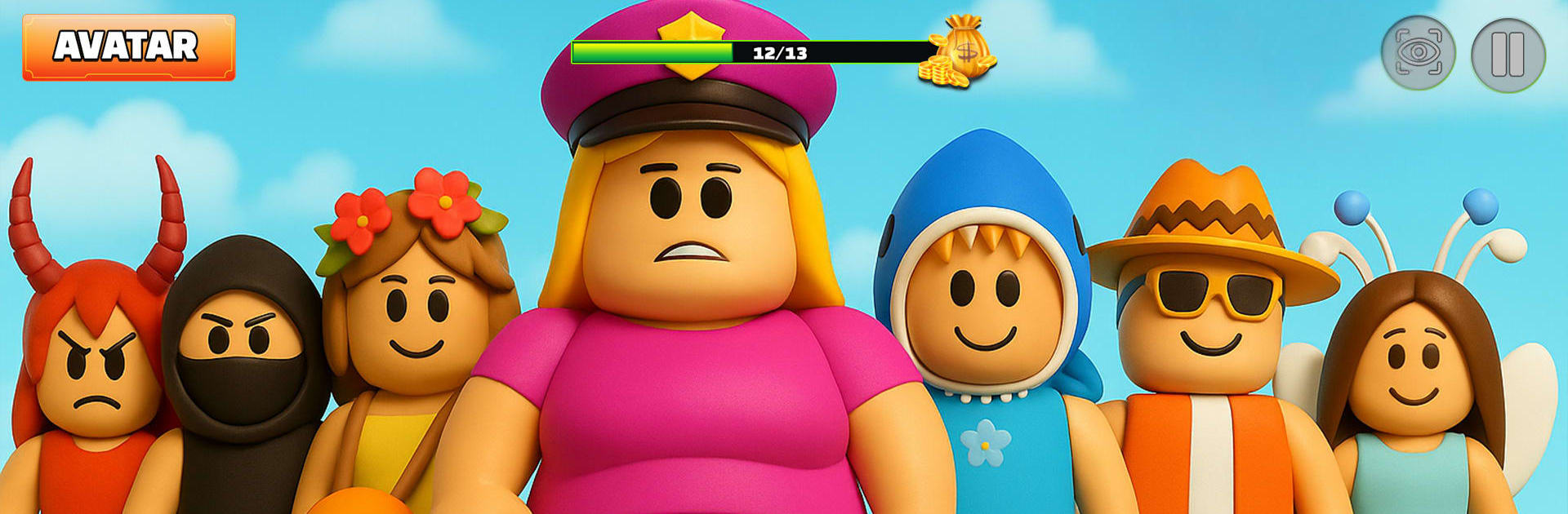
  • Playful Heroes & Skins: Pick a silly blocky hero, throw on meme-ready outfits, and enjoy slapstick animations when things go hilariously wrong.
  • Obby Map Vibes: Stages riff on classic obby maps and tower-style challenges, adding fresh mechanics and hazards as you climb.
  • Easy to Start, Tough to Master: Kid-friendly to pick up, tricky enough to keep older players grinding for that clean, no-mistake run.

Start your journey now. Download the game on BlueStacks, invite your friends, and march on a new adventure.


Game Features

Enhancements

  • Macros
  • Multi Instance
  • Multi Instance Sync
  • Script
  • Enhancements
Macros

Macros

Automate the predictable in Obby Parkour: Prison Runner 3D and transform your gameplay with Macros. Get access to inventive Macros in the BlueStacks Macro Community
Multi Instance

Multi Instance

Play Obby Parkour: Prison Runner 3D on one window. And chat with your friend on the other. Press CTRL + Shift + 8 to open the Multi-Instance Manager. And start creating fresh instances or clone an existing one.
Multi Instance Sync

Multi Instance Sync

Play Obby Parkour: Prison Runner 3D with the power of Multi-Instance Sync. Replicate what you are doing on the main instance on all other instances. Level up faster, play more.
Script

Script

Script your way to gaming glory in Obby Parkour: Prison Runner 3D with BlueStacks Script. Write and run a set of commands to automate repeated tasks. Trigger the command by assigning it to any key.
Read More

How to Download and Play Obby Parkour: Prison Runner 3D on PC or Mac

  • Download and install BlueStacks on your PC or Mac

  • Complete Google sign-in to access the Play Store, or do it later

  • Look for Obby Parkour: Prison Runner 3D in the search bar at the top right corner

  • Click to install Obby Parkour: Prison Runner 3D from the search results

  • Complete Google sign-in (if you skipped step 2) to install Obby Parkour: Prison Runner 3D

  • Click the Obby Parkour: Prison Runner 3D icon on the home screen to start playing

video
Watch Video

Minimum System Requirements

With BlueStacks 5, you can get started on a PC that fulfills the following requirements.

  • Operating System

    Microsoft Windows 7 or above, macOS 11 (Big Sur) or above

  • Processor

    Intel, AMD or Apple Silicon Processor

  • RAM

    at least 4GB

  • HDD

    10GB Free Disk Space

Note:

* You must be an Administrator on your PC. Up to date graphics drivers from Microsoft or the chipset vendor.

Obby Parkour: Prison Runner 3D - FAQs

  • How to play Obby Parkour: Prison Runner 3D on Windows PC & Mac?

    Play Obby Parkour: Prison Runner 3D on your PC or Mac by following these simple steps.

    • Click on 'Play Obby Parkour: Prison Runner 3D on PC’ to download BlueStacks
    • Install it and log-in to Google Play Store
    • Launch and play the game.
  • Why is BlueStacks the fastest and safest platform to play games on PC?

    BlueStacks respects your privacy and is always safe and secure to use. It does not carry any malware, spyware, or any sort of additional software that could harm your PC.

    It is engineered to optimize speed and performance for a seamless gaming experience.

  • What are Obby Parkour: Prison Runner 3D PC requirements?

    Minimum requirement to run Obby Parkour: Prison Runner 3D on your PC

    • OS: Microsoft Windows 7 or above MacOS 11 (Big Sur) or above
    • Processor: Intel, AMD or Apple Silicon Processor
    • RAM: Your PC must have at least 4GB of RAM. (Note that having 4GB or more disk space is not a substitute for RAM)
    • HDD: 10GB Free Disk Space.
    • You must be an Administrator on your PC.