정령킹 키우기
정령킹 키우기

정령킹 키우기

Adventure

| Eight Studio

Play on PC with BlueStacks or from our cloud

  • Overview
  • Game Features
  • How to Play

Page Modified On: January 02, 2026

Play 정령킹 키우기 on PC or Mac

Explore a whole new adventure with Spirit King Quest, a Adventure game created by Eight Studio. Experience great gameplay with BlueStacks, the most popular gaming platform to play Android games on your PC or Mac.

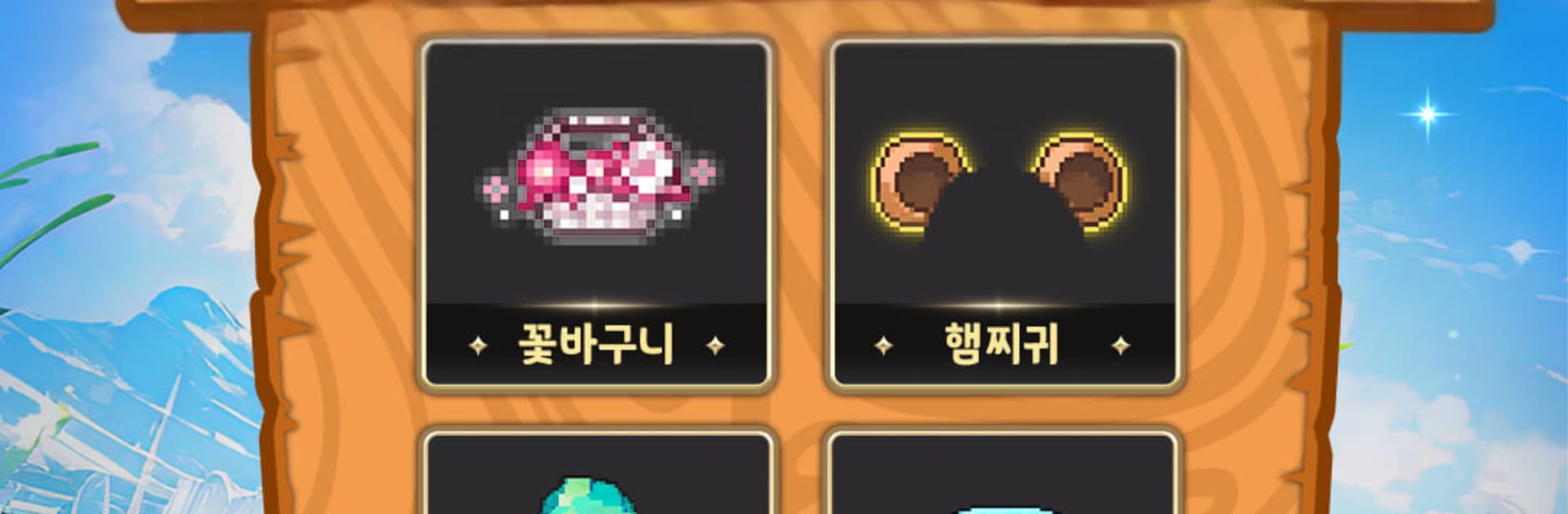
Spirit King Quest feels like a comfy creature collector that sneaks in some spicy little skirmishes when no one is looking. It starts simple: summon cute spirits, build a small party, and watch them bop enemies around in bright, toybox-style maps. The charm is the point. There are loads of spirits to discover, all with their own quirks, and the game lets players fuss over looks a lot. The avatar customization is wild, with a silly amount of skins and mix-and-match pieces, so the town ends up looking like a parade of walking stickers. It is cheerful, not loud.

What stands out is the split between chill and competitive. There is a cozy garden to protect, then sudden real-time fights pop off right in that space, and friends can jump in to help. Co-op hunts feel like quick monster trips for loot, nothing grindy, just in and out. Minigames break things up when the head needs a break from team builds and stat checks. On PC with BlueStacks the whole thing feels easier to manage, since clicking through menus and swapping spirits is faster, plus the art reads nicer on a bigger screen. It will suit anyone who likes collecting cute units, tinkering with team comps, and having short sessions that still feel busy, but it never gets harsh or mean about it.

Get ready for a buttery smooth, high-performance gaming action only on BlueStacks.

Game Features

Enhancements

  • Macros
  • Multi Instance
  • Multi Instance Sync
  • Script
  • Enhancements
Macros

Macros

Automate the predictable in 정령킹 키우기 and transform your gameplay with Macros. Get access to inventive Macros in the BlueStacks Macro Community
Multi Instance

Multi Instance

Play 정령킹 키우기 on one window. And chat with your friend on the other. Press CTRL + Shift + 8 to open the Multi-Instance Manager. And start creating fresh instances or clone an existing one.
Multi Instance Sync

Multi Instance Sync

Play 정령킹 키우기 with the power of Multi-Instance Sync. Replicate what you are doing on the main instance on all other instances. Level up faster, play more.
Script

Script

Script your way to gaming glory in 정령킹 키우기 with BlueStacks Script. Write and run a set of commands to automate repeated tasks. Trigger the command by assigning it to any key.
Read More

How to Download and Play 정령킹 키우기 on PC or Mac

  • Download and install BlueStacks on your PC or Mac

  • Complete Google sign-in to access the Play Store, or do it later

  • Look for 정령킹 키우기 in the search bar at the top right corner

  • Click to install 정령킹 키우기 from the search results

  • Complete Google sign-in (if you skipped step 2) to install 정령킹 키우기

  • Click the 정령킹 키우기 icon on the home screen to start playing

video
Watch Video

Minimum System Requirements

With BlueStacks 5, you can get started on a PC that fulfills the following requirements.

  • Operating System

    Microsoft Windows 7 or above, macOS 11 (Big Sur) or above

  • Processor

    Intel, AMD or Apple Silicon Processor

  • RAM

    at least 4GB

  • HDD

    10GB Free Disk Space

Note:

* You must be an Administrator on your PC. Up to date graphics drivers from Microsoft or the chipset vendor.

정령킹 키우기 - FAQs

  • How to play 정령킹 키우기 on Windows PC & Mac?

    Play 정령킹 키우기 on your PC or Mac by following these simple steps.

    • Click on 'Play 정령킹 키우기 on PC’ to download BlueStacks
    • Install it and log-in to Google Play Store
    • Launch and play the game.
  • Why is BlueStacks the fastest and safest platform to play games on PC?

    BlueStacks respects your privacy and is always safe and secure to use. It does not carry any malware, spyware, or any sort of additional software that could harm your PC.

    It is engineered to optimize speed and performance for a seamless gaming experience.

  • What are 정령킹 키우기 PC requirements?

    Minimum requirement to run 정령킹 키우기 on your PC

    • OS: Microsoft Windows 7 or above MacOS 11 (Big Sur) or above
    • Processor: Intel, AMD or Apple Silicon Processor
    • RAM: Your PC must have at least 4GB of RAM. (Note that having 4GB or more disk space is not a substitute for RAM)
    • HDD: 10GB Free Disk Space.
    • You must be an Administrator on your PC.