



Exclusive Gaming Content. And More.
Get the latest updates on the BlueStacks Blog.
See MorePlay on PC with BlueStacks or from our cloud
Page Modified On: May 04, 2026
Explore a whole new adventure with RogueSlide, a Adventure game created by Beep Yeah LLC. Experience great gameplay with BlueStacks, the most popular gaming platform to play Android games on your PC or Mac.
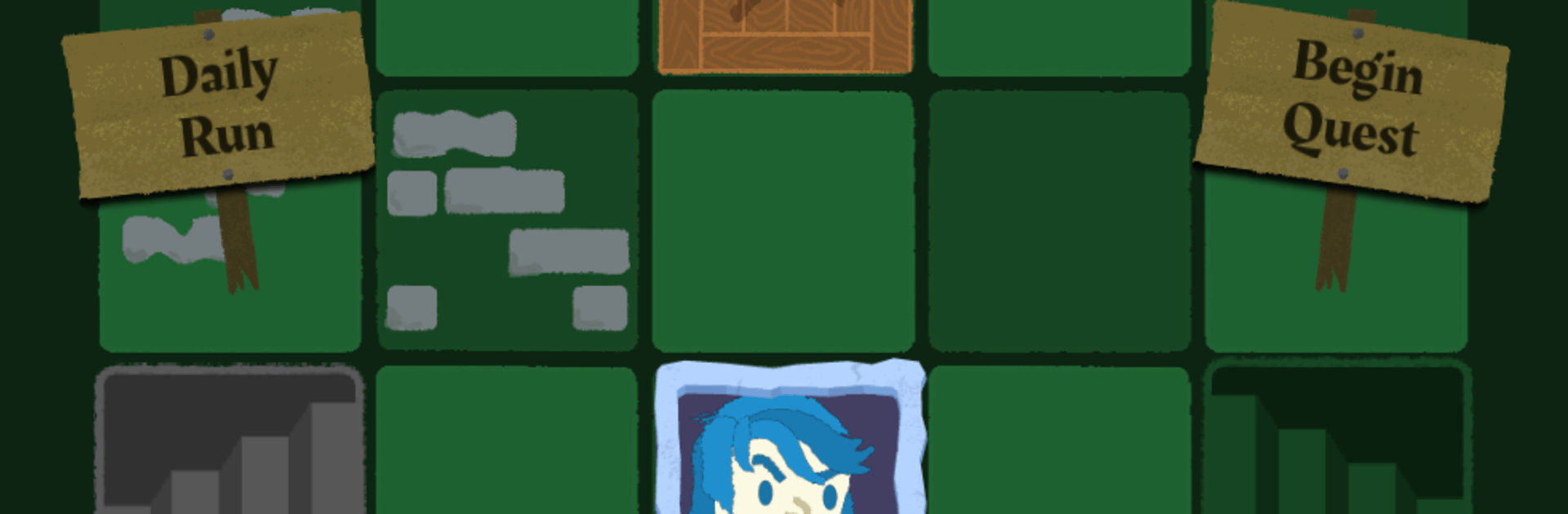
RogueSlide is a clever mash‑up of sliding puzzles and dungeon skirmishes from Beep Yeah LLC. It’s an Adventure that asks you to think a couple moves ahead while you shove tiles around, line up attacks, and keep monsters off your back. Runs are tight and tense, perfect for quick sessions where every swipe feels meaningful.
Slay your opponents with your epic moves. Play it your way on BlueStacks and dominate the battlefield.
Automate the predictable in RogueSlide and transform your gameplay with Macros. Get access to inventive Macros in the BlueStacks Macro Community
Play RogueSlide on one window. And chat with your friend on the other. Press CTRL + Shift + 8 to open the Multi-Instance Manager. And start creating fresh instances or clone an existing one.
Play RogueSlide with the power of Multi-Instance Sync. Replicate what you are doing on the main instance on all other instances. Level up faster, play more.
Script your way to gaming glory in RogueSlide with BlueStacks Script. Write and run a set of commands to automate repeated tasks. Trigger the command by assigning it to any key.
Download and install BlueStacks on your PC or Mac
Complete Google sign-in to access the Play Store, or do it later
Look for RogueSlide in the search bar at the top right corner
Click to install RogueSlide from the search results
Complete Google sign-in (if you skipped step 2) to install RogueSlide
Click the RogueSlide icon on the home screen to start playing
With BlueStacks 5, you can get started on a PC that fulfills the following requirements.
Microsoft Windows 7 or above, macOS 11 (Big Sur) or above
Intel, AMD or Apple Silicon Processor
at least 4GB
10GB Free Disk Space
* You must be an Administrator on your PC. Up to date graphics drivers from Microsoft or the chipset vendor.

Leave your email and we will notify
you when the game launches
Play RogueSlide on your PC or Mac by following these simple steps.
BlueStacks respects your privacy and is always safe and secure to use. It does not carry any malware, spyware, or any sort of additional software that could harm your PC.
It is engineered to optimize speed and performance for a seamless gaming experience.
Minimum requirement to run RogueSlide on your PC

Since you are on your phone, we are going to send you to the Google Play page.
In some cases BlueStacks uses affiliate links when linking to Google Play
BlueStacks 4 is not available on Windows XP. You must have Windows 7 or higher. Windows 10 is recommended.



