SkyDrift: Explore the World

SkyDrift: Explore the World

Adventure

| Freeze Tag Games

Play on PC with BlueStacks or from our cloud

  • Overview
  • Game Features
  • How to Play

Page Modified On: September 18, 2026

Play SkyDrift: Explore the World on PC or Mac

Bring your A-game to SkyDrift: Explore the World, the Adventure game sensation from Freeze Tag Games. Give your gameplay the much-needed boost with precise game controls, high FPS graphics, and top-tier features on your PC or Mac with BlueStacks.

About the Game

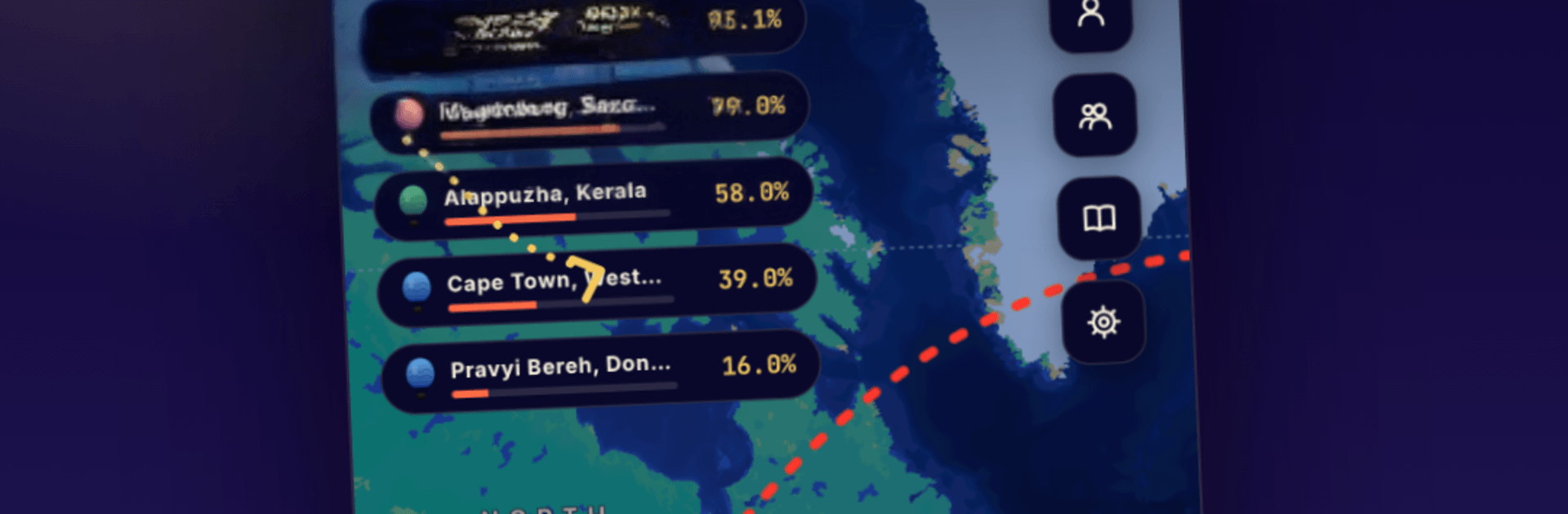
SkyDrift: Explore the World is a relaxed Adventure where you guide whimsical balloons using real, global winds. Pick any launch point, watch the atmosphere carry you, and enjoy the quiet satisfaction of seeing your route unfold across the map. It also plays nicely on PC with BlueStacks.

Game Features

  • Live wind navigation: Ride authentic global wind currents that change along with real weather.
  • Start anywhere on Earth: Launch from your hometown, a far-off island, or open ocean and see where you end up.
  • Personal balloon hangar: Collect and curate a lineup of distinctive balloons, each with its own look and quirks.
  • No-stress flying: No timers, no enemies—just calm, unhurried movement through the sky for as long (or short) as you like.
  • Flight logbook: Keep a tidy record of every journey, including your path, course changes, and those happy detours.
  • Distance points and coins: Earn for the miles you travel, pick up coins, and grab new goodies from the shop.
  • Achievements to chase: Hit meaningful milestones as you reach new distances and try bolder routes.
  • Curious artifacts: Discover odd little souvenirs the winds drift your way during longer flights.
  • Play your pace: Sneak in a five-minute hop or settle in for an all-afternoon cruise—both feel great.
  • For map-and-weather fans: Built for folks who love cartography, forecasts, and that window-seat daydreaming vibe.

Get ready for a buttery smooth, high-performance gaming action only on BlueStacks.

Game Features

Enhancements

  • Macros
  • Multi Instance
  • Multi Instance Sync
  • Script
  • Enhancements
Macros

Macros

Automate the predictable in SkyDrift: Explore the World and transform your gameplay with Macros. Get access to inventive Macros in the BlueStacks Macro Community
Multi Instance

Multi Instance

Play SkyDrift: Explore the World on one window. And chat with your friend on the other. Press CTRL + Shift + 8 to open the Multi-Instance Manager. And start creating fresh instances or clone an existing one.
Multi Instance Sync

Multi Instance Sync

Play SkyDrift: Explore the World with the power of Multi-Instance Sync. Replicate what you are doing on the main instance on all other instances. Level up faster, play more.
Script

Script

Script your way to gaming glory in SkyDrift: Explore the World with BlueStacks Script. Write and run a set of commands to automate repeated tasks. Trigger the command by assigning it to any key.
Read More

How to Download and Play SkyDrift: Explore the World on PC or Mac

  • Download and install BlueStacks on your PC or Mac

  • Complete Google sign-in to access the Play Store, or do it later

  • Look for SkyDrift: Explore the World in the search bar at the top right corner

  • Click to install SkyDrift: Explore the World from the search results

  • Complete Google sign-in (if you skipped step 2) to install SkyDrift: Explore the World

  • Click the SkyDrift: Explore the World icon on the home screen to start playing

video
Watch Video

Minimum System Requirements

With BlueStacks 5, you can get started on a PC that fulfills the following requirements.

  • Operating System

    Microsoft Windows 7 or above, macOS 11 (Big Sur) or above

  • Processor

    Intel, AMD or Apple Silicon Processor

  • RAM

    at least 4GB

  • HDD

    10GB Free Disk Space

Note:

* You must be an Administrator on your PC. Up to date graphics drivers from Microsoft or the chipset vendor.

SkyDrift: Explore the World - FAQs

  • How to play SkyDrift: Explore the World on Windows PC & Mac?

    Play SkyDrift: Explore the World on your PC or Mac by following these simple steps.

    • Click on 'Play SkyDrift: Explore the World on PC’ to download BlueStacks
    • Install it and log-in to Google Play Store
    • Launch and play the game.
  • Why is BlueStacks the fastest and safest platform to play games on PC?

    BlueStacks respects your privacy and is always safe and secure to use. It does not carry any malware, spyware, or any sort of additional software that could harm your PC.

    It is engineered to optimize speed and performance for a seamless gaming experience.

  • What are SkyDrift: Explore the World PC requirements?

    Minimum requirement to run SkyDrift: Explore the World on your PC

    • OS: Microsoft Windows 7 or above MacOS 11 (Big Sur) or above
    • Processor: Intel, AMD or Apple Silicon Processor
    • RAM: Your PC must have at least 4GB of RAM. (Note that having 4GB or more disk space is not a substitute for RAM)
    • HDD: 10GB Free Disk Space.
    • You must be an Administrator on your PC.