Anime Crystal - Arena Online

Anime Crystal - Arena Online

Arcade

| Dragon Crystal

Play on PC with BlueStacks or from our cloud

  • Overview
  • Game Features
  • How to Play

Page Modified On: August 07, 2025

Play Anime Crystal - Arena Online on PC or Mac

Join millions to experience Anime Crystal – Arena Online, an exciting Arcade game from Dragon Crystal. With BlueStacks App Player, you are always a step ahead of your opponent, ready to outplay them with faster gameplay and better control with the mouse and keyboard on your PC or Mac.

About the Game

Anime Crystal – Arena Online throws you into a wild and fast-paced Arcade show down where crystal warriors from every corner of the crystalverse are ready to battle it out. Whether you’re all about showing off fighting skills or just want a lively multiplayer brawl with friends, this one’s got some serious action in store. With up to 30 players clashing together in real-time, you never quite know what you’ll be up against next.

Game Features

  • Real-Time Multiplayer Madness
    Jump right into heated online battles with up to 30 players packed into one room. Take on the title of PVP king, grab a group, or go solo—either way, you’re in for some wild competition.

  • Arcade Action in Two Modes
    Mix things up with two different modes to switch the pace. Whether you want classic free-for-alls or more tactical team play, you can pick your style for the day.

  • Playable Crystal Warriors
    Choose from a squad of 13 colorful fighters, each with their own fighting flair. Find your favorite and show everyone why they shouldn’t mess with your crystal skill set.

  • Unique Maps to Master
    Battle it out on two distinct arenas, each serving up new spots to strategize (or just ambush your enemies). Every map keeps things fresh and a little unpredictable.

  • Transformations and Unlockable Skills
    It’s not just about button mashing. Unleash new forms and powers as you play—every crystal warrior’s got something unexpected up their sleeve.

  • Team Up or Play Solo
    Invite friends along, or take on the challenge alone. Either way, multiplayer matches are fully loaded with team and solo options.

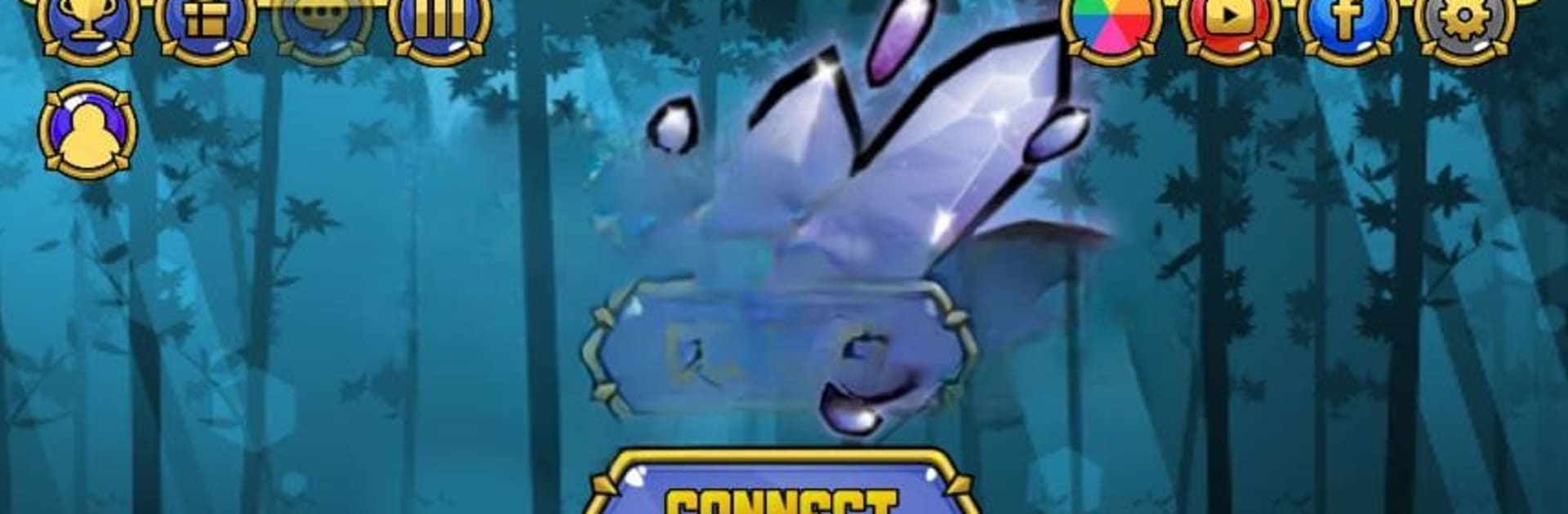
  • Great 2D Graphics
    You’ll notice the crisp, colorful visuals right away. Attacks and transformations pack a visual punch without overcomplicating things.

  • Character Customization Coming Soon
    Keep an eye out for an upcoming character creation feature—something fans are already buzzing about.

You can try Anime Crystal – Arena Online on BlueStacks if you like, for a slightly different way to jump into the chaos.

Slay your opponents with your epic moves. Play it your way on BlueStacks and dominate the battlefield.


Game Features

Enhancements

  • Macros
  • Multi Instance
  • Multi Instance Sync
  • Script
  • Enhancements
Macros

Macros

Automate the predictable in Anime Crystal - Arena Online and transform your gameplay with Macros. Get access to inventive Macros in the BlueStacks Macro Community
Multi Instance

Multi Instance

Play Anime Crystal - Arena Online on one window. And chat with your friend on the other. Press CTRL + Shift + 8 to open the Multi-Instance Manager. And start creating fresh instances or clone an existing one.
Multi Instance Sync

Multi Instance Sync

Play Anime Crystal - Arena Online with the power of Multi-Instance Sync. Replicate what you are doing on the main instance on all other instances. Level up faster, play more.
Script

Script

Script your way to gaming glory in Anime Crystal - Arena Online with BlueStacks Script. Write and run a set of commands to automate repeated tasks. Trigger the command by assigning it to any key.
Read More

How to Download and Play Anime Crystal - Arena Online on PC or Mac

  • Download and install BlueStacks on your PC or Mac

  • Complete Google sign-in to access the Play Store, or do it later

  • Look for Anime Crystal - Arena Online in the search bar at the top right corner

  • Click to install Anime Crystal - Arena Online from the search results

  • Complete Google sign-in (if you skipped step 2) to install Anime Crystal - Arena Online

  • Click the Anime Crystal - Arena Online icon on the home screen to start playing

video
Watch Video

Minimum System Requirements

With BlueStacks 5, you can get started on a PC that fulfills the following requirements.

  • Operating System

    Microsoft Windows 7 or above, macOS 11 (Big Sur) or above

  • Processor

    Intel, AMD or Apple Silicon Processor

  • RAM

    at least 4GB

  • HDD

    10GB Free Disk Space

Note:

* You must be an Administrator on your PC. Up to date graphics drivers from Microsoft or the chipset vendor.

Anime Crystal - Arena Online - FAQs

  • How to play Anime Crystal - Arena Online on Windows PC & Mac?

    Play Anime Crystal - Arena Online on your PC or Mac by following these simple steps.

    • Click on 'Play Anime Crystal - Arena Online on PC’ to download BlueStacks
    • Install it and log-in to Google Play Store
    • Launch and play the game.
  • Why is BlueStacks the fastest and safest platform to play games on PC?

    BlueStacks respects your privacy and is always safe and secure to use. It does not carry any malware, spyware, or any sort of additional software that could harm your PC.

    It is engineered to optimize speed and performance for a seamless gaming experience.

  • What are Anime Crystal - Arena Online PC requirements?

    Minimum requirement to run Anime Crystal - Arena Online on your PC

    • OS: Microsoft Windows 7 or above MacOS 11 (Big Sur) or above
    • Processor: Intel, AMD or Apple Silicon Processor
    • RAM: Your PC must have at least 4GB of RAM. (Note that having 4GB or more disk space is not a substitute for RAM)
    • HDD: 10GB Free Disk Space.
    • You must be an Administrator on your PC.