betPawa
betPawa

betPawa

Arcade

| Global-Koros

Play on PC with BlueStacks or from our cloud

  • Overview
  • Game Features
  • How to Play

Page Modified On: July 06, 2026

Play betPawa on PC or Mac

Step into the World of betPawa, a thrilling Arcade game from the house of Global-Koros. Play this Android game on BlueStacks App Player and experience immersive gaming on PC or Mac.

About the Game

betPawa is a crisp, skill-first Arcade take on football where every kick is a mind game. You’re calling the shots from the touchline and the spot: read the moving wall, pick your angle, and curl it past a keeper who doesn’t sit still. It’s quick to learn, tricky to truly master, and it even feels great on BlueStacks if you prefer playing on a bigger screen.

Game Features

  • Precision Free Kicks: Swipe to set direction, judge power, then add just the right bend—no two strikes feel the same.
  • Smarter Opposition: Defenders shuffle, open, and close lanes while the keeper guesses, reacts, and recovers, so you’ve got to outthink them, not just outshoot them.
  • Round-Based Showdowns: Snappy, pressure-packed series decide the winner, perfect for quick breaks or “one more try” nights.
  • Difficulty You Can Feel: Ease in with relaxed settings, then climb to intense, pro-level pressure when you’re ready.
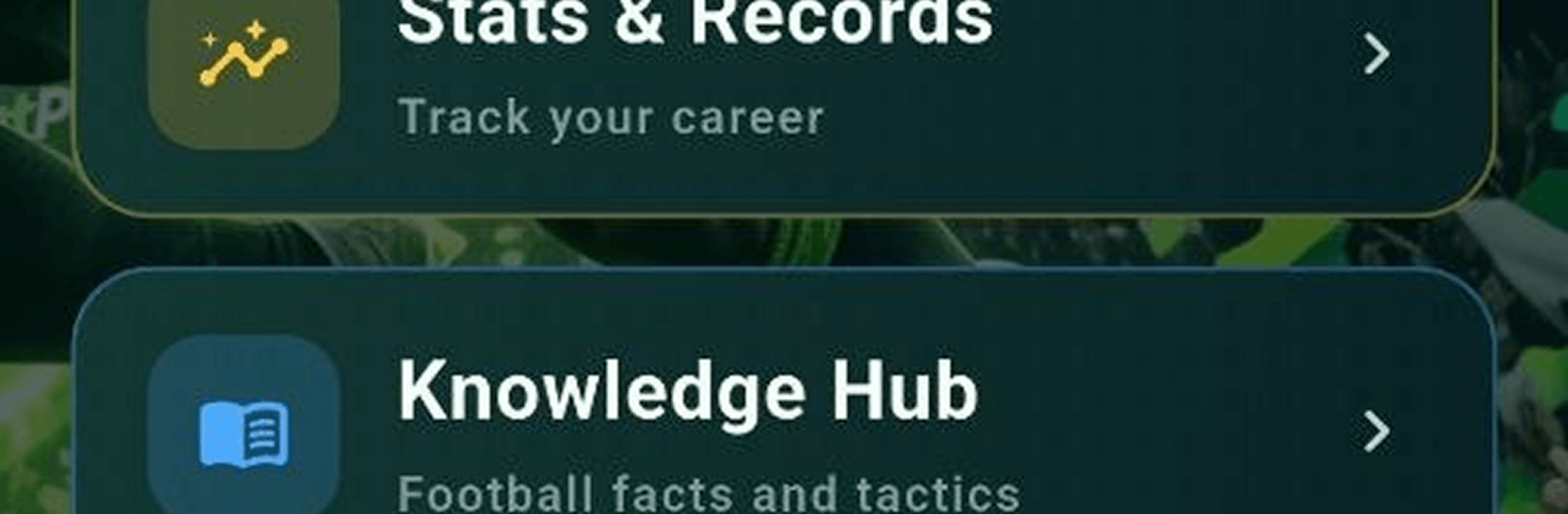
  • Full Squad Overview: Browse your lineup with position insights and player stats to understand strengths, gaps, and who to trust when it counts.
  • Coach’s Playbook: A handy knowledge hub helps sharpen your football IQ with tips that actually translate to better shots.
  • Career Tracking: Follow your records, milestones, and achievements as your tactics—and nerves—improve.
  • Club Identity: Name your club and put your stamp on it with the look and style that suits you.
  • Tweakable Controls: Adjust gameplay settings to match your feel, whether you like snappier swipes or a slower, more deliberate touch.
  • Built for Skill: Easy to pick up, deep enough to reward awareness and smart decisions—angle by angle, kick by kick.

BlueStacks gives you more room to focus on the game and less time adjusting around mobile limitations.


Game Features

Enhancements

  • Macros
  • Multi Instance
  • Multi Instance Sync
  • Script
  • Enhancements
Macros

Macros

Automate the predictable in betPawa and transform your gameplay with Macros. Get access to inventive Macros in the BlueStacks Macro Community
Multi Instance

Multi Instance

Play betPawa on one window. And chat with your friend on the other. Press CTRL + Shift + 8 to open the Multi-Instance Manager. And start creating fresh instances or clone an existing one.
Multi Instance Sync

Multi Instance Sync

Play betPawa with the power of Multi-Instance Sync. Replicate what you are doing on the main instance on all other instances. Level up faster, play more.
Script

Script

Script your way to gaming glory in betPawa with BlueStacks Script. Write and run a set of commands to automate repeated tasks. Trigger the command by assigning it to any key.
Read More

How to Download and Play betPawa on PC or Mac

  • Download and install BlueStacks on your PC or Mac

  • Complete Google sign-in to access the Play Store, or do it later

  • Look for betPawa in the search bar at the top right corner

  • Click to install betPawa from the search results

  • Complete Google sign-in (if you skipped step 2) to install betPawa

  • Click the betPawa icon on the home screen to start playing

video
Watch Video

Minimum System Requirements

With BlueStacks 5, you can get started on a PC that fulfills the following requirements.

  • Operating System

    Microsoft Windows 7 or above, macOS 11 (Big Sur) or above

  • Processor

    Intel, AMD or Apple Silicon Processor

  • RAM

    at least 4GB

  • HDD

    10GB Free Disk Space

Note:

* You must be an Administrator on your PC. Up to date graphics drivers from Microsoft or the chipset vendor.

betPawa - FAQs

  • How to play betPawa on Windows PC & Mac?

    Play betPawa on your PC or Mac by following these simple steps.

    • Click on 'Play betPawa on PC’ to download BlueStacks
    • Install it and log-in to Google Play Store
    • Launch and play the game.
  • Why is BlueStacks the fastest and safest platform to play games on PC?

    BlueStacks respects your privacy and is always safe and secure to use. It does not carry any malware, spyware, or any sort of additional software that could harm your PC.

    It is engineered to optimize speed and performance for a seamless gaming experience.

  • What are betPawa PC requirements?

    Minimum requirement to run betPawa on your PC

    • OS: Microsoft Windows 7 or above MacOS 11 (Big Sur) or above
    • Processor: Intel, AMD or Apple Silicon Processor
    • RAM: Your PC must have at least 4GB of RAM. (Note that having 4GB or more disk space is not a substitute for RAM)
    • HDD: 10GB Free Disk Space.
    • You must be an Administrator on your PC.