Crimson Desert: Open World RPG

Crimson Desert: Open World RPG

Arcade

| AC Uhrmacher eGbR

Play on PC with BlueStacks or from our cloud

  • Overview
  • Game Features
  • How to Play

Page Modified On: April 24, 2026

Play Crimson Desert: Open World RPG on PC or Mac

From the innovators and creators at AC Uhrmacher eGbR, Crimson Desert: Open World RPG is another fun addition to the World of Arcade games. Go beyond your mobile screen and play it bigger and better on your PC or Mac. An immersive experience awaits you.

About the Game

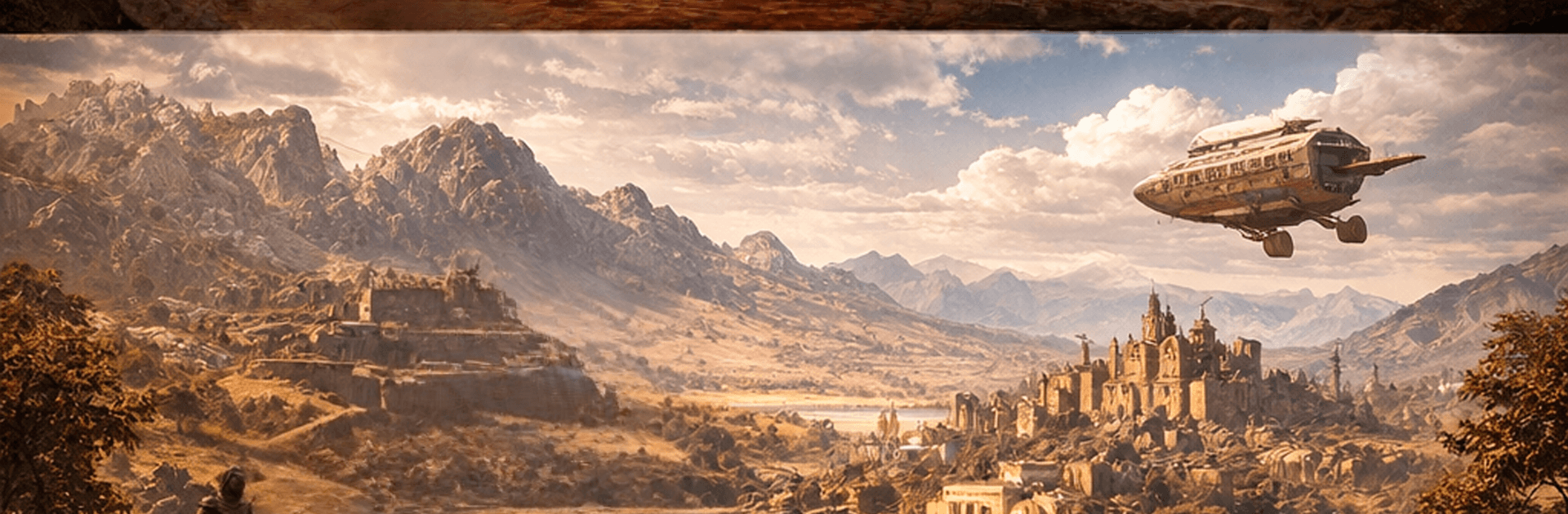
Crimson Desert: Open World RPG drops you into Pywel, a rough-and-tumble land where mercenaries make their own luck and trouble finds you fast. You’ll follow Kliff and the Greymanes as they claw their way through rival factions and messy loyalties, with a sprawling world that refuses to sit still. Built by AC Uhrmacher eGbR and filed under the Arcade genre, it’s an open-world adventure with weighty combat, big exploration energy, and plenty of room to play your way. Prefer a larger screen and keyboard? It runs smoothly on BlueStacks, too.

Game Features

  • Living world, no smoke and mirrors: Weather shifts, light changes, and the environment actually breaks under stress—wood splinters, stone gives way, and the world feels genuinely reactive.
  • A story with bite: Walk in Kliff’s boots as the Greymanes square off against the Black Bears, tangled up in betrayals, hard choices, and the fallout that follows.
  • Combat that hits hard: Swap between sword-and-shield technique, gritty grapples, and slick elemental magic. Every swing looks great and, more importantly, feels earned.
  • Go-anywhere traversal: Climb cliffs, glide over valleys, or take to the skies on fearsome creatures. Five distinct biomes hide sky islands, secret paths, and dungeons begging to be cleared.
  • Tools, taming, and tinkering: Break in wild horses, hunt down rare artifacts, and build up your base so you’ve got a real foothold in Pywel.
  • Help when you want it: A built-in walkthrough offers tips for main quests, side gigs, boss tactics, horse taming, and more—there when you need it, quiet when you don’t.
  • Always growing: Regular updates keep things fresh with new artifacts to chase, seasonal challenges, and performance polish that makes exploration smoother.

Start your journey now. Download the game on BlueStacks, invite your friends, and march on a new adventure.


Game Features

Enhancements

  • Macros
  • Multi Instance
  • Multi Instance Sync
  • Script
  • Enhancements
Macros

Macros

Automate the predictable in Crimson Desert: Open World RPG and transform your gameplay with Macros. Get access to inventive Macros in the BlueStacks Macro Community
Multi Instance

Multi Instance

Play Crimson Desert: Open World RPG on one window. And chat with your friend on the other. Press CTRL + Shift + 8 to open the Multi-Instance Manager. And start creating fresh instances or clone an existing one.
Multi Instance Sync

Multi Instance Sync

Play Crimson Desert: Open World RPG with the power of Multi-Instance Sync. Replicate what you are doing on the main instance on all other instances. Level up faster, play more.
Script

Script

Script your way to gaming glory in Crimson Desert: Open World RPG with BlueStacks Script. Write and run a set of commands to automate repeated tasks. Trigger the command by assigning it to any key.
Read More

How to Download and Play Crimson Desert: Open World RPG on PC or Mac

  • Download and install BlueStacks on your PC or Mac

  • Complete Google sign-in to access the Play Store, or do it later

  • Look for Crimson Desert: Open World RPG in the search bar at the top right corner

  • Click to install Crimson Desert: Open World RPG from the search results

  • Complete Google sign-in (if you skipped step 2) to install Crimson Desert: Open World RPG

  • Click the Crimson Desert: Open World RPG icon on the home screen to start playing

video
Watch Video

Minimum System Requirements

With BlueStacks 5, you can get started on a PC that fulfills the following requirements.

  • Operating System

    Microsoft Windows 7 or above, macOS 11 (Big Sur) or above

  • Processor

    Intel, AMD or Apple Silicon Processor

  • RAM

    at least 4GB

  • HDD

    10GB Free Disk Space

Note:

* You must be an Administrator on your PC. Up to date graphics drivers from Microsoft or the chipset vendor.

Crimson Desert: Open World RPG - FAQs

  • How to play Crimson Desert: Open World RPG on Windows PC & Mac?

    Play Crimson Desert: Open World RPG on your PC or Mac by following these simple steps.

    • Click on 'Play Crimson Desert: Open World RPG on PC’ to download BlueStacks
    • Install it and log-in to Google Play Store
    • Launch and play the game.
  • Why is BlueStacks the fastest and safest platform to play games on PC?

    BlueStacks respects your privacy and is always safe and secure to use. It does not carry any malware, spyware, or any sort of additional software that could harm your PC.

    It is engineered to optimize speed and performance for a seamless gaming experience.

  • What are Crimson Desert: Open World RPG PC requirements?

    Minimum requirement to run Crimson Desert: Open World RPG on your PC

    • OS: Microsoft Windows 7 or above MacOS 11 (Big Sur) or above
    • Processor: Intel, AMD or Apple Silicon Processor
    • RAM: Your PC must have at least 4GB of RAM. (Note that having 4GB or more disk space is not a substitute for RAM)
    • HDD: 10GB Free Disk Space.
    • You must be an Administrator on your PC.