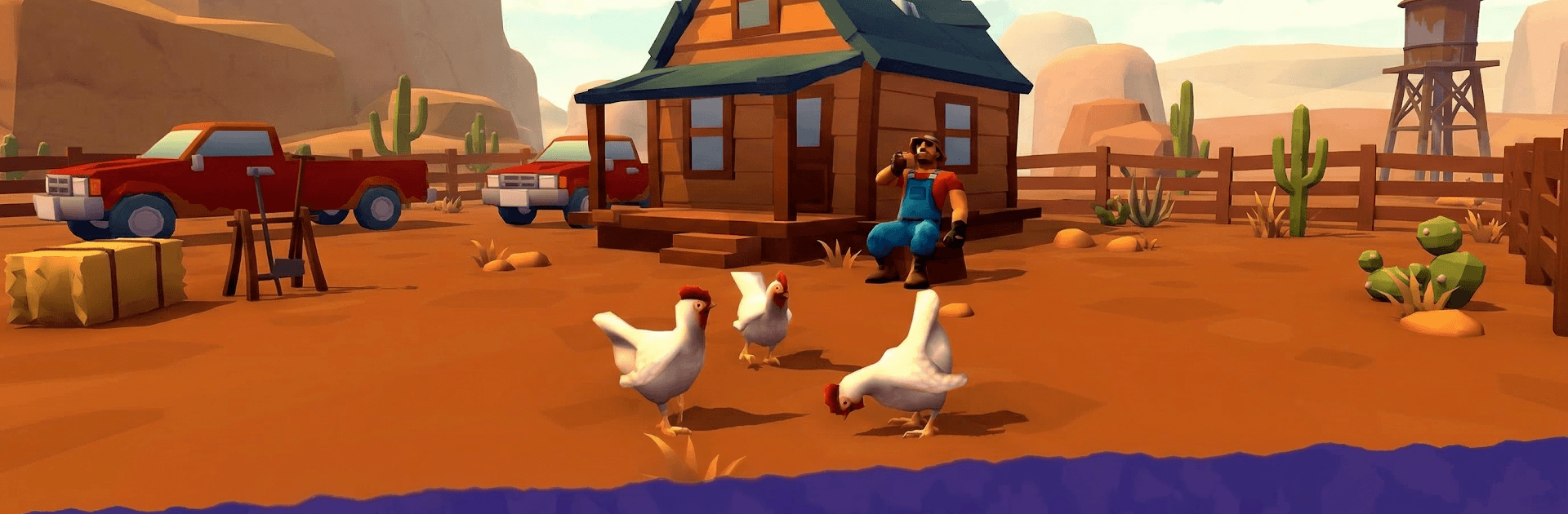
Desert Worm Idle RPG

Desert Worm Idle RPG

Arcade

| MULTICAST GAMES

Play on PC with BlueStacks or from our cloud

  • Overview
  • Game Features
  • How to Play

Page Modified On: August 03, 2026

Play Desert Worm Idle RPG on PC or Mac

Play Desert Worm Idle RPG by MULTICAST GAMES on PC or Mac with BlueStacks. Use a bigger screen, mouse and keyboard controls, and smoother performance while you play.

About the Game

Desert Worm Idle RPG drops you into the sand as a massive, hungry beast that lives beneath the dunes. It blends hands-on Arcade action with relaxing idle growth, so you can jump in for quick hunts or let your creature evolve while you’re off doing other things. One minute you’re cruising under the surface, the next you’re bursting up to swallow anything that moves—simple to pick up, surprisingly deep once you start tinkering with builds.

Game Features

  • Grow a desert titan: Expand your worm segment by segment, fine-tuning speed, toughness, and bite power to shape a monster that fits your style.
  • Skill-based hunts: Enemies aren’t pushovers—plan your angle of attack, time your leaps, and outsmart armored foes that hit back.
  • Consume and evolve: Gather resources from prey and the environment, then pour them into new abilities and permanent upgrades that stick.
  • Distinct zones to conquer: Roam sun-blasted dunes, crumbled ruins, and harsh wastelands, each with its own hazards, visuals, and secrets tucked under the sand.
  • Idle progress that feels natural: Your worm keeps hunting and growing while you’re away, so returns are satisfying without the grind.
  • Snappy Arcade flow: Quick sessions, responsive controls, and clear feedback make every ambush crunchy and clean—even when you’re just chasing a better run.
  • Built for tinkering: Experiment with upgrade paths and discover combos that turn your creature from scary to unstoppable.
  • Play comfortably on PC: Prefer a bigger screen and easy controls? BlueStacks is a handy way to enjoy Desert Worm Idle RPG on your computer.

Start playing Desert Worm Idle RPG on BlueStacks and get a smoother, more comfortable PC or Mac setup.


Game Features

Enhancements

  • Macros
  • Multi Instance
  • Multi Instance Sync
  • Script
  • Enhancements
Macros

Macros

Automate the predictable in Desert Worm Idle RPG and transform your gameplay with Macros. Get access to inventive Macros in the BlueStacks Macro Community
Multi Instance

Multi Instance

Play Desert Worm Idle RPG on one window. And chat with your friend on the other. Press CTRL + Shift + 8 to open the Multi-Instance Manager. And start creating fresh instances or clone an existing one.
Multi Instance Sync

Multi Instance Sync

Play Desert Worm Idle RPG with the power of Multi-Instance Sync. Replicate what you are doing on the main instance on all other instances. Level up faster, play more.
Script

Script

Script your way to gaming glory in Desert Worm Idle RPG with BlueStacks Script. Write and run a set of commands to automate repeated tasks. Trigger the command by assigning it to any key.
Read More

How to Download and Play Desert Worm Idle RPG on PC or Mac

  • Download and install BlueStacks on your PC or Mac

  • Complete Google sign-in to access the Play Store, or do it later

  • Look for Desert Worm Idle RPG in the search bar at the top right corner

  • Click to install Desert Worm Idle RPG from the search results

  • Complete Google sign-in (if you skipped step 2) to install Desert Worm Idle RPG

  • Click the Desert Worm Idle RPG icon on the home screen to start playing

video
Watch Video

Minimum System Requirements

With BlueStacks 5, you can get started on a PC that fulfills the following requirements.

  • Operating System

    Microsoft Windows 7 or above, macOS 11 (Big Sur) or above

  • Processor

    Intel, AMD or Apple Silicon Processor

  • RAM

    at least 4GB

  • HDD

    10GB Free Disk Space

Note:

* You must be an Administrator on your PC. Up to date graphics drivers from Microsoft or the chipset vendor.

Desert Worm Idle RPG - FAQs

  • How to play Desert Worm Idle RPG on Windows PC & Mac?

    Play Desert Worm Idle RPG on your PC or Mac by following these simple steps.

    • Click on 'Play Desert Worm Idle RPG on PC’ to download BlueStacks
    • Install it and log-in to Google Play Store
    • Launch and play the game.
  • Why is BlueStacks the fastest and safest platform to play games on PC?

    BlueStacks respects your privacy and is always safe and secure to use. It does not carry any malware, spyware, or any sort of additional software that could harm your PC.

    It is engineered to optimize speed and performance for a seamless gaming experience.

  • What are Desert Worm Idle RPG PC requirements?

    Minimum requirement to run Desert Worm Idle RPG on your PC

    • OS: Microsoft Windows 7 or above MacOS 11 (Big Sur) or above
    • Processor: Intel, AMD or Apple Silicon Processor
    • RAM: Your PC must have at least 4GB of RAM. (Note that having 4GB or more disk space is not a substitute for RAM)
    • HDD: 10GB Free Disk Space.
    • You must be an Administrator on your PC.