Gear Harvest
Gear Harvest

Gear Harvest

Arcade

| GTap Studio

Play on PC with BlueStacks or from our cloud

  • Overview
  • Game Features
  • How to Play

Page Modified On: September 11, 2026

Play Gear Harvest on PC or Mac

Step into the World of Gear Harvest, a thrilling Arcade game from the house of GTap Studio. Play this Android game on BlueStacks App Player and experience immersive gaming on PC or Mac.

About the Game

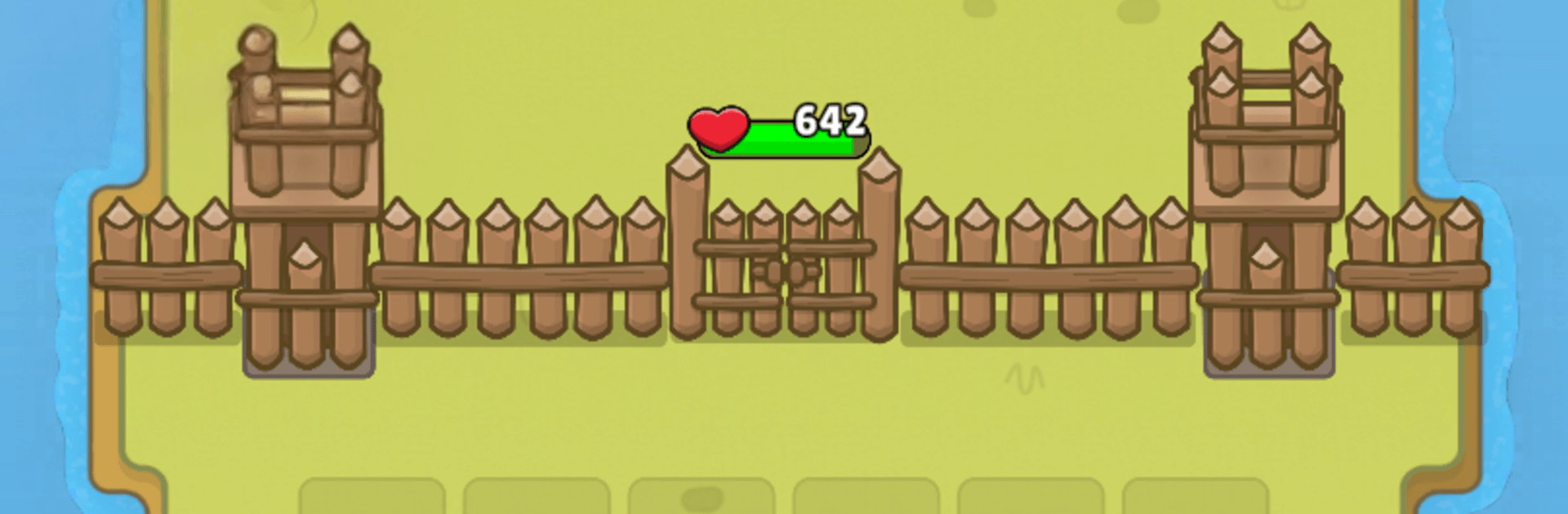
Gear Harvest turns a box of clanking parts into a battlefield puzzle. This Arcade mash-up has you snapping gears together to spawn barracks, rallying a scrappy roster of heroes, and holding the line against relentless waves and towering bosses. It’s easy to pick up, surprisingly deep, and just as comfy on PC with BlueStacks if you’d rather kick back at a desk.

Game Features

  • Smart Merging: Link gears to open new barracks and steer the rhythm of each fight.
  • Build Your Line: Place structures, patch weak spots, and tighten your formation as pressure mounts.
  • Heroes That Matter: Field knights, mages, archers, and more, each with roles that click together like… well, gears.
  • Boss Fights With Teeth: Read patterns, time your boosts, and crack massive health bars without losing your core.
  • Meaningful Choices: Decide which gears to fuse, which barracks to upgrade, and when to push for power or shore up defense.
  • Endless Waves, Fresh Pacing: Short skirmishes stack into tense survival runs where one smart merge can save the round.
  • Biomes With Personality: March through sunbaked dunes, misty woods, and icy valleys with hazards that keep you on your toes.
  • Steady Progress, Real Payoff: Earn upgrades that permanently sharpen your army and open new strategies instead of flat stat bumps.
  • Tinker-Friendly Loadouts: Experiment with gear layouts to uncover oddball combos that punch way above their weight.

Ready to top the leaderboard? We bet you do. Let precise controls and sharp visuals optimized on BlueStacks lead you to victory.


Game Features

Enhancements

  • Macros
  • Multi Instance
  • Multi Instance Sync
  • Script
  • Enhancements
Macros

Macros

Automate the predictable in Gear Harvest and transform your gameplay with Macros. Get access to inventive Macros in the BlueStacks Macro Community
Multi Instance

Multi Instance

Play Gear Harvest on one window. And chat with your friend on the other. Press CTRL + Shift + 8 to open the Multi-Instance Manager. And start creating fresh instances or clone an existing one.
Multi Instance Sync

Multi Instance Sync

Play Gear Harvest with the power of Multi-Instance Sync. Replicate what you are doing on the main instance on all other instances. Level up faster, play more.
Script

Script

Script your way to gaming glory in Gear Harvest with BlueStacks Script. Write and run a set of commands to automate repeated tasks. Trigger the command by assigning it to any key.
Read More

How to Download and Play Gear Harvest on PC or Mac

  • Download and install BlueStacks on your PC or Mac

  • Complete Google sign-in to access the Play Store, or do it later

  • Look for Gear Harvest in the search bar at the top right corner

  • Click to install Gear Harvest from the search results

  • Complete Google sign-in (if you skipped step 2) to install Gear Harvest

  • Click the Gear Harvest icon on the home screen to start playing

video
Watch Video

Minimum System Requirements

With BlueStacks 5, you can get started on a PC that fulfills the following requirements.

  • Operating System

    Microsoft Windows 7 or above, macOS 11 (Big Sur) or above

  • Processor

    Intel, AMD or Apple Silicon Processor

  • RAM

    at least 4GB

  • HDD

    10GB Free Disk Space

Note:

* You must be an Administrator on your PC. Up to date graphics drivers from Microsoft or the chipset vendor.

Gear Harvest - FAQs

  • How to play Gear Harvest on Windows PC & Mac?

    Play Gear Harvest on your PC or Mac by following these simple steps.

    • Click on 'Play Gear Harvest on PC’ to download BlueStacks
    • Install it and log-in to Google Play Store
    • Launch and play the game.
  • Why is BlueStacks the fastest and safest platform to play games on PC?

    BlueStacks respects your privacy and is always safe and secure to use. It does not carry any malware, spyware, or any sort of additional software that could harm your PC.

    It is engineered to optimize speed and performance for a seamless gaming experience.

  • What are Gear Harvest PC requirements?

    Minimum requirement to run Gear Harvest on your PC

    • OS: Microsoft Windows 7 or above MacOS 11 (Big Sur) or above
    • Processor: Intel, AMD or Apple Silicon Processor
    • RAM: Your PC must have at least 4GB of RAM. (Note that having 4GB or more disk space is not a substitute for RAM)
    • HDD: 10GB Free Disk Space.
    • You must be an Administrator on your PC.